



Question: For an answer to be graded as correct, you must use an Excel formula: 1. Begin each formula with an = sign. 2. Reference cells,
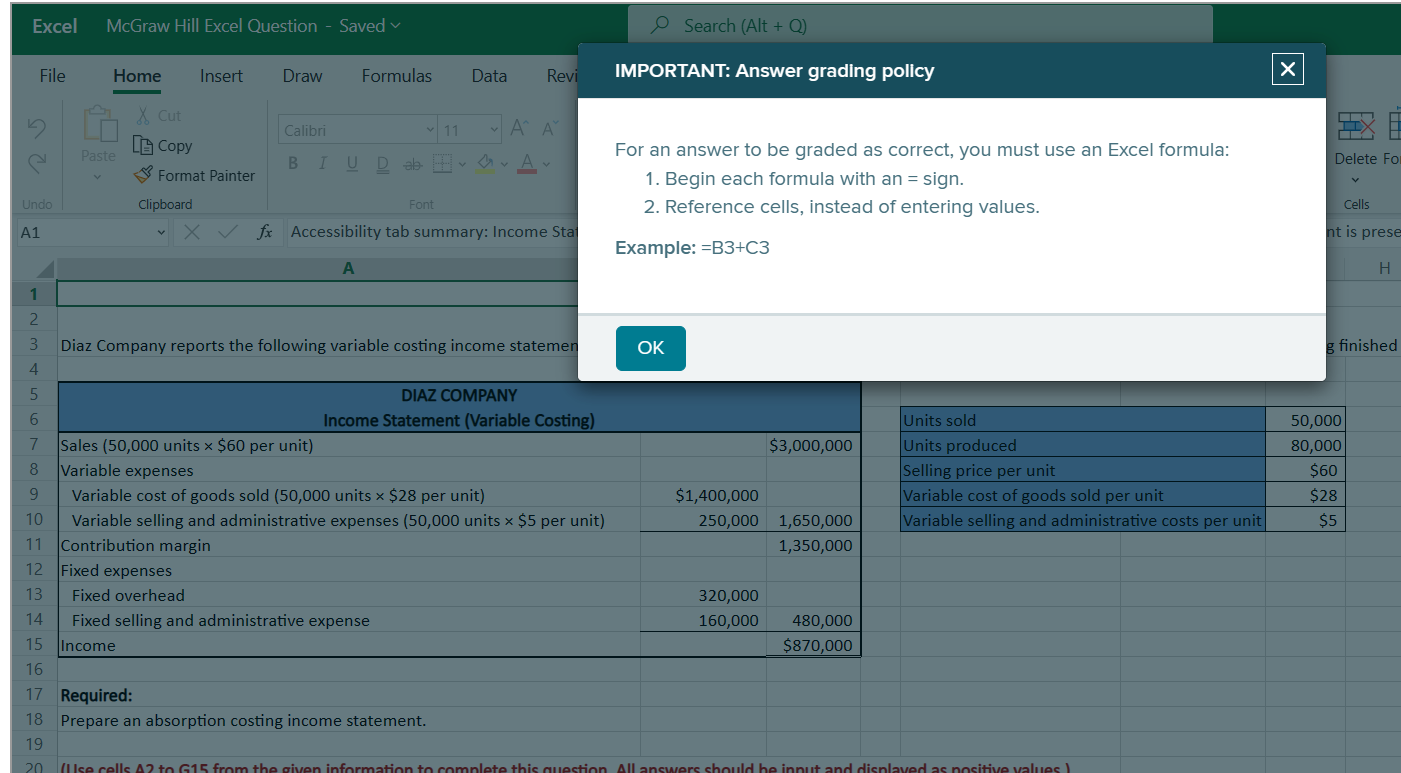
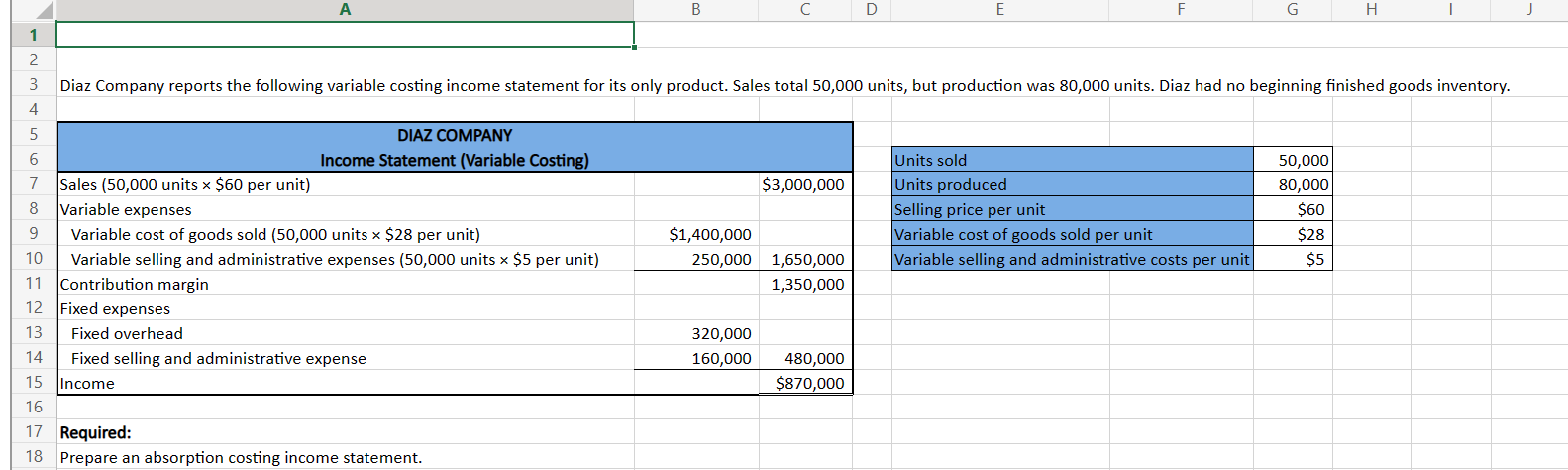
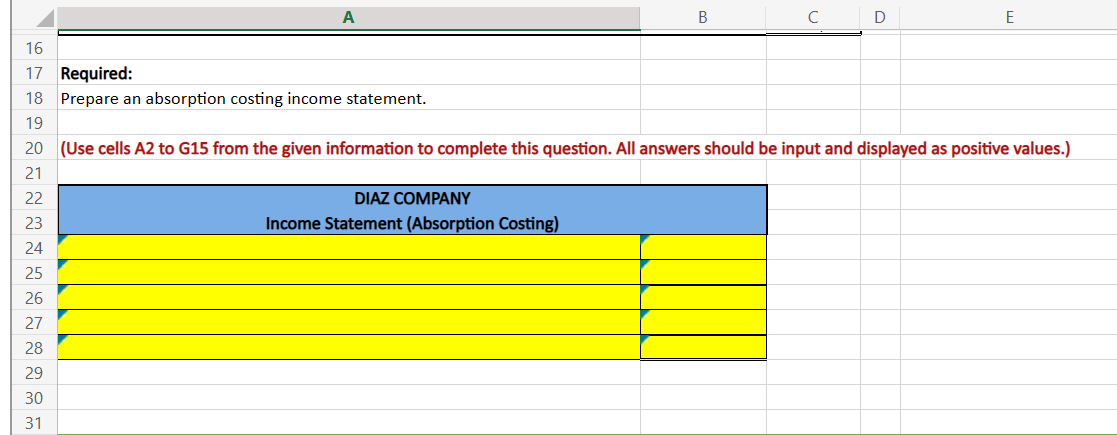
For an answer to be graded as correct, you must use an Excel formula: 1. Begin each formula with an = sign. 2. Reference cells, instead of entering values. Example: =B3+C3 Diaz Company reports the following variable costing income statemen \begin{tabular}{|l|r|} \hline Units sold & 50,000 \\ \hline Units produced & 80,000 \\ \hline Selling price per unit & $60 \\ \hline Variable cost of goods sold per unit & $28 \\ \hline Variable selling and administrative costs per unit & $5 \\ \hline \end{tabular} Required: 18 Prepare an absorption costing income statement. \begin{tabular}{|l|l|l|} \hline 16 & \multicolumn{1}{|c|}{ A } \\ \hline 17 & Required: \\ \hline 18 & Prepare an absorption costing income statement. \\ \hline 19 & & \\ \hline 20 & (Use cells A2 to G15 from the given information to complete this question. All answers should be input and displayed as positive values.) \\ \hline 21 & DIAZ COMPANY \\ \hline 22 & Income Statement (Absorption Costing) \\ \hline 23 & & \\ \hline 24 & & \\ \hline 25 & & \\ \hline 26 & & \\ \hline 27 & & \\ \hline 28 & & \\ \hline 29 & & \\ \hline 30 & & \\ \hline 31 & & \\ \hline \end{tabular}
Step by Step Solution
There are 3 Steps involved in it

Get step-by-step solutions from verified subject matter experts