







Question: . For each question, type the IOS command(s) that needs to be executed and provide screenshot(s) of the command output from Packet Tracer. NOTE: 1.
 .
.
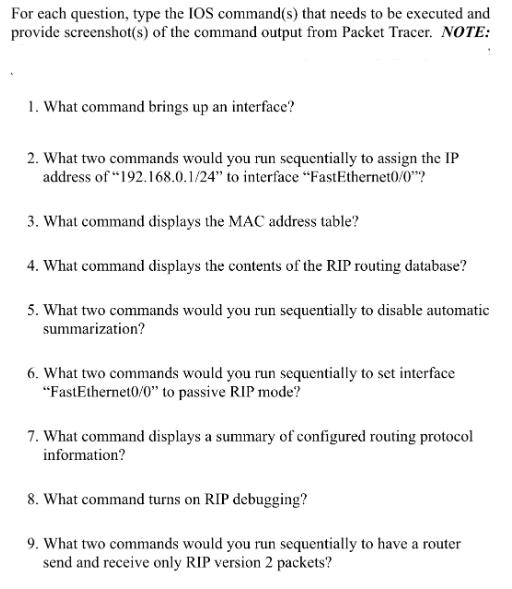
For each question, type the IOS command(s) that needs to be executed and provide screenshot(s) of the command output from Packet Tracer. NOTE: 1. What command brings up an interface? 2. What two commands would you run sequentially to assign the IP address of "192.168.0.1/24" to interface "FastEthernet0/0"? 3. What command displays the MAC address table? 4. What command displays the contents of the RIP routing database? 5. What two commands would you run sequentially to disable automatic summarization? 6. What two commands would you run sequentially to set interface "FastEthernet0/0" to passive RIP mode? 7. What command displays a summary of configured routing protocol information? 8. What command turns on RIP debugging? 9. What two commands would you run sequentially to have a router send and receive only RIP version 2 packets?
Step by Step Solution
There are 3 Steps involved in it
Here are the commands and explanations What command brings up an interface To bring up an interface you would typically use the no shutdown command in ... View full answer

Get step-by-step solutions from verified subject matter experts
 Study Help