







Question: For loop - Iteratively Calling a Function O solutions submitted (max: 10) One of the best uses for loops in coding is to iteratively execute
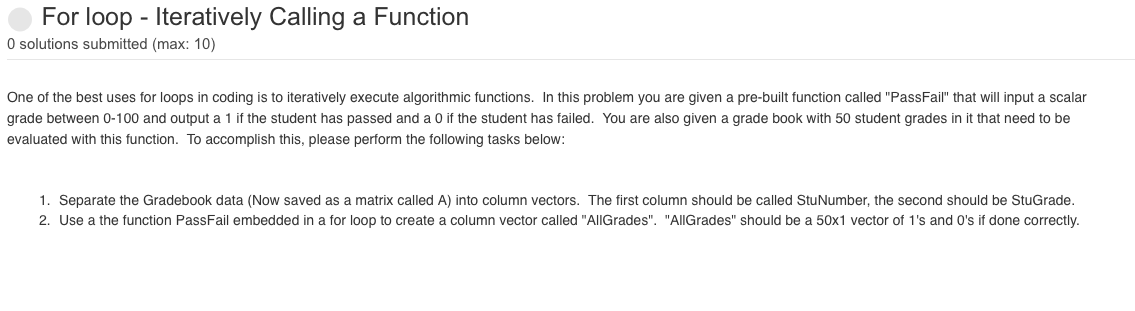
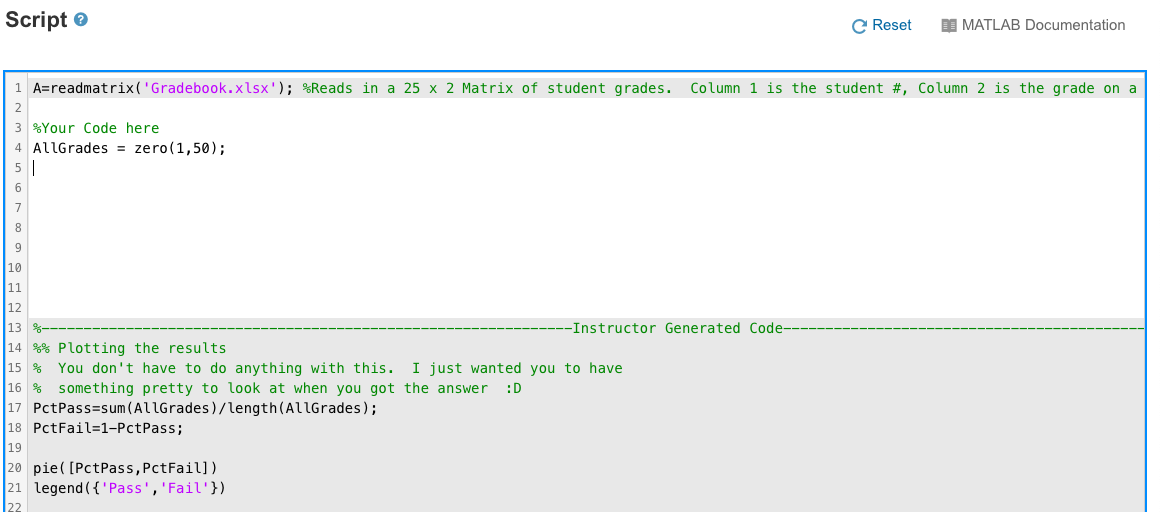
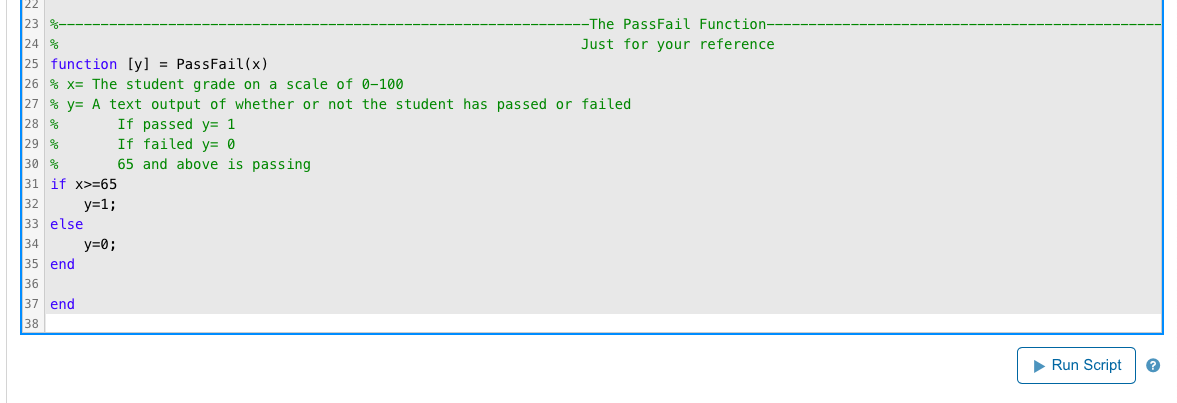
For loop - Iteratively Calling a Function O solutions submitted (max: 10) One of the best uses for loops in coding is to iteratively execute algorithmic functions. In this problem you are given a pre-built function called "PassFail" that will input a scalar grade between 0-100 and output a 1 if the student has passed and a 0 if the student has failed. You are also given a grade book with 50 student grades in it that need to be evaluated with this function. To accomplish this, please perform the following tasks below: 1. Separate the Gradebook data (Now saved as a matrix called A) into column vectors. The first column should be called StuNumber, the second should be StuGrade. 2. Use a the function PassFail embedded in a for loop to create a column vector called "AllGrades". "AllGrades" should be a 50x1 vector of 1's and O's if done correctly. Script e Reset DI MATLAB Documentation Column 1 is the student #, Column 2 is the grade on a 1 A=readmatrix('Gradebook.xlsx'); %Reads in a 25 x 2 Matrix of student grades. 2. 3 %Your Code here 4 AllGrades = zero(1,50); 5 6 7 8 9 10 11 12 13 -Instructor Generated Code 14 %% Plotting the results 15 % You don't have to do anything with this. I just wanted you to have 16 % something pretty to look at when you got the answer :D 17 PctPass=sum(AllGrades)/length(AllGrades); 18 PctFail=1-PctPass; 19 20 pie( [PctPass, PctFail]) 21 legend({ 'Pass', 'Fail'}) 22 23 -The PassFail Function--- 24 % Just for your reference 25 function [y] = PassFail(x) 26 % x= The student grade on a scale of 0-100 27 % y= A text output of whether or not the student has passed or failed 28 % If passed y= 1 29 % If failed y= 0 30 % 65 and above is passing 31 if x>=65 32 y=1; 33 else y=0; 35 end 36 37 end 38 34 Run Script
Step by Step Solution
There are 3 Steps involved in it

Get step-by-step solutions from verified subject matter experts
 Study Help