







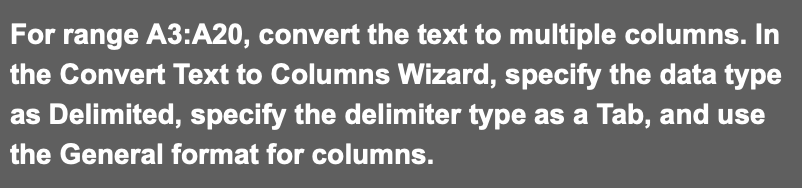
Question: For range A 3 :A 2 0 , convert the text to multiple columns. In the Convert Text to Columns Wizard, specify the data type
For range A:A convert the text to multiple columns. In
the Convert Text to Columns Wizard, specify the data type
as Delimited, specify the delimiter type as a Tab, and use
the General format for columns.
Step by Step Solution
There are 3 Steps involved in it
1 Expert Approved Answer
Step: 1 Unlock

Question Has Been Solved by an Expert!
Get step-by-step solutions from verified subject matter experts
Step: 2 Unlock
Step: 3 Unlock
 Study Help