Question: In this lab, you will: . Extract data into a text editor and transform it into structured, ready-to-analyze data in Excel. Part 1: Identify the
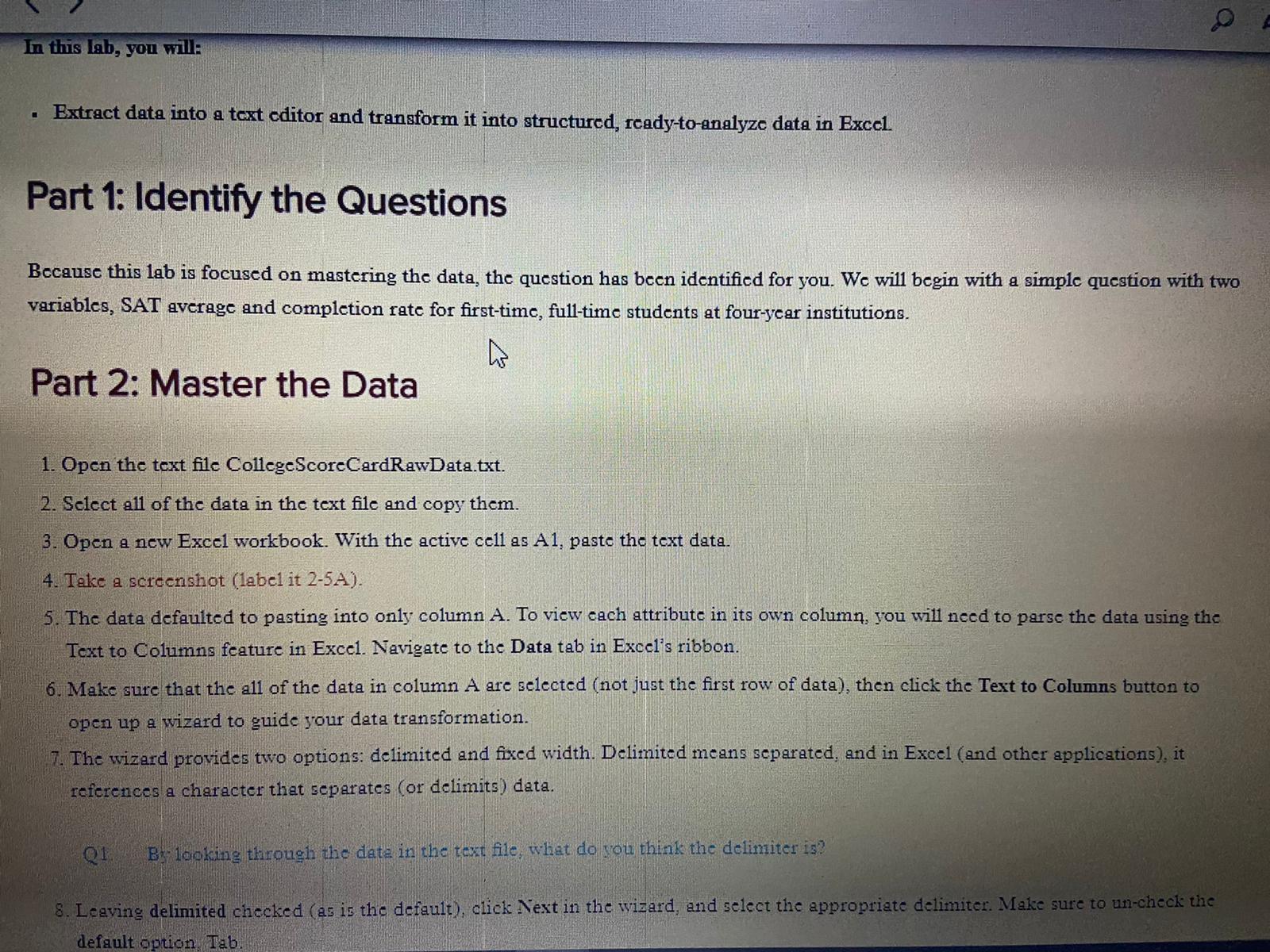
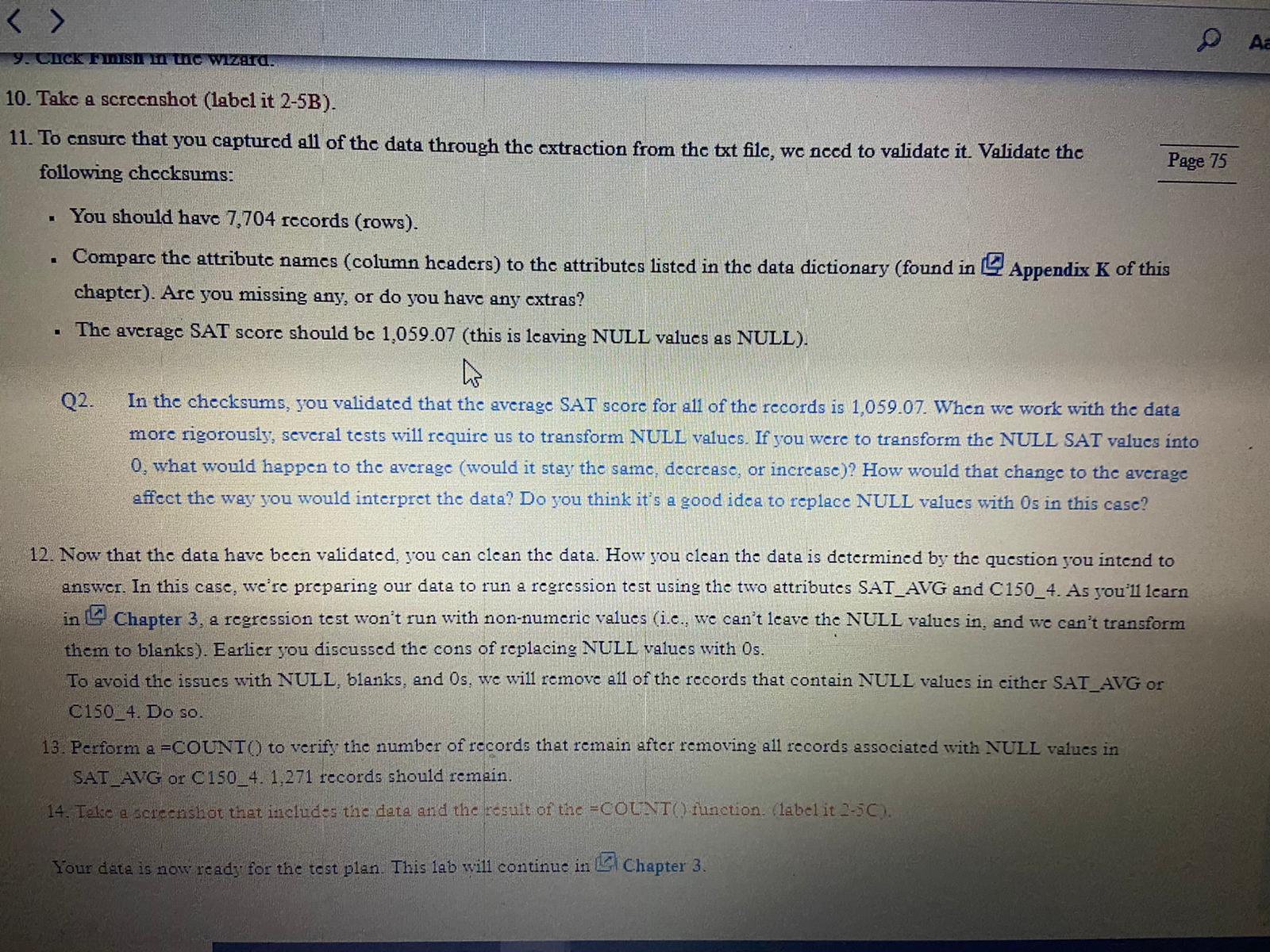
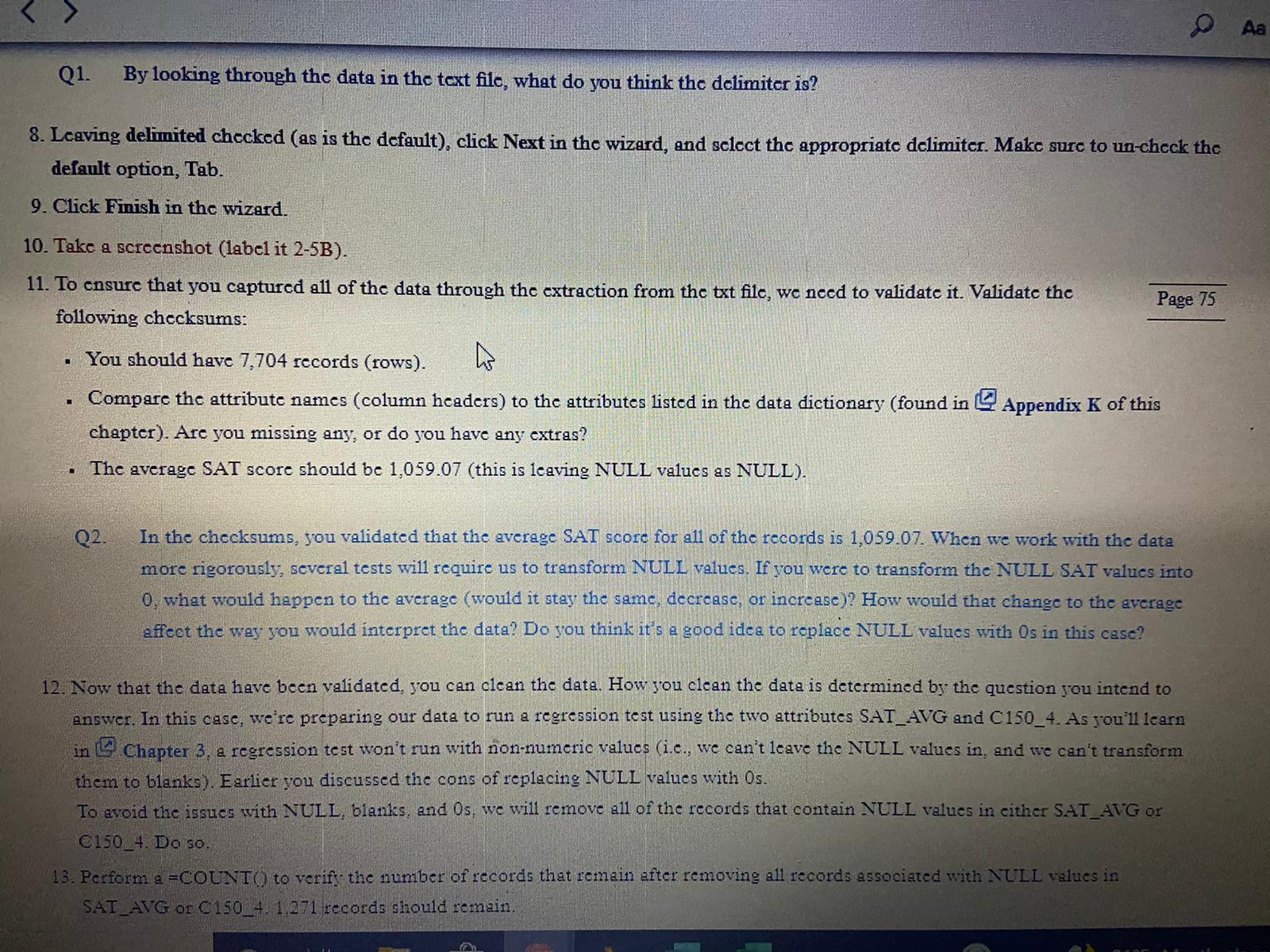
In this lab, you will: . Extract data into a text editor and transform it into structured, ready-to-analyze data in Excel. Part 1: Identify the Questions Because this lab is focused on mastering the data, the question has been identified for you. We will begin with a simple question with two variables, SAT average and completion rate for first-time, full-time students at four-year institutions. Part 2: Master the Data 1. Open the text file CollegeScoreCardRawData.txt. 2. Select all of the data in the text file and copy them. 3. Open a new Excel workbook. With the active cell as Al, paste the text data 4. Take a screenshot (label it 2-5A). 5. The data defaulted to pasting into only column A. To view each attribute in its own column, you will need to parse the data using the Text to Columns feature in Excel. Navigate to the Data tab in Excel's ribbon. 6. Make sure that the all of the data in column A are selected (not just the first row of data), then click the Text to Columns button to open up a wizard to guide your data transformation. 7. The wizard provides two options: delimited and fixed width. Delimited means separated, and in Excel (and other applications), it references a character that separates (or delimits ) data. Q1 By looking through the data in the text file, what do you think the delimiter is? 8. Leaving delimited checked (as is the default), click Next in the wizard, and select the appropriate delimiter. Make sure to un-check the default option Tab. A y. CHICK Finish in the wizard. 10. Take a screenshot (label it 2-5B). 11. To ensure that you captured all of the data through the extraction from the txt file, we need to validate it. Validate the Page 75 following checksums: . You should have 7,704 records (rows). . Compare the attribute names (column headers) to the attributes listed in the data dictionary (found in 2 Appendix K of this chapter). Are you missing any, or do you have any extras? . The average SAT score should be 1,059.07 (this is leaving NULL values as NULL). Q2. In the checksums, you validated that the average SAT score for all of the records is 1,059.07. When we work with the data more rigorously, several tests will require us to transform NULL values. If you were to transform the NULL SAT values into 0, what would happen to the average (would it stay the same, decrease, or increase)? How would that change to the average affect the way you would interpret the data? Do you think it's a good idea to replace NULL values with Os in this case? 12. Now that the data have been validated, you can clean the data. How you clean the data is determined by the question you intend to answer. In this case, we're preparing our data to run a regression test using the two attributes SAT_AVG and C150_4. As you'll learn in L Chapter 3, a regression test won't run with non-numeric values (i.e., we can't leave the NULL values in, and we can't transform them to blanks). Earlier you discussed the cons of replacing NULL values with Os. To avoid the issues with NULL, blanks, and Os, we will remove all of the records that contain NULL values in either SAT_AVG or C150_4. Do so. 13. Perform a =COUNT() to verify the number of records that remain after removing all records associated with NULL values in SAT_AVG or C150_4. 1,271 records should remain. 14. Teke a screenshot that includes the data and the result of the =COUNT() function. (label it 2-50). Your data is now ready for the test plan. This lab will continue in ) Chapter 3.Aa Q1. By looking through the data in the text file, what do you think the delimiter is? 8. Leaving delimited checked (as is the default), click Next in the wizard, and select the appropriate delimiter. Make sure to un-check the default option, Tab. 9. Click Finish in the wizard. 10. Take a screenshot (label it 2-5B). 11. To ensure that you captured all of the data through the extraction from the txt file, we need to validate it. Validate the Page 75 following checksums: You should have 7,704 records (rows). . Compare the attribute names (column headers) to the attributes listed in the data dictionary (found in & Appendix K of this chapter). Are you missing any, or do you have any extras? The average SAT score should be 1,059.07 (this is leaving NULL values as NULL). Q2. In the checksums, you validated that the average SAT score for all of the records is 1,059.07. When we work with the data more rigorously, several tests will require us to transform NULL values. If you were to transform the NULL SAT values into 0. what would happen to the average (would it stay the same, decrease, or increase)? How would that change to the average affect the way you would interpret the data? Do you think it's a good idea to replace NULL values with Os in this case? 12. Now that the data have been validated, you can clean the data. How you clean the data is determined by the question you intend to answer. In this case, we're preparing our data to run a regression test using the two attributes SAT_AVG and C150_4. As you'll learn in Chapter 3, a regression test won't run with non-numeric values (i.c., we can't leave the NULL values in, and we can't transform them to blanks). Earlier you discussed the cons of replacing NULL values with Os. To avoid the issues with NULL, blanks, and Os, we will remove all of the records that contain NULL values in either SAT_AVG or C150_4. Do so. 13. Perform a =COUNT() to verify the number of records that remain after removing all records associated with NULL values in SAT_AVG or C150_4. 1.271 records should remain









 Study Help