







Question: For the final section of the project, modify the code below to: Read all of the images in the folder Outline all BLUE objects in
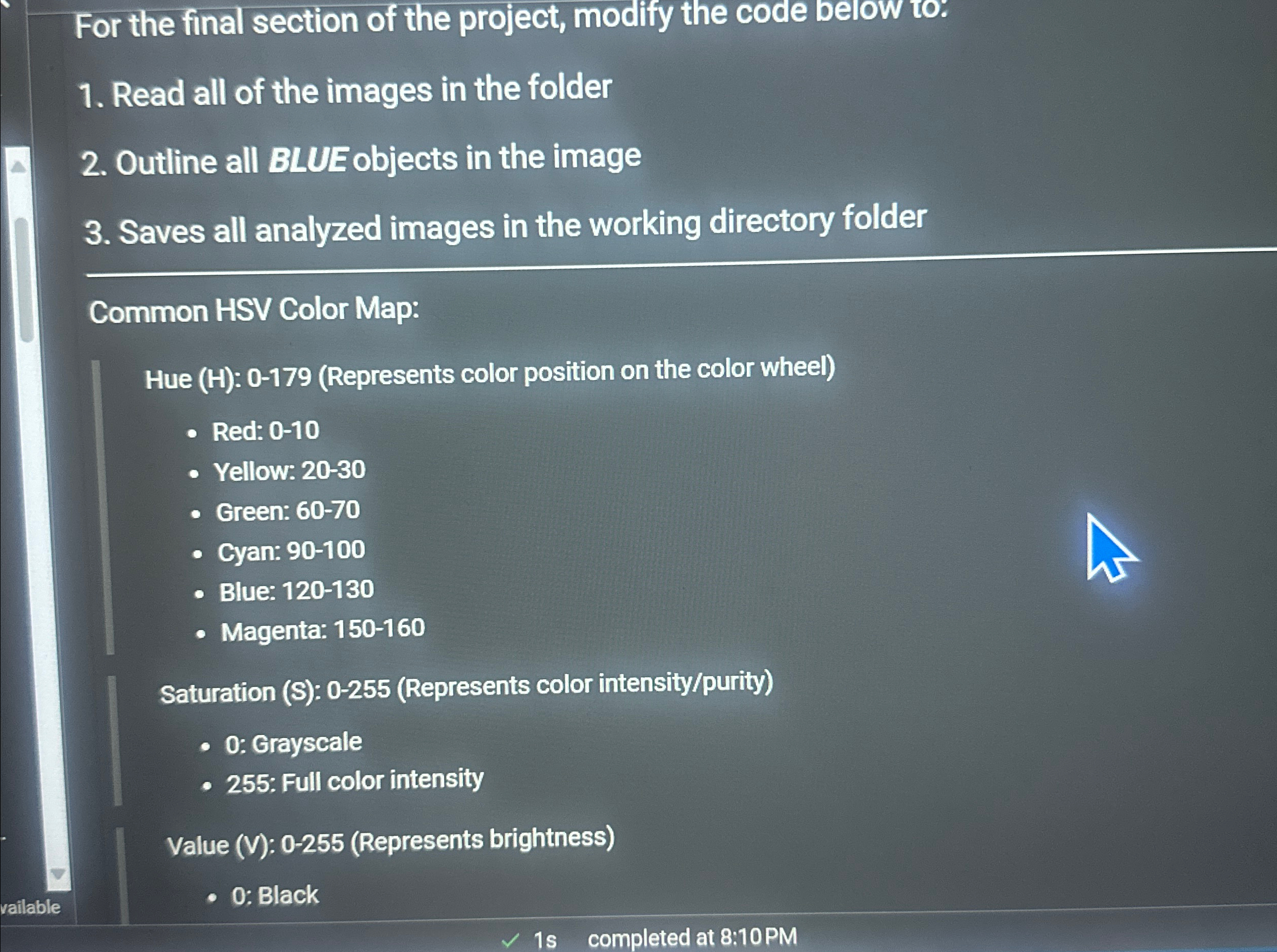
For the final section of the project, modify the code below to:
Read all of the images in the folder
Outline all BLUE objects in the image
Saves all analyzed images in the working directory folder
Common HSV Color Map:
Hue H: Represents color position on the color wheel
Red:
Yellow:
Green:
Cyan:
Blue:
Magenta:
Saturation S: Represents color intensitypurity
: Grayscale
: Full color intensity
Value V: Represents brightness
: Black
Step by Step Solution
There are 3 Steps involved in it
1 Expert Approved Answer
Step: 1 Unlock

Question Has Been Solved by an Expert!
Get step-by-step solutions from verified subject matter experts
Step: 2 Unlock
Step: 3 Unlock
 Study Help