







Question: For the range D 6 :E 6 , create a custom validation rule to create a formula ensuring the driving leg is valid. For a
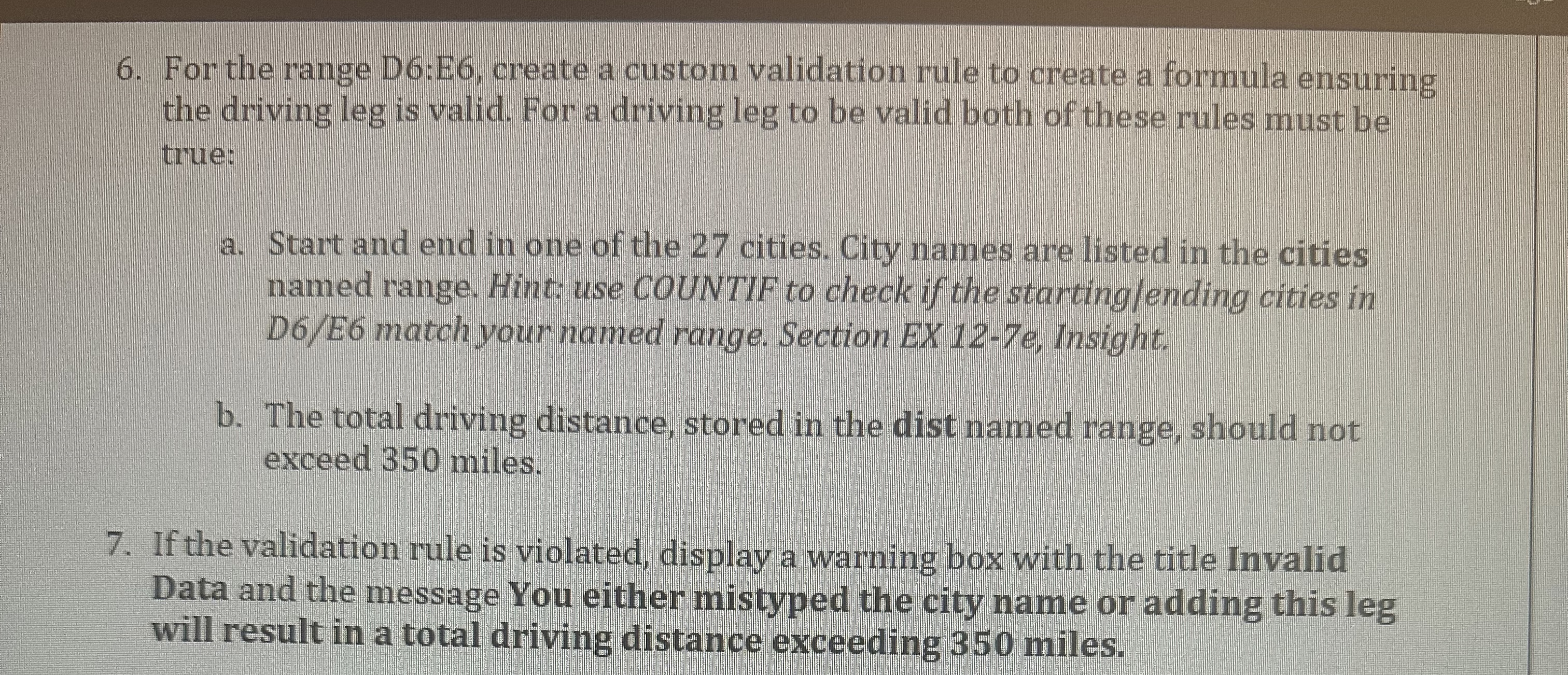
For the range D:E create a custom validation rule to create a formula ensuring the driving leg is valid. For a driving leg to be valid both of these rules must be true:
a Start and end in one of the cities. City names are listed in the cities named range. Hint: use COUNTIF to check if the startinglending cities in DE match your named range. Section EX e Insight.
b The total driving distance, stored in the dist named range, should not exceed miles.
If the validation rule is violated, display a warning box with the title Invalid Data and the message You either mistyped the city name or adding this leg will result in a total driving distance exceeding miles.
Step by Step Solution
There are 3 Steps involved in it
1 Expert Approved Answer
Step: 1 Unlock

Question Has Been Solved by an Expert!
Get step-by-step solutions from verified subject matter experts
Step: 2 Unlock
Step: 3 Unlock
 Study Help