







Question: For this assignment you will write a Java application using graphics and multithreading to display an animated version of various common sorting algorithms. The basic
For this assignment you will write a Java application using graphics and multithreading to display an animated version of various common sorting algorithms. The basic version of this application is fairly simple and straightforward.
GUI Screenshots
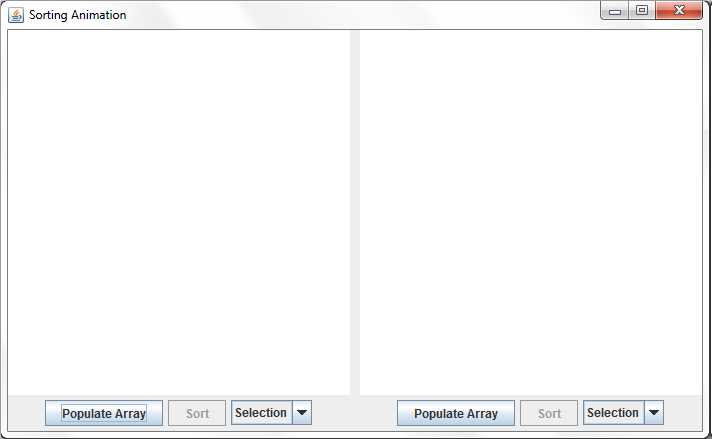
The sorting animation application shown at startup.
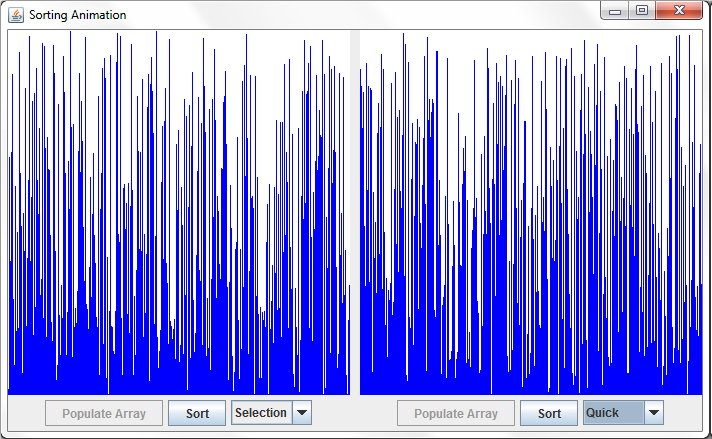
After the arrays have been populated and the sorts chosen, but before sorting has begun.
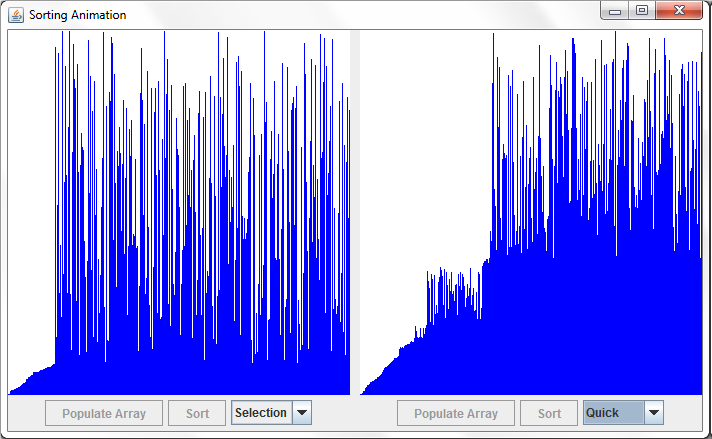
The sorts in progress.
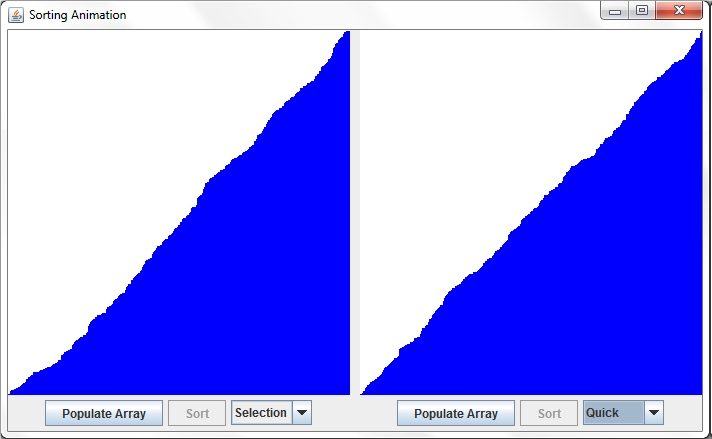
The Classes
Create a class to represent the sorting animation application. This class should extend JFrame. It should have a pair of SortPanel objects as data members. The class should have a custom constructor that passes a title bar string to the superclass constructor and adds the two SortPanel objects to the applications layout. It should also have a main() method that creates an instance of the application, sets the default close operation and size, and makes the application visible.
The SortPanel class encapsulates the display and controls for the sorting animation. It extends JPanel. It should have buttons to populate the array and start the sort, as well as a control (such as a JComboBox or JSpinner) that allows selection of the sorting algorithm to use in the sort. It also has a SortAnimationPanel as one of its data members. The constructor for the class should manage the layout for the controls and animation panel. This class can also handle events from the buttons.
The class SortAnimationPanel is the class that will display the visual results of sorting. It should extend JPanel and implement Runnable. You may want to make this an inner or nested class of SortPanel. Doing so will give this class access to the SortPanel data members without any need for an object reference.
Define an object reference to an array of integers (either in the SortPanel class or in the SortAnimationPanel class). When the Populate Array button is pressed, create a new array of integers; the size of this array should be the width of the animation panel. Fill the array with random values in the range 0 to height of the animation panel 1 (see the Random class and its method nextInt() for a good way to do this). Once the array is populated, call repaint() to display it, disable the Populate Array button, and enable the Sort button.
You should override the paintComponent() method for the SortAnimationPanel class. After you call the superclass version of the method, get the dimensions of the panel and clear it. Then, if the array of integers is not null, draw a series of lines on the panel surface representing the array elements. The height of each line should represent the value of the corresponding array element.
When the Sort button is pressed, disable the Sort button and create a new Thread object from your Runnable SortAnimationPanel. Call the Thread objects start() method to start the sort.
The run() method should call the appropriate sort method based on the users selection to sort the array of integers in ascending order. As the sorting algorithm progresses, call repaint() any time two elements are swapped. After each pass through the sort algorithms outer loop (or equivalent), have the thread sleep for a short time (say 100 milliseconds). Effectively, the thread will pause for a short time every time an element is put into sorted order.
You should provide at least three different sorting algorithms that the user can choose from. Possible candidates include selection sort, insertion sort, bubble sort, heap sort, quicksort, shell sort, merge sort, etc. Pick at least one of the more efficient (i.e., better than O(N2)) algorithms. Code for these sorts can all be found online. When the array is completely sorted, enable the Populate Array button
Sorting Animation Populate Array ortSelection Populate Array Sort Selection |
Step by Step Solution
There are 3 Steps involved in it

Get step-by-step solutions from verified subject matter experts
 Study Help