







Question: For this exercise, you are to create a short assembly language program for the STM32F407VG microcontroller use the simulator within uVision5 to run and debug
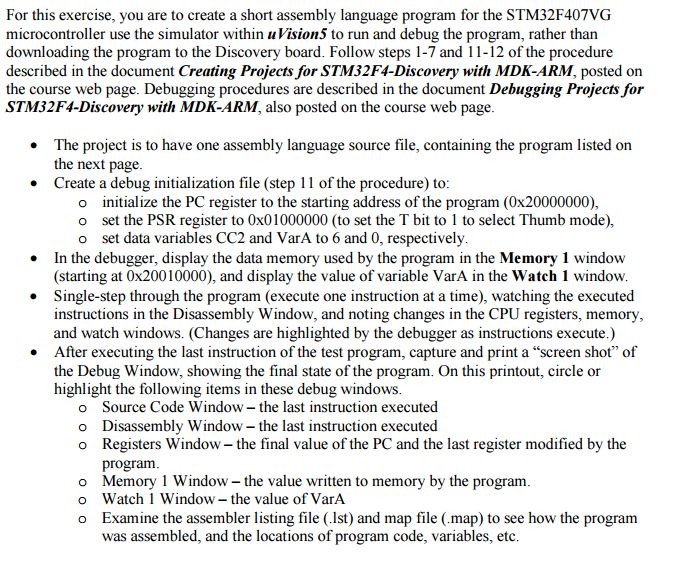
For this exercise, you are to create a short assembly language program for the STM32F407VG microcontroller use the simulator within uVision5 to run and debug the program, rather than downloading the program to the Discovery board. Follow steps 1-7 and 11-12 of the procedure described in the document Creating Projects for STM32F4-Discovery with MDK-ARM, posted on the course web page. Debugging procedures are described in the document Debugging Projects for STM32F4-Discovery with MDK-ARM, also posted on the course web page. The project is to have one assembly language source file, containing the program listed on the next page. Create a debug initialization file (step 11 of the procedure) to: initialize the PC register to the starting address of the program (0 times 20000000), set the PSR register to 0 times 01000000 (to set the T bit to 1 to select Thumb mode), set data variables CC2 and VarA to 6 and 0, respectively. In the debugger, display the data memory used by the program in the Memory 1 window (starting at 0 times 20010000), and display the value of variable VarA in the Watch 1 window. Single-step through the program (execute one instruction at a time), watching the executed instructions in the Disassembly Window, and noting changes in the CPU registers, memory and watch windows. (Changes are highlighted by the debugger as instructions execute.) After executing the last instruction of the test program, capture and print a "screen shot" of the Debug Window, showing the final state of the program. On this printout, circle or highlight the following items in these debug windows. Source Code Window - the last instruction executed Disassembly Window - the last instruction executed Registers Window - the final value of the PC and the last register modified by the program. Memory 1 Window - the value written to memory by the program. Watch 1 Window - the value of VarA Examine the assembler listing file (.1st) and map file (.map) to see how the program as assembled, and the locations of program code, variables, etc
Step by Step Solution
There are 3 Steps involved in it

Get step-by-step solutions from verified subject matter experts
 Study Help