







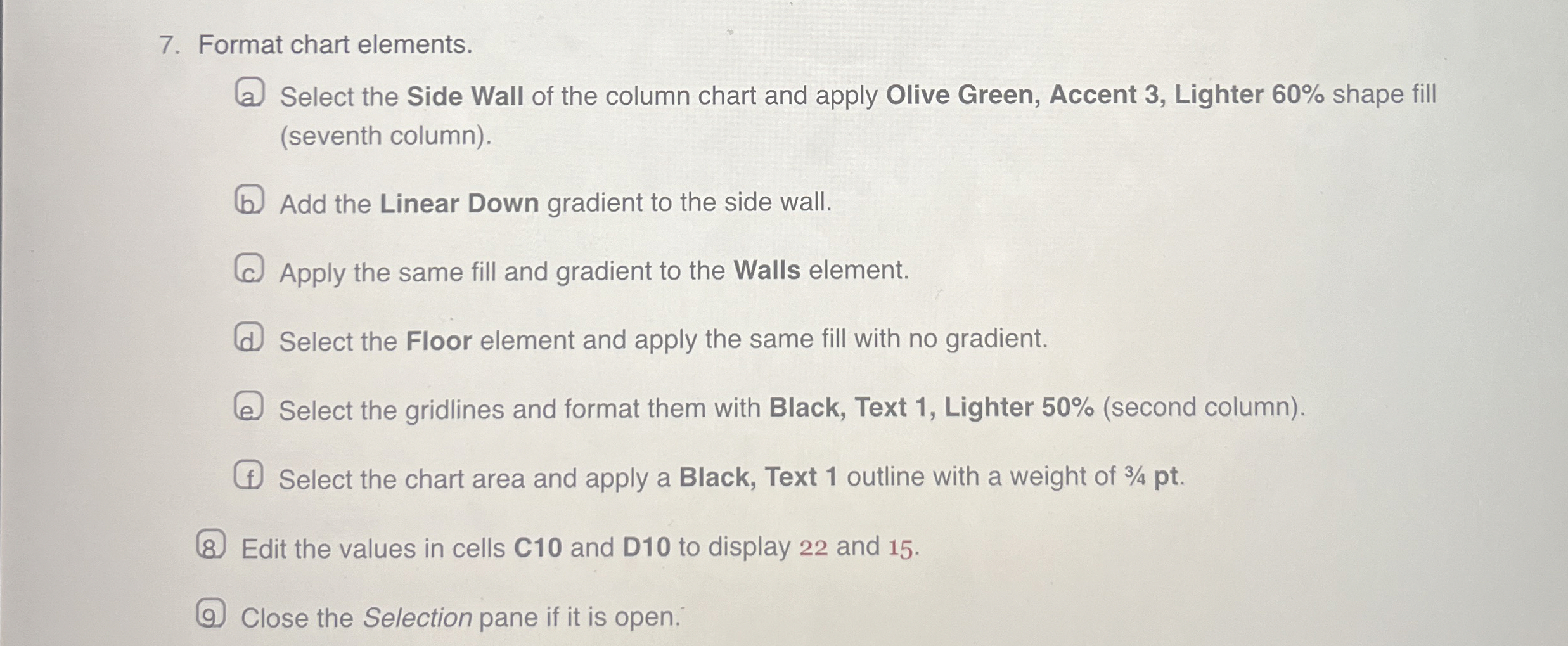
Question: Format chart elements. Select the Side Wall of the column chart and apply Olive Green, Accent 3 , Lighter 6 0 % shape fill (
Format chart elements.
Select the Side Wall of the column chart and apply Olive Green, Accent Lighter shape fill seventh column
Add the Linear Down gradient to the side wall.
Apply the same fill and gradient to the Walls element.
Select the Floor element and apply the same fill with no gradient.
Select the gridlines and format them with Black, Text Lighter second column
Select the chart area and apply a Black, Text outline with a weight of pt
Edit the values in cells C and D to display and
Close the Selection pane if it is open.
Step by Step Solution
There are 3 Steps involved in it
1 Expert Approved Answer
Step: 1 Unlock

Question Has Been Solved by an Expert!
Get step-by-step solutions from verified subject matter experts
Step: 2 Unlock
Step: 3 Unlock
 Study Help