







Question: 1. Open the Centra/Sierra-03 start file. If the workbook opens in Protected View, click the Enable Editing buttion so you can modify it. The file
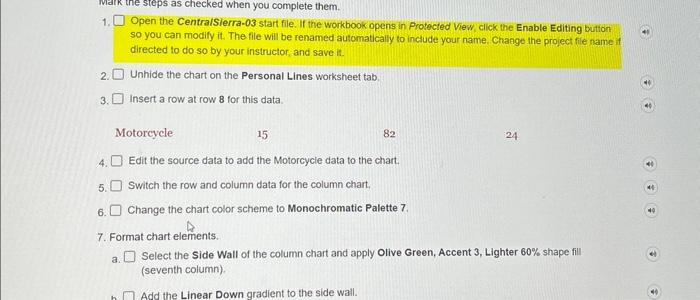
1. Open the Centra/Sierra-03 start file. If the workbook opens in Protected View, click the Enable Editing buttion so you can modify it. The file will be renamed automatically to inctude your name. Change the project file name if directed to do so by your instructor, and save it. 2. Unhide the chart on the Personal Lines worksheet tab. 3. Insert a row at row 8 for this data Motorcycle 15 82 24 4. Edit the source data to add the Motorcycle data to the chart. 5. Switch the row and column data for the column chart. 6. Change the chart color scheme to Monochromatic Palette 7. 7. Format chart elements. a. Select the Side Wall of the column chart and apply Olive Green, Accent 3, Lighter 60% shape fill (seventh column)
Step by Step Solution
There are 3 Steps involved in it

Get step-by-step solutions from verified subject matter experts
 Study Help