







Question: found a solution. Target value: 0 Current value: -0.000380248 ok Cancel Figure 6.19 Click OK to accept the solution. Examining the spreadsheet shows that the
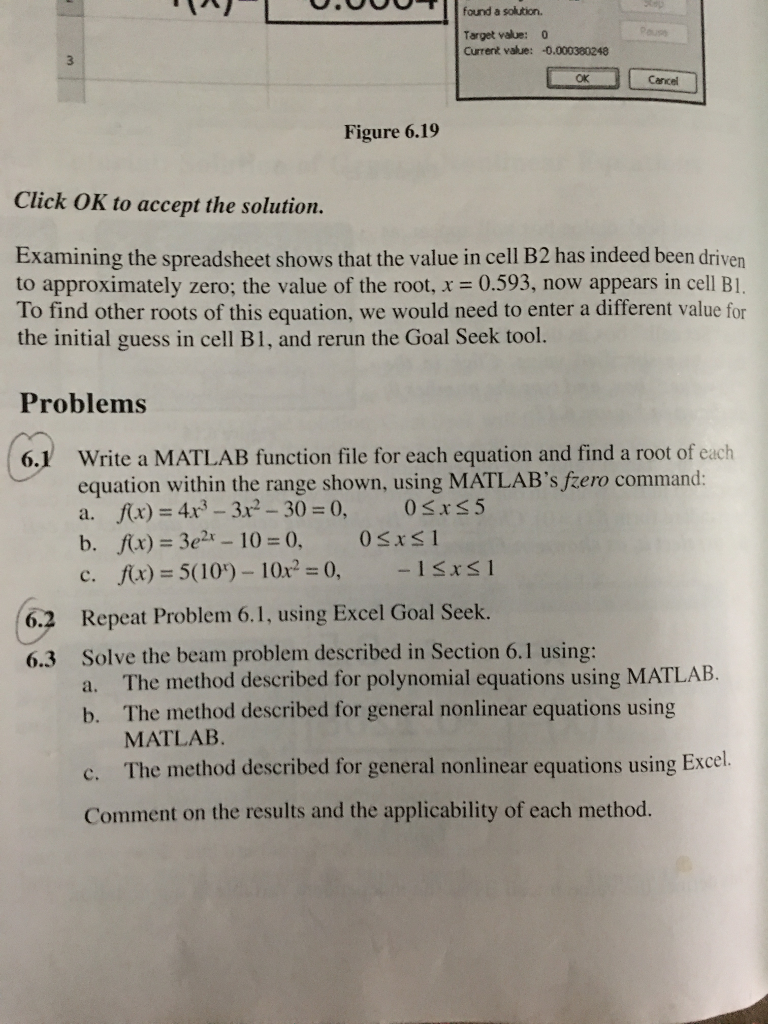
found a solution. Target value: 0 Current value: -0.000380248 ok Cancel Figure 6.19 Click OK to accept the solution. Examining the spreadsheet shows that the value in cell B2 has indeed been driven to approximately zero; the value of the root, x 0.593, now appears in cell Bl. To find other roots of this equation, we would need to enter a different value for the initial guess in cell B1, and rerun the Goal Seek tool. Problems Write a MATLAB function file for each equation and find a root of each equation within the range shown, using MATLAB's fzero command: a. fx) 4r-3r2-30 0, 0Sxs5 6.1 f(x) = 5(109-10 r, = 0, -! ISI c. Repeat Problem 6.1, using Excel Goal Seek. Solve the beam problem described in Section 6.1 using: 6.2 6.3 The method described for polynomial equations using MATLAB. a. b. The method described for general nonlinear equations using MATLAB c. The method described for general nonlinear equations using Excel. Comment on the results and the applicability of each method. found a solution. Target value: 0 Current value: -0.000380248 ok Cancel Figure 6.19 Click OK to accept the solution. Examining the spreadsheet shows that the value in cell B2 has indeed been driven to approximately zero; the value of the root, x 0.593, now appears in cell Bl. To find other roots of this equation, we would need to enter a different value for the initial guess in cell B1, and rerun the Goal Seek tool. Problems Write a MATLAB function file for each equation and find a root of each equation within the range shown, using MATLAB's fzero command: a. fx) 4r-3r2-30 0, 0Sxs5 6.1 f(x) = 5(109-10 r, = 0, -! ISI c. Repeat Problem 6.1, using Excel Goal Seek. Solve the beam problem described in Section 6.1 using: 6.2 6.3 The method described for polynomial equations using MATLAB. a. b. The method described for general nonlinear equations using MATLAB c. The method described for general nonlinear equations using Excel. Comment on the results and the applicability of each method
Step by Step Solution
There are 3 Steps involved in it

Get step-by-step solutions from verified subject matter experts
 Study Help