







Question: From a command prompt on your computer, enter the command whoami, then enter a command that shows the full IP configuration of the network
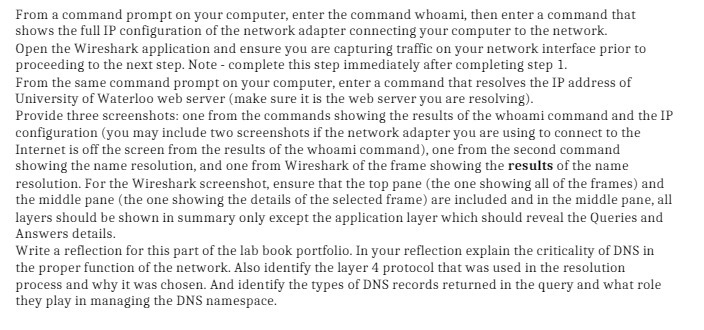
From a command prompt on your computer, enter the command whoami, then enter a command that shows the full IP configuration of the network adapter connecting your computer to the network. Open the Wireshark application and ensure you are capturing traffic on your network interface prior to proceeding to the next step. Note - complete this step immediately after completing step 1. From the same command prompt on your computer, enter a command that resolves the IP address of University of Waterloo web server (make sure it is the web server you are resolving). Provide three screenshots: one from the commands showing the results of the whoami command and the IP configuration (you may include two screenshots if the network adapter you are using to connect to the Internet is off the screen from the results of the whoami command), one from the second command showing the name resolution, and one from Wireshark of the frame showing the results of the name resolution. For the Wireshark screenshot, ensure that the top pane (the one showing all of the frames) and the middle pane (the one showing the details of the selected frame) are included and in the middle pane, all layers should be shown in summary only except the application layer which should reveal the Queries and Answers details. Write a reflection for this part of the lab book portfolio. In your reflection explain the criticality of DNS in the proper function of the network. Also identify the layer 4 protocol that was used in the resolution process and why it was chosen. And identify the types of DNS records returned in the query and what role they play in managing the DNS namespace.
Step by Step Solution
3.33 Rating (150 Votes )
There are 3 Steps involved in it
Reflection Completing this part of the lab allowed me to gain a deeper understanding of both my network configuration and the critical role that DNS p... View full answer

Get step-by-step solutions from verified subject matter experts
 Study Help