







Question: From the Cape_Codd database Make sure you follow the specification logic 1. Select the BuyerName, Department and Supervisor for all Buyers that have a Supervisor
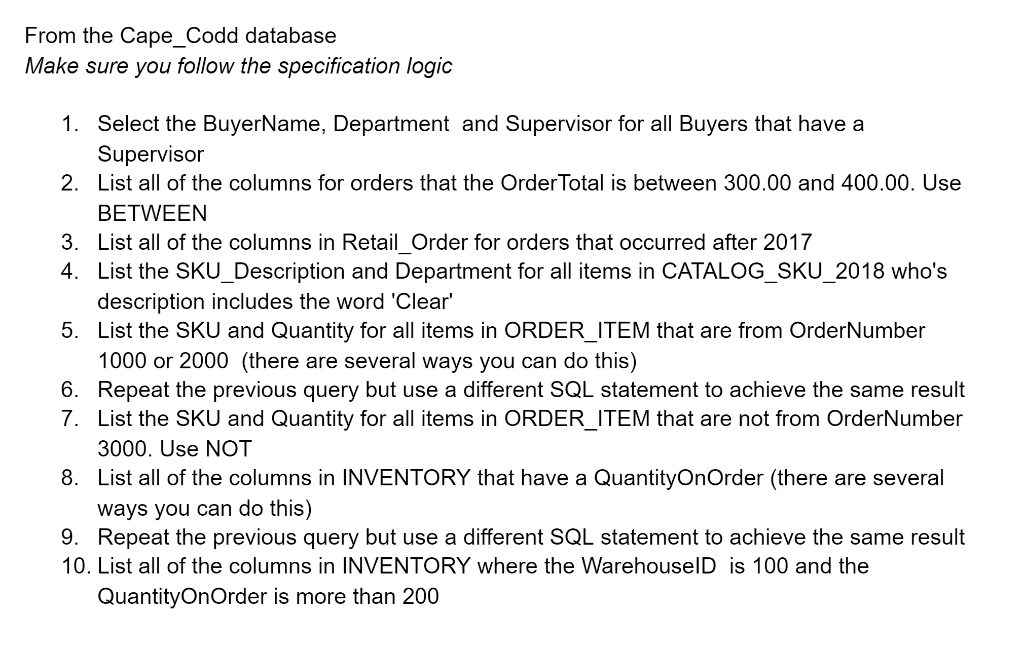
From the Cape_Codd database Make sure you follow the specification logic 1. Select the BuyerName, Department and Supervisor for all Buyers that have a Supervisor 2. List all of the columns for orders that the Order Total is between 300.00 and 400.00. Use BETWEEN 3. List all of the columns in Retail Order for orders that occurred after 2017 4. List the SKU_Description and Department for all items in CATALOG_SKU_2018 who's description includes the word 'Clear' 5. List the SKU and Quantity for all items in ORDER_ITEM that are from OrderNumber 1000 or 2000 (there are several ways you can do this) 6. Repeat the previous query but use a different SQL statement to achieve the same result 7. List the SKU and Quantity for all items in ORDER_ITEM that are not from OrderNumber 3000. Use NOT 8. List all of the columns in INVENTORY that have a QuantityOnOrder (there are several ways you can do this) 9. Repeat the previous query but use a different SQL statement to achieve the same result 10. List all of the columns in INVENTORY where the WarehouselD is 100 and the QuantityOnOrder is more than 200
Step by Step Solution
There are 3 Steps involved in it

Get step-by-step solutions from verified subject matter experts
 Study Help