







Question: From the next week, we will use SQL Server and Visual Studio. Please make sure you installed all required softwares and extensions. And take a
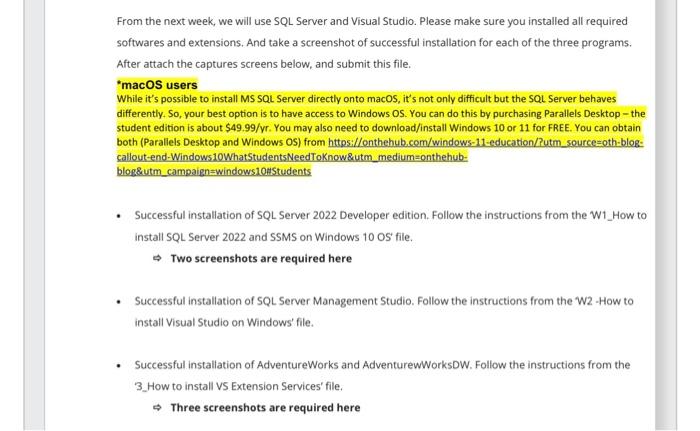
From the next week, we will use SQL Server and Visual Studio. Please make sure you installed all required softwares and extensions. And take a screenshot of successful installation for each of the three programs. After attach the captures screens below, and submit this file. "macOS users While it's possible to install MS sQL Server directly onto macOS, it's not only difficult but the SQL Server behaves differently. So, your best option is to have access to Windows OS. You can do this by purchasing Parallels Desktop - the student edition is about $49.99/vr. You may also need to download/install Windows 10 or 11 for FREE. You can obtain both (Paraliels Desktop and Windows OS) from httes://onthehub.com/windows-11-education/?utm source=oth-blog: callout-end-Windows10WhatStudentsNeedToKnow\&utm_medium=onthehub-: blog\&utm_campaign=windows10HStudents - Successful installation of SQL Server 2022 Developer edition. Follow the instructions from the W1_How to install SQL Server 2022 and SSMS on Windows 10 OS file. Two screenshots are required here - Successful installation of SQL Server Management Studio. Follow the instructions from the W2 How to install Visual Studio on Windows' file. - Successful installation of AdventureWorks and AdventurewWorksDW. Follow the instructions from the 3.How to install vS Extension Services' file. Three screenshots are required here
Step by Step Solution
There are 3 Steps involved in it

Get step-by-step solutions from verified subject matter experts
 Study Help