







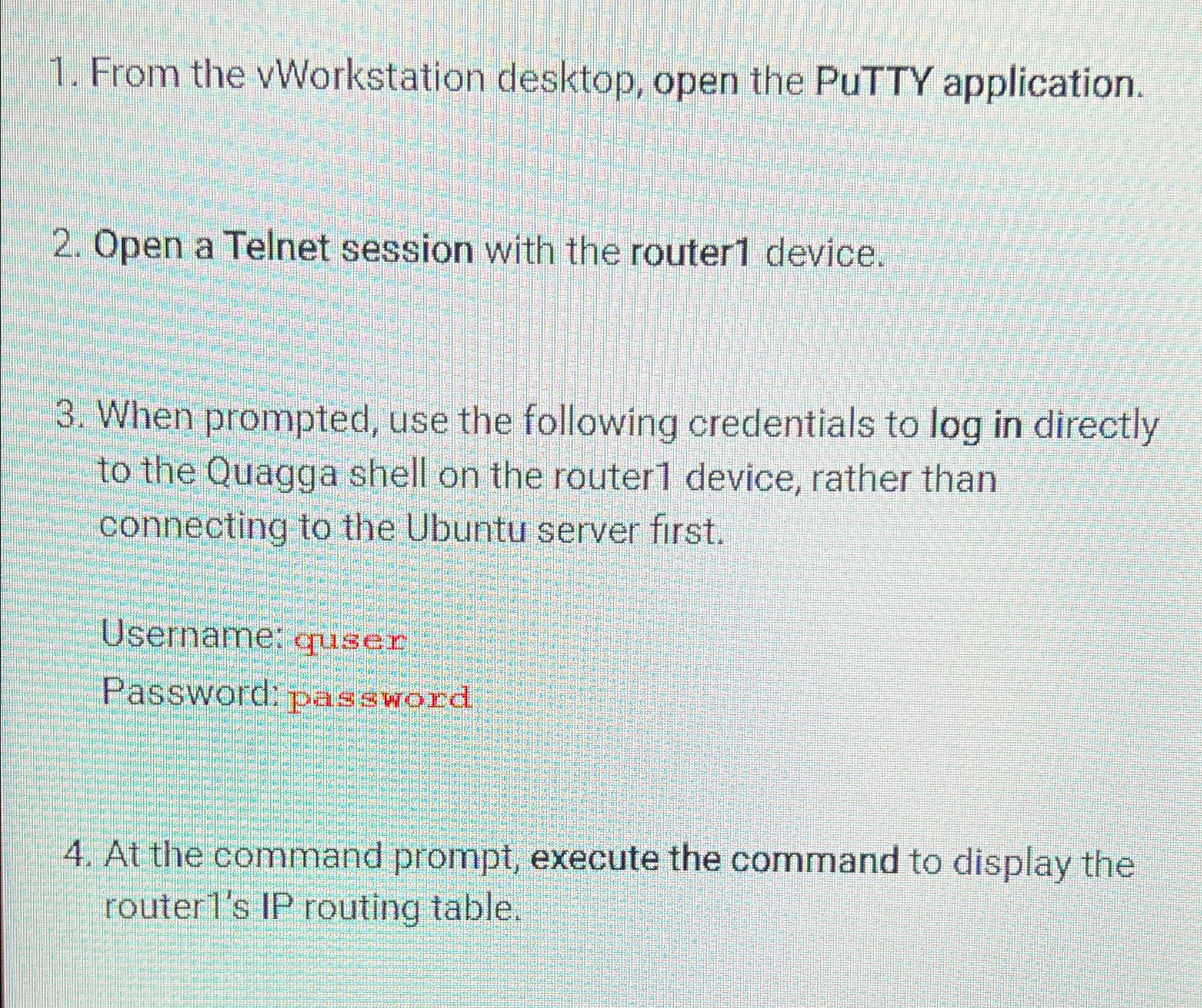
Question: From the vWorkstation desktop, open the PUTTY application. Open a Telnet session with the router 1 device. When prompted, use the following credentials to log
From the vWorkstation desktop, open the PUTTY application.
Open a Telnet session with the router device.
When prompted, use the following credentials to log in directly to the Quagga shell on the router device, rather than connecting to the Ubuntu server first.
Username: quiser
Password: password
At the command prompt, execute the command to display the routers IP routing table.
Step by Step Solution
There are 3 Steps involved in it
1 Expert Approved Answer
Step: 1 Unlock

Question Has Been Solved by an Expert!
Get step-by-step solutions from verified subject matter experts
Step: 2 Unlock
Step: 3 Unlock
 Study Help