



Question: g . Copy the formula in cell D 4 to cells D 5 :D 1 0 . h . Click the Summary sheet tab, select
g
Copy the formula in cell D to cells D:D
h
Click the Summary sheet tab, select cell A and create a D reference to cell D on the Technicians sheet.
i
Copy the formula and preserve the borders.
Use SUMIFS to total number of patients by procedure and technician.
a
Click the Summary sheet tab and select cell
b
Use the SUMIFS function with an absolute reference to cells $$:$$ on the Procedures sheet as the
Sumrange argument.
The Criteriarange argument is an absolute reference to the image type column on the Procedures
sheet, cells $E$:$
The Criteria argument is a relative reference to cell on the summary sheet.
The Criteriarange argument is an absolute reference to the technician names column on the
Procedures sheet.
c
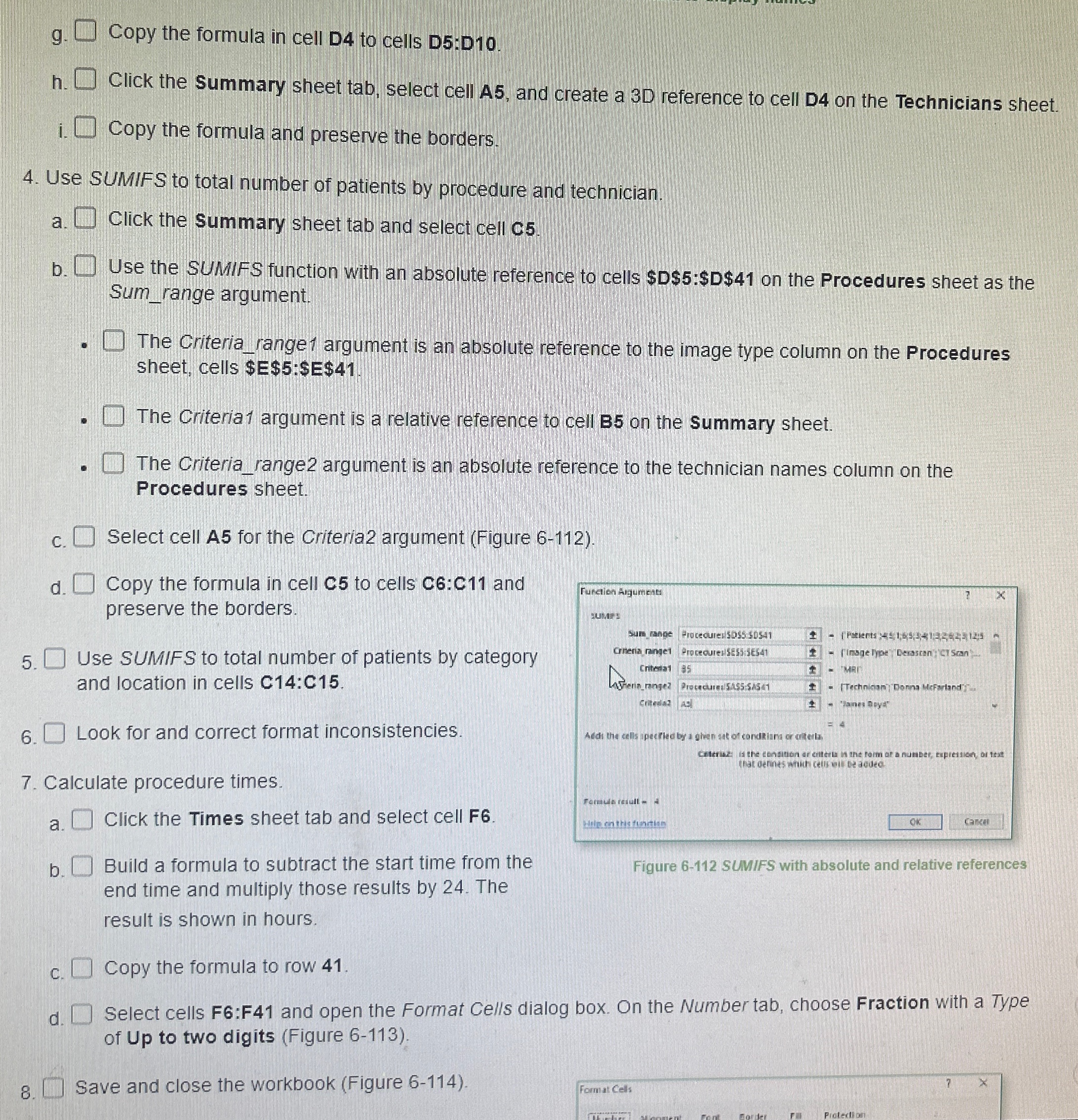
Select cell A for the Criteria argument Figure
d
Copy the formula in cell C to cells C:C and
preserve the borders.
Use SUMIFS to total number of patients by category
and location in cells C:C
Look for and correct format inconsistencies.
Calculate procedure times.
a
Click the Times sheet tab and select cell F
b
Build a formula to subtract the start time from the
end time and multiply those results by The
Figure SUMIFS with absolute and relative references
result is shown in hours.
c
Copy the formula to row
d
Select cells F:F and open the Format Cells dialog box. On the Number tab, choose Fraction with a Type
of Up to two digits Figure
Save and close the workbook Figure
Step by Step Solution
There are 3 Steps involved in it
1 Expert Approved Answer
Step: 1 Unlock

Question Has Been Solved by an Expert!
Get step-by-step solutions from verified subject matter experts
Step: 2 Unlock
Step: 3 Unlock