







Question: give me proper answer to this question GET READY. OPEN Tailspin Remote Drone 4.6 from the data files for this lesson. 1. Use the Resource
give me proper answer to this question
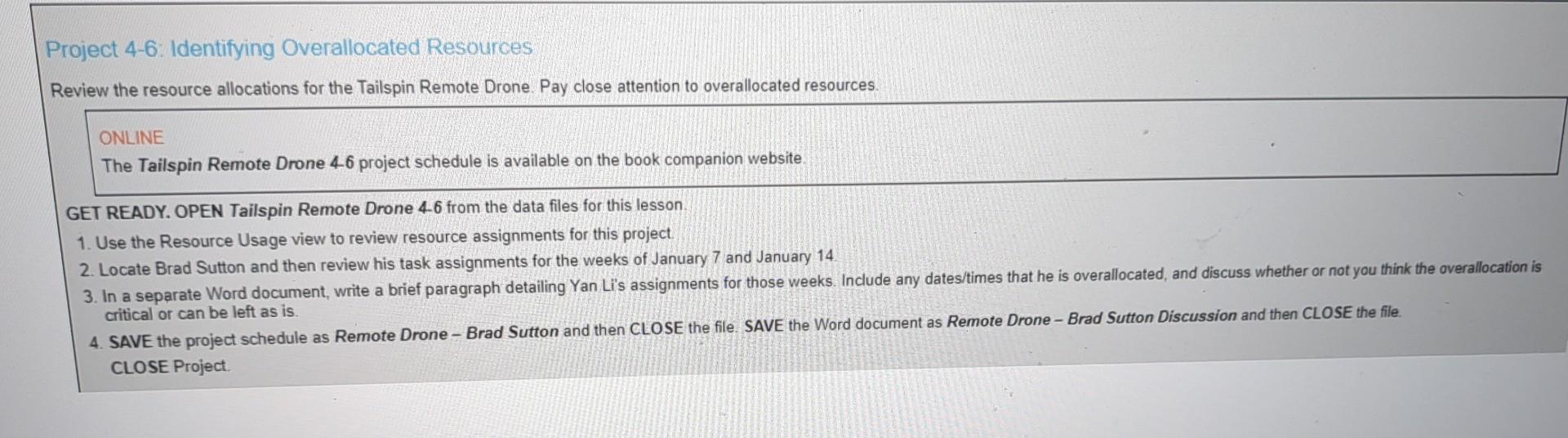
GET READY. OPEN Tailspin Remote Drone 4.6 from the data files for this lesson. 1. Use the Resource Usage view to review resource assignments for this project. 2. Locate Brad Sutton and then review his task assignments for the weeks of January 7 and January 14 3. In a separate Word document, write a brief paragraph detailing Yan Li's assignments for those weeks. Include any dates/times that he is overallocated, and discuss whether or not you think the overallocation is 4. SAVE the project schedule as Remote Drone - Brad Sutton and then CLOSE the file. SAVE the Word document as Remote Drone - Brad Sutton Discussion and then CLOSE the file. critical or can be left as is. CLOSE Project. GET READY. OPEN Tailspin Remote Drone 4.6 from the data files for this lesson. 1. Use the Resource Usage view to review resource assignments for this project. 2. Locate Brad Sutton and then review his task assignments for the weeks of January 7 and January 14 3. In a separate Word document, write a brief paragraph detailing Yan Li's assignments for those weeks. Include any dates/times that he is overallocated, and discuss whether or not you think the overallocation is 4. SAVE the project schedule as Remote Drone - Brad Sutton and then CLOSE the file. SAVE the Word document as Remote Drone - Brad Sutton Discussion and then CLOSE the file. critical or can be left as is. CLOSE Project
Step by Step Solution
There are 3 Steps involved in it

Get step-by-step solutions from verified subject matter experts
 Study Help