







Question: - Global styles for the document (use the body element selector) with background color white (#FFFFFF) and text color dark gray (#555555). - Style rules
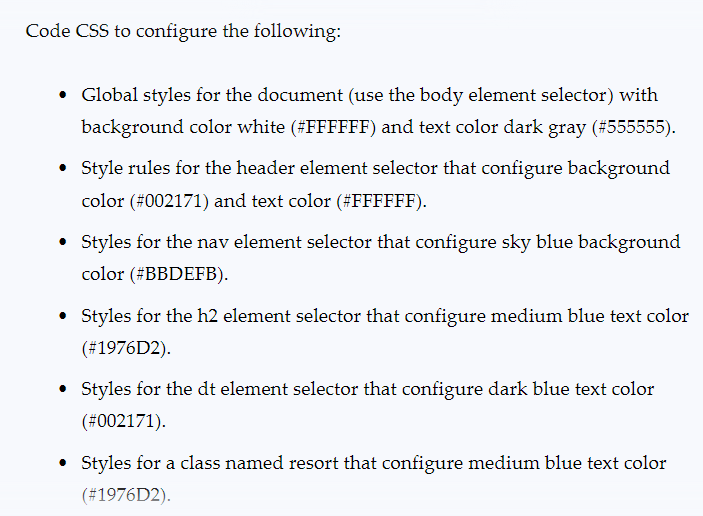
- Global styles for the document (use the body element selector) with background color white (\#FFFFFF) and text color dark gray (\#555555). - Style rules for the header element selector that configure background color (\#002171) and text color (\#FFFFFF). - Styles for the nav element selector that configure sky blue background color (\#BBDEFB). - Styles for the h2 element selector that configure medium blue text color (\#1976D2). - Styles for the dt element selector that configure dark blue text color (#002171). - Styles for a class named resort that configure medium blue text color (\#1976D2)
Step by Step Solution
There are 3 Steps involved in it
1 Expert Approved Answer
Step: 1 Unlock

Question Has Been Solved by an Expert!
Get step-by-step solutions from verified subject matter experts
Step: 2 Unlock
Step: 3 Unlock
 Study Help