







Question: Goal: Hello World program in NASM Step 1. Getting access to the Linux Lab This class will use the Linux lab in E206. However, we
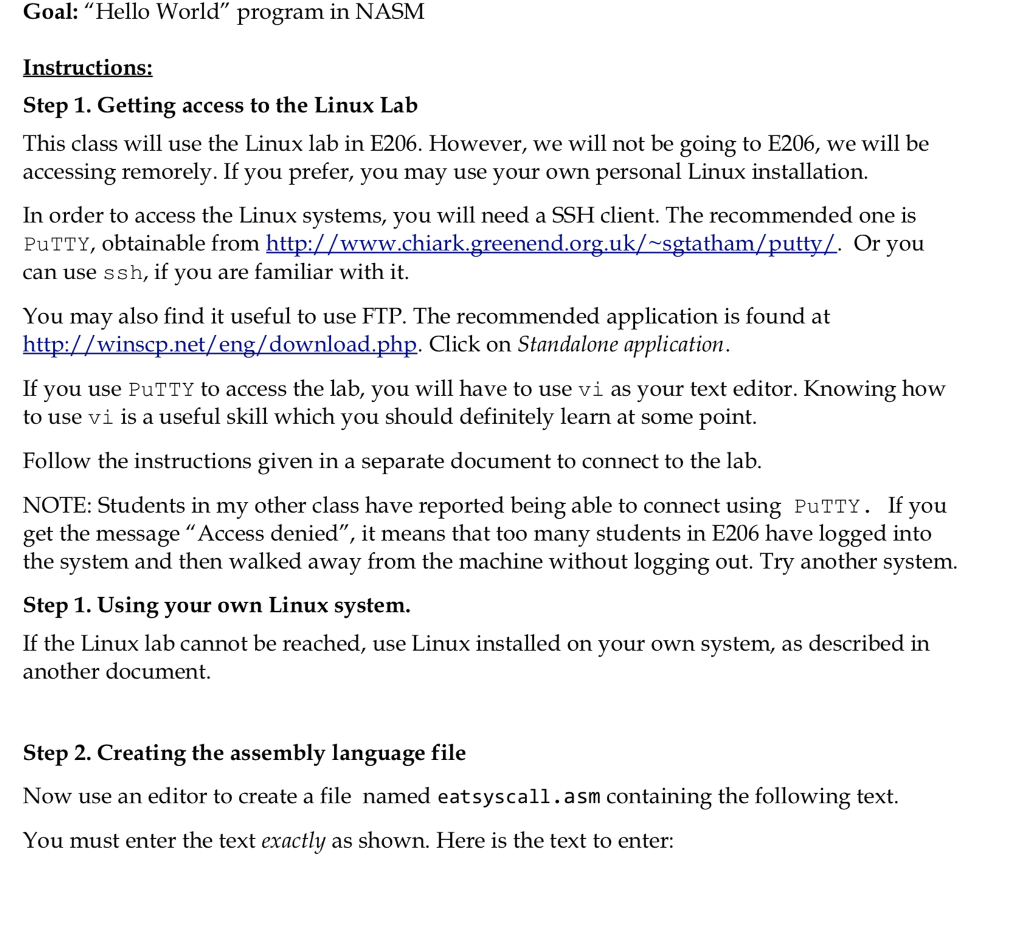
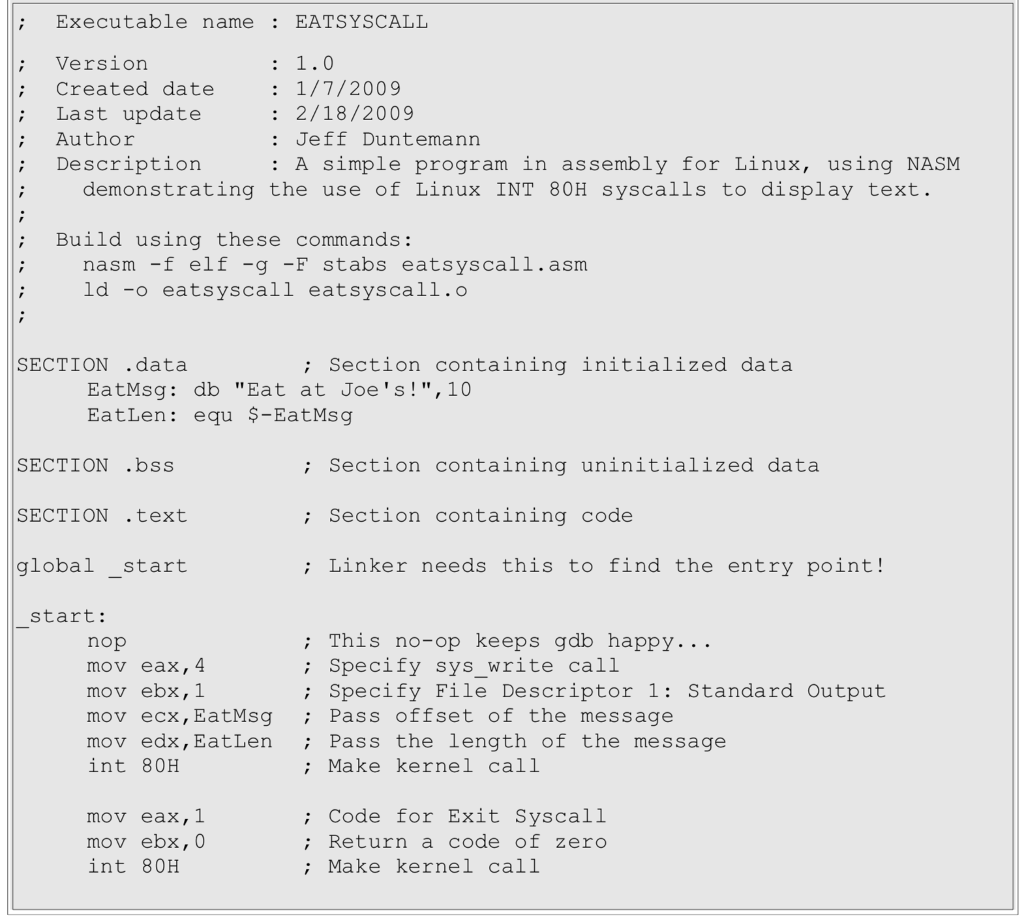
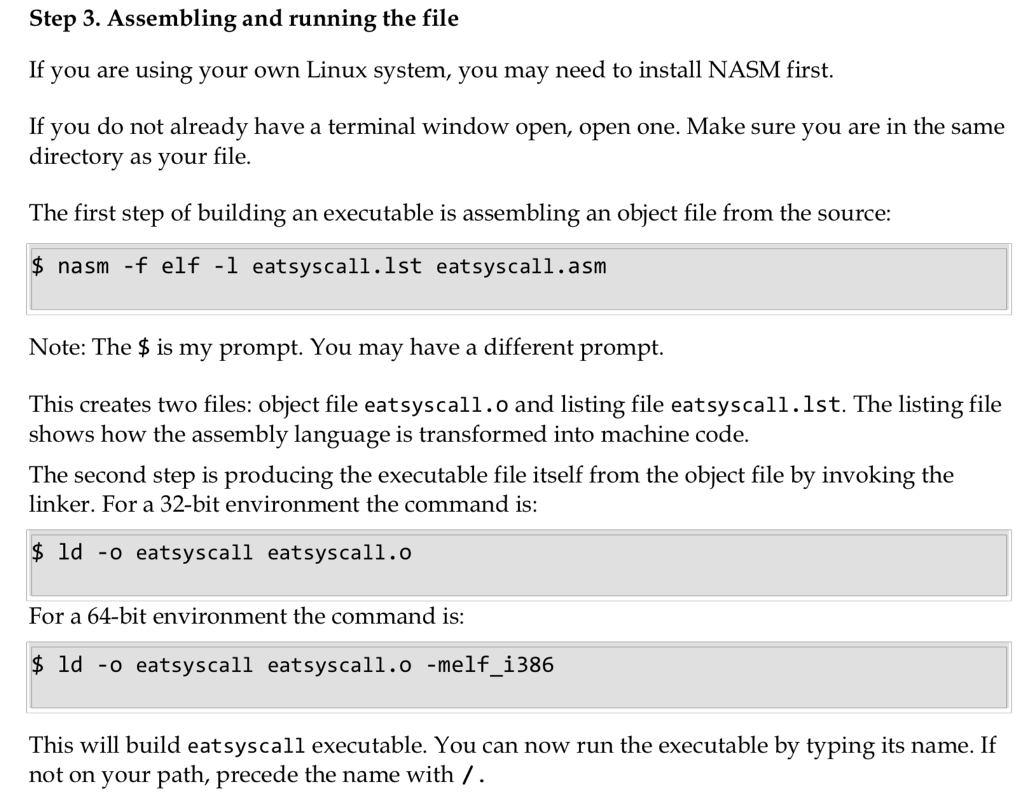
Goal: "Hello World" program in NASM Step 1. Getting access to the Linux Lab This class will use the Linux lab in E206. However, we will not be going to E206, we will be accessing remorely. If you prefer, you may use your own personal Linux installation. n order to access the Linux systems, you will need a SSH client. The recommended one is PuTTY, obtainable from can use ssh, if you are familiar with it You may also find it useful to use FTP. The recommended application is found at Click on Standalone application If you use PuTTY to access the lab, you will have to use vi as your text editor. Knowing how to use vi is a useful skill which you should definitely learn at some point. Follow the instructions given in a separate document to connect to the lab NOTE: Students in my other class have reported being able to connect using PuTTY. If yoiu get the message "Access denied", it means that too many students in E206 have logged into the system and then walked away from the machine without logging out. Try another system. Step 1. Using your own Linux systemm If the Linux lab cannot be reached, use Linux installed on your own system, as described in another document. Step 2. Creating the assembly language file Now use an editor to create a file named eatsyscall.asm containing the following text. You must enter the text exactly as shown. Here is the text to enter
Step by Step Solution
There are 3 Steps involved in it

Get step-by-step solutions from verified subject matter experts
 Study Help