







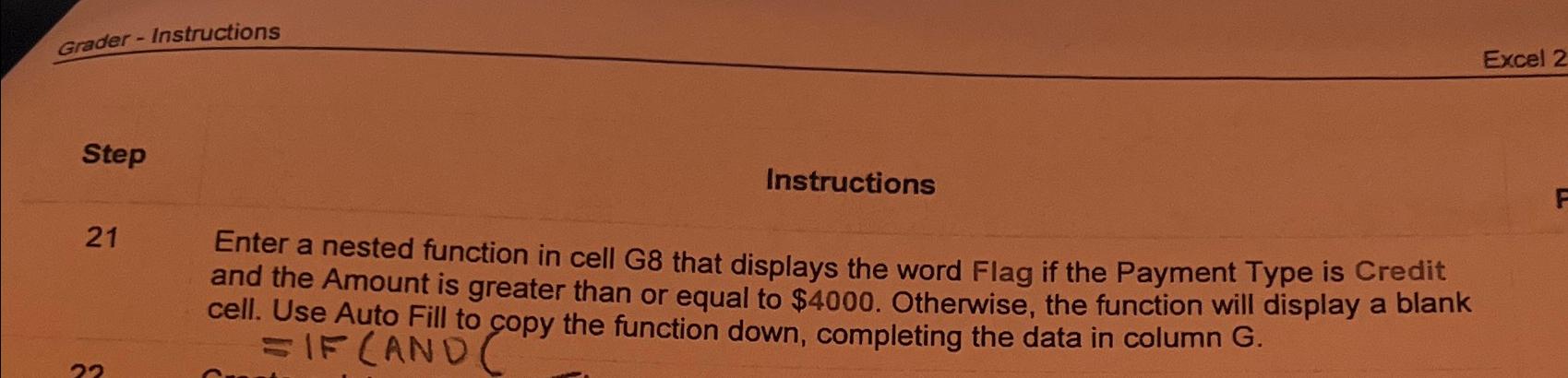
Question: Grader - Instructions Excel 2 Step Instructions 2 1 Enter a nested function in cell G 8 that displays the word Flag if the Payment
Grader Instructions
Excel
Step
Instructions
Enter a nested function in cell G that displays the word Flag if the Payment Type is Credit and the Amount is greater than or equal to $ Otherwise, the function will display a blank cell. Use Auto Fill to copy the function down, completing the data in column G
Step by Step Solution
There are 3 Steps involved in it
1 Expert Approved Answer
Step: 1 Unlock

Question Has Been Solved by an Expert!
Get step-by-step solutions from verified subject matter experts
Step: 2 Unlock
Step: 3 Unlock
 Study Help