







Question: Greyscale The Greyscale function converts the supplied RGB colour image to a greyscale version by apply - ing a ratio of colours for each pixel.
Greyscale
The Greyscale function converts the supplied RGB colour image to a greyscale version by apply
ing a ratio of colours for each pixel.
Input:
An bynby uint array representing an RGB colour image.
Output:
An byby uint array representing a greyscale image.
Suppose we have a colour image stored in the D uint array named picture. Layers and
represent the red green and blue pixel intensities, respectively.
To convert the image from colour to greyscale, we would use the Greyscale function to return a
greyscale image as the D uint array greyscalepicture as follows:The Greyscale function will need to calculate a grey pixel value pg for each pixel in the colour
image, using the corresponding value of each pixel and applying the following ratio :
::::
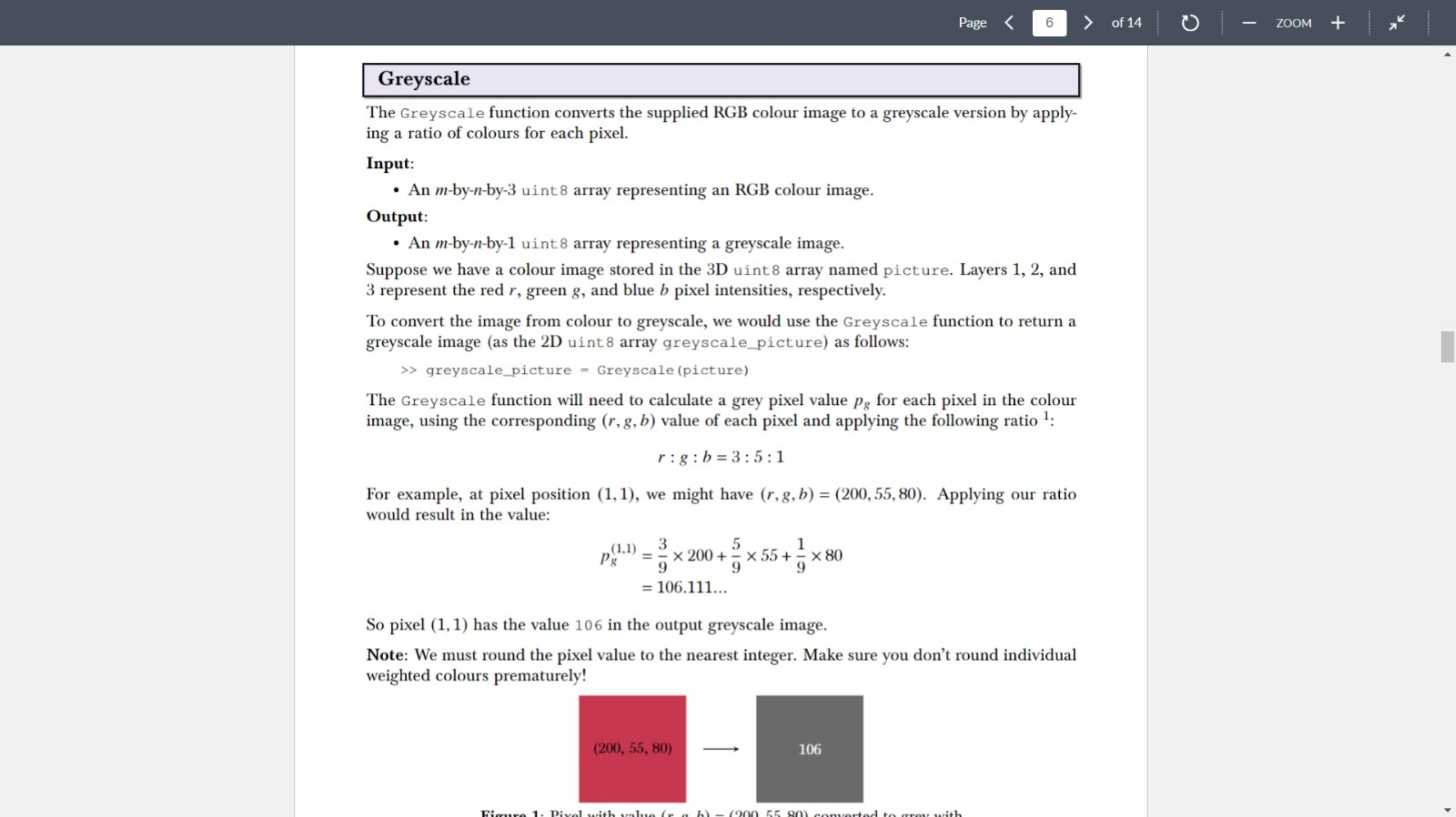
For example, at pixel position we might have Applying our ratio
would result in the value:
dots
So pixel has the value in the output greyscale image.
Note: We must round the pixel value to the nearest integer. Make sure you don't round individual
weighted colours prematurely!
Need Matlab code
Step by Step Solution
There are 3 Steps involved in it
1 Expert Approved Answer
Step: 1 Unlock

Question Has Been Solved by an Expert!
Get step-by-step solutions from verified subject matter experts
Step: 2 Unlock
Step: 3 Unlock
 Study Help