







Question: Invert The Invert function converts the supplied image ( RGB or greyscale ) to its opposite colours ( complementary hues ) and returns the inverted
Invert
The Invert function converts the supplied image RGB or greyscale to its opposite colours complementary hues and returns the inverted image.
Input:
An byby uint array representing an RGB or greyscale colour image.
Output:
An byby uint array representing the inverted image.
Suppose we have an image stored in the uint array named picture. This may be either byby or byby depending on if it is an RGB or greyscale image.
To invert an image, the Invert function will need to calculate the opposite colour value for each pixel in the image. We can do this by subtracting the colour values in each pixel from the maximum uint value
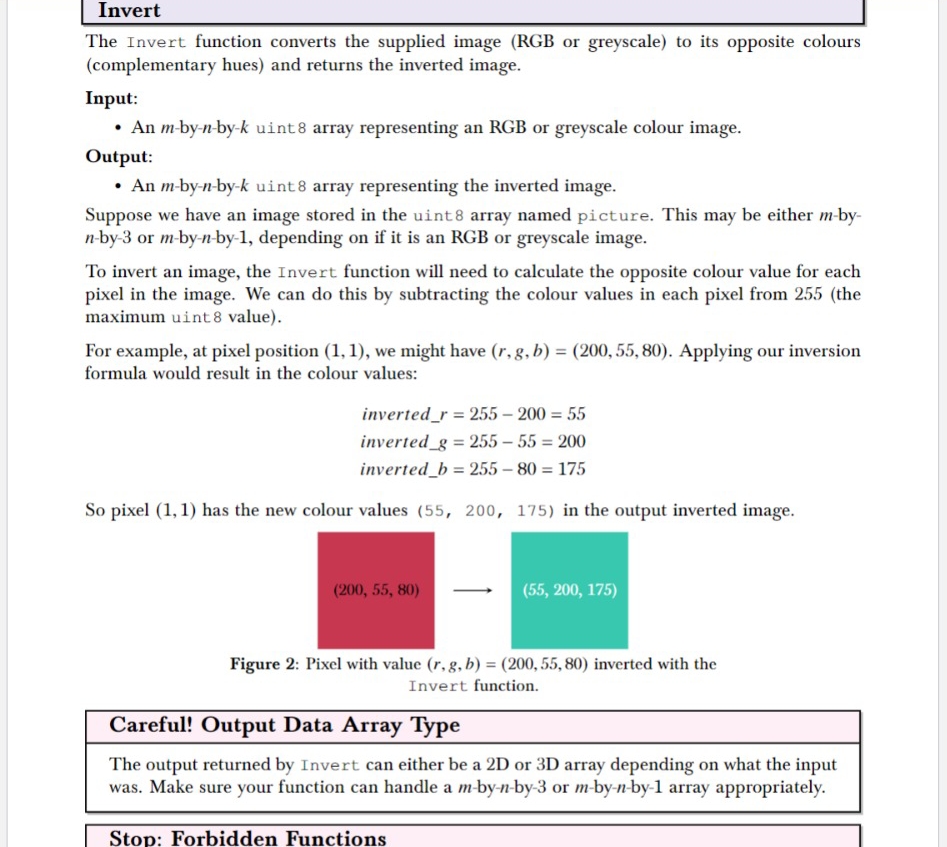
For example, at pixel position we might have Applying our inversion formula would result in the colour values:
So pixel has the new colour values in the output inverted image.
Figure : Pixel with value inverted with the Invert function.
Careful! Output Data Array Type
The output returned by Invert can either be a D or D array depending on what the input was. Make sure your function can handle a byby or byby array appropriately.
Stop: Forbidden Functions
Need Matlab code
Step by Step Solution
There are 3 Steps involved in it
1 Expert Approved Answer
Step: 1 Unlock

Question Has Been Solved by an Expert!
Get step-by-step solutions from verified subject matter experts
Step: 2 Unlock
Step: 3 Unlock
 Study Help