







Question: Group Computer Project (15%): Decision Making using Microsoft Excel Each team should choose either Task A or Task B. Task A: What-if Analysis (15%) 1.
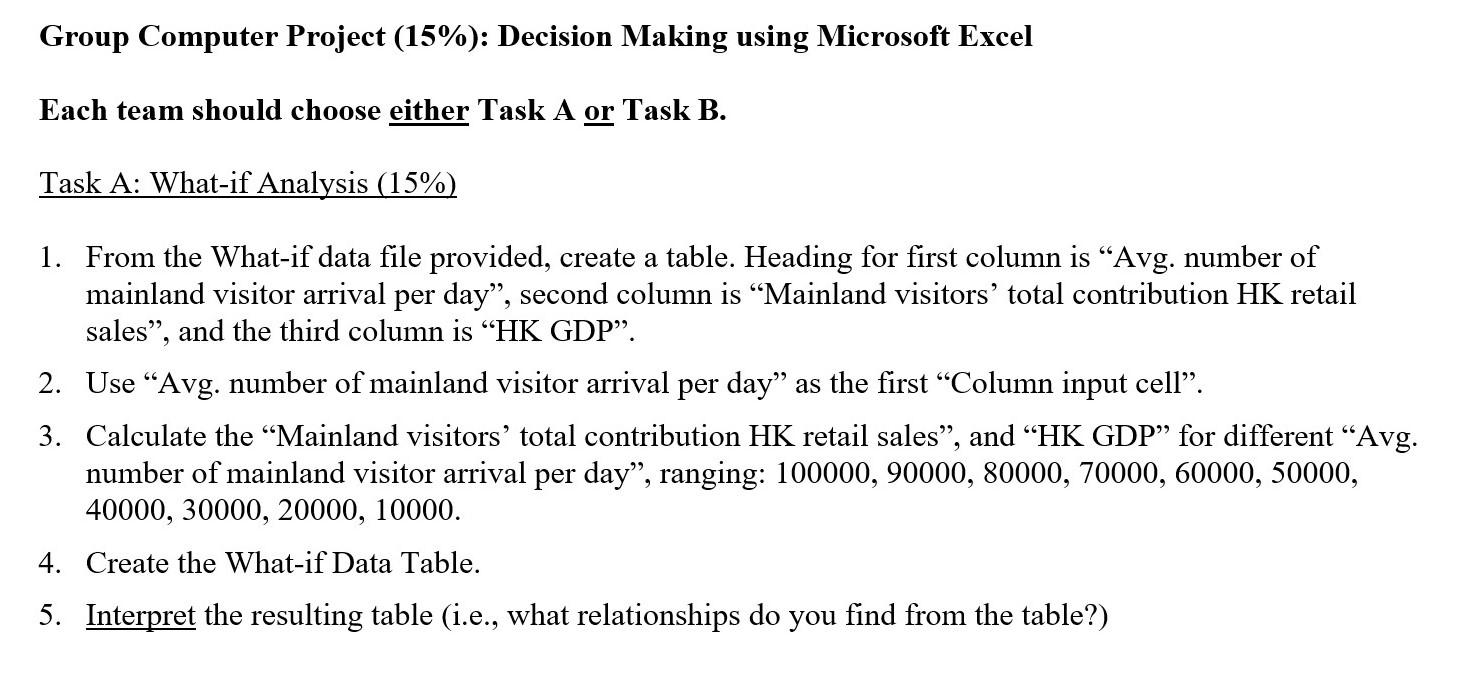
Group Computer Project (15%): Decision Making using Microsoft Excel Each team should choose either Task A or Task B. Task A: What-if Analysis (15%) 1. From the What-if data file provided, create a table. Heading for first column is Avg. number of mainland visitor arrival per day, second column is Mainland visitors' total contribution HK retail sales, and the third column "HK GDP". 2. Use Avg. number of mainland visitor arrival per day as the first Column input cell. 3. Calculate the Mainland visitors' total contribution HK retail sales, and HK GDP" for different Avg. number of mainland visitor arrival per day, ranging: 100000, 90000, 80000, 70000, 60000, 50000, 40000, 30000, 20000, 10000. 4. Create the What-if Data Table. 5. Interpret the resulting table (i.e., what relationships do you find from the table?)
Step by Step Solution
There are 3 Steps involved in it

Get step-by-step solutions from verified subject matter experts
 Study Help