







Question: GUI driver Do not allow the user to create a concordance file until they have entered an input file and an output file Show the
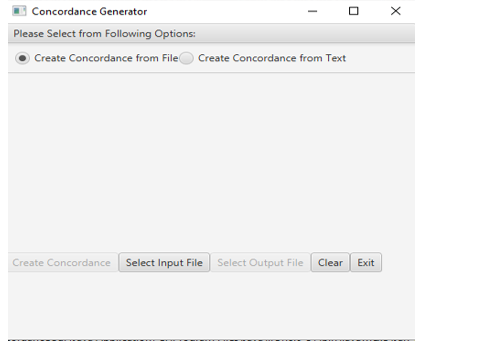
GUI driver Do not allow the user to create a concordance file until they have entered an input file and an output file Show the text area only when the option to create from text is chosen. Use a FileChooser for the user to select the input and output files. Inform the user if there is an error with the input file or the output file Use exception handling (try/catch) for the validity of the files. If creating a concordance from text, make sure the user has entered some text in the text area. Inform user if text area is empty. Display the concordance from the text in the text area. Provide a way for the user to clear the text area. Example of creating a Concordance from an input file Select an input file and an output file. PrideAndPrejudice.txt was used.
 Sample of output file:
Concordance Generator Create Concordance from FileCreate Concordance from Text Create Concordance Select Input File Select Output File Clear Exit Concordance Generator Create Concordance from FileCreate Concordance from Text Create Concordance Select Input File Select Output File Clear Exit
Step by Step Solution
There are 3 Steps involved in it

Get step-by-step solutions from verified subject matter experts
 Study Help