







Question: Hand drawing diagrams fine Goal: Modeling using 1) State chart of the system, 2) Use case diagram and specifications, and 3) softwa and hardware architecture
Hand drawing diagrams fine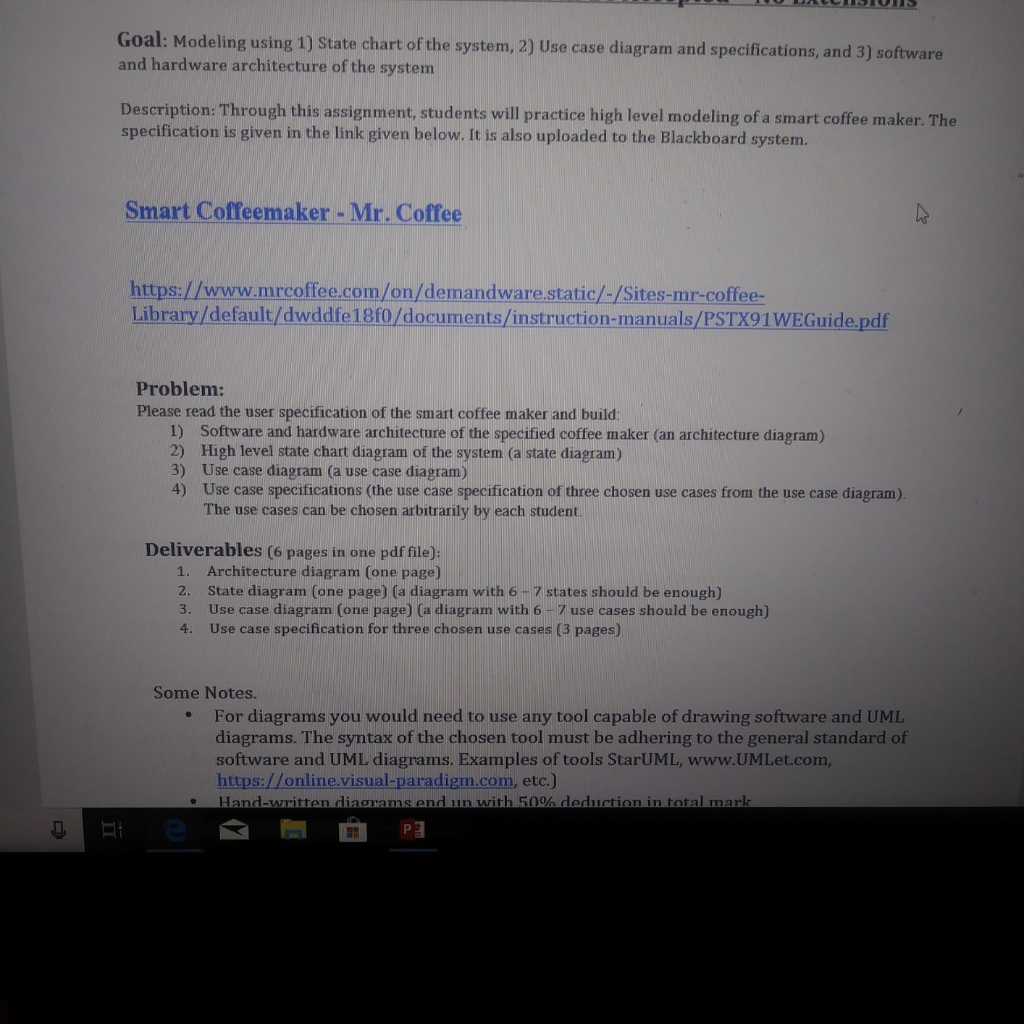
Goal: Modeling using 1) State chart of the system, 2) Use case diagram and specifications, and 3) softwa and hardware architecture of the system Description: Through this assignment, students will practice high level modeling of a smart coffee maker. The specification is given in the link given below. It is also uploaded to the Blackboard system. Smart Coffeemaker - Mr. Coffee https://www.mrcoffee.com/on/demandware.static/-/Sites-mr-coffee Library/default/dwddfe 18f0/documents/instruction-manuals/PSTX91WEGuide.pdf Problem: Please read the user specification of the smart coffee maker and build 1) Software and hardware architecture of the specified coffee maker (an architecture diagram) 2) High level state chart diagram of the system (a state diagram) 3) Use case diagram (a use case diagram) 4) Use case specifications (the use case specification of three chosen use cases from the use case diagram) The use cases can be chosen arbitrarily by each student Deliverables (6 pages in one pdf file): 1. 2. 3. 4. Architecture diagram (one page) State diagram (one page) (a diagram with 6- 7 states should be enough) Use case diagram (one page) (a diagram with 6-7 use cases should be enough) Use case specification for three chosen use cases (3 pages) Some Notes. For diagrams you would need to use any tool capable of drawing software and UML diagrams. The syntax of the chosen tool must be adhering to the general standard of software and UML diagrams. Examples of tools StarUML, www.UMLet.com, https://online.visual-paradigm.com, etc.) Hand-written diarams nd lin with 50% dprlition in total mark . Goal: Modeling using 1) State chart of the system, 2) Use case diagram and specifications, and 3) softwa and hardware architecture of the system Description: Through this assignment, students will practice high level modeling of a smart coffee maker. The specification is given in the link given below. It is also uploaded to the Blackboard system. Smart Coffeemaker - Mr. Coffee https://www.mrcoffee.com/on/demandware.static/-/Sites-mr-coffee Library/default/dwddfe 18f0/documents/instruction-manuals/PSTX91WEGuide.pdf Problem: Please read the user specification of the smart coffee maker and build 1) Software and hardware architecture of the specified coffee maker (an architecture diagram) 2) High level state chart diagram of the system (a state diagram) 3) Use case diagram (a use case diagram) 4) Use case specifications (the use case specification of three chosen use cases from the use case diagram) The use cases can be chosen arbitrarily by each student Deliverables (6 pages in one pdf file): 1. 2. 3. 4. Architecture diagram (one page) State diagram (one page) (a diagram with 6- 7 states should be enough) Use case diagram (one page) (a diagram with 6-7 use cases should be enough) Use case specification for three chosen use cases (3 pages) Some Notes. For diagrams you would need to use any tool capable of drawing software and UML diagrams. The syntax of the chosen tool must be adhering to the general standard of software and UML diagrams. Examples of tools StarUML, www.UMLet.com, https://online.visual-paradigm.com, etc.) Hand-written diarams nd lin with 50% dprlition in total mark
Step by Step Solution
There are 3 Steps involved in it

Get step-by-step solutions from verified subject matter experts
 Study Help