







Question: HashEntry.java /* * To change this template, choose Tools | Templates * and open the template in the editor. */ public class HashEntry { private
HashEntry.java
/*
* To change this template, choose Tools | Templates
* and open the template in the editor.
*/
public class HashEntry {
private int key;
private String value;
HashEntry(int key, String value) {
this.key = key;
this.value = value;
}
public int getKey() {
return key;
}
public String getValue() {
return value;
}
public void setValue(String val) {
this.value = val;
}
}
HashMap.java
/*
* To change this template, choose Tools | Templates
* and open the template in the editor.
*/
public class HashMap {
private final static int TABLE_SIZE = 137;
HashEntry[] table;
HashMap() {
//Implement
}
public String get(int key) {
// Implement
}
public void put(int key, String value) {
// Implement
}
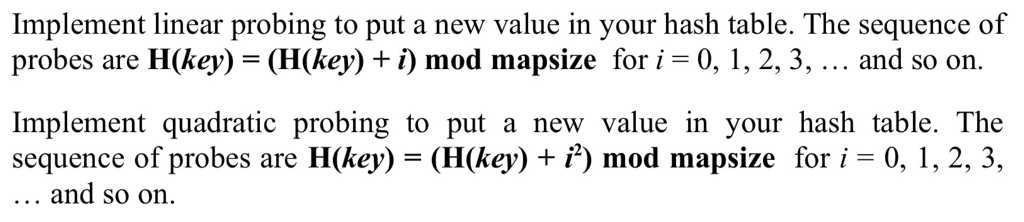
public void linearProbe(int key, String value){
// Implement
}
public void quadraticProbe(int key, String value){
// Implement
}
}
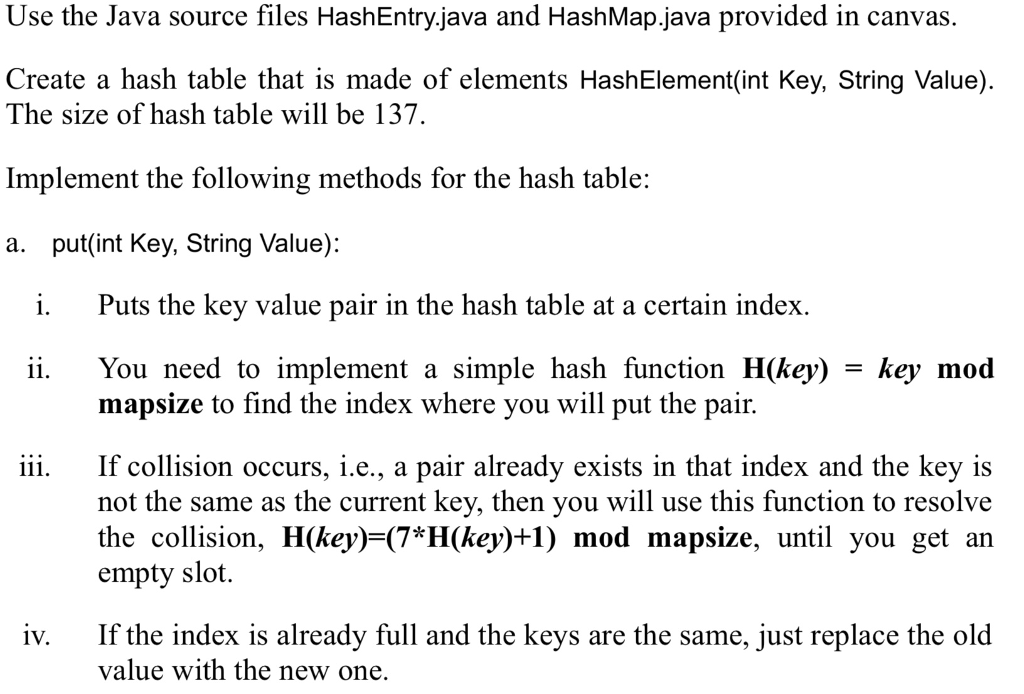
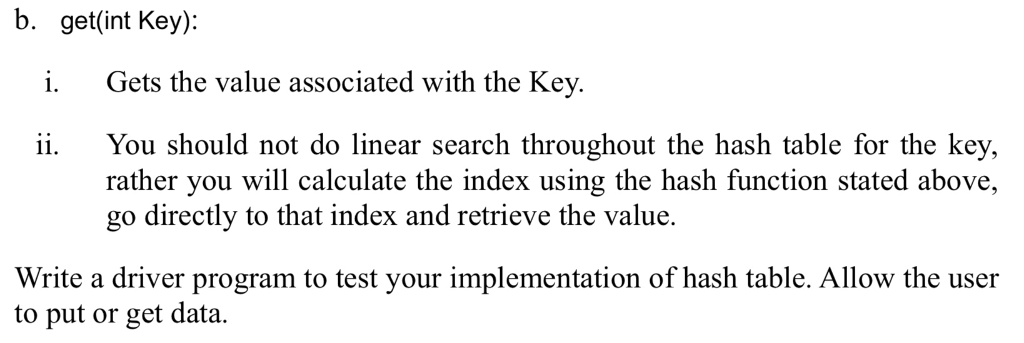
Use the Java source files HashEntry.java and HashMap.java provided in canvas. Create a hash table that is made of elements HashElement(int Key, String Value) The size of hash table will be 137. Implement the following methods for the hash table: a. put(int Key, String Value): i. Puts the key value pair in the hash table at a certain index. You need to implement a simple hash function H(key) = key mod mapsize to find the index where you will put the pair. 11. iii. If collision occurs, i.e., a pair already exists in that index and the key is not the same as the current key, then you will use this function to resolve the collision, H(key)-(7*H(key)+1) mod mapsize, until you get an empty slot If the index is already full and the keys are the same, just replace the old value with the new one. iv
Step by Step Solution
There are 3 Steps involved in it

Get step-by-step solutions from verified subject matter experts
 Study Help