







Question: Hello, I have this code here, but I get errors for trying to make it Float when I use Jupyter Notebook for the data science
Hello,
I have this code here, but I get errors for trying to make it Float when I use Jupyter Notebook for the data science course.
I need to use the astype() function of the DataFrame to convert these MPG columns to float (see coding below).
new_df['City MPG'] = new_df['City MPG'].astype("float")new_df['Hwy MPG'] = new_df['Hwy MPG'].astype(float)new_df['Cmb MPG'] = new_df['Cmb MPG'].astype(float)
It says this:
It says: A value is trying to be set on a copy of a slice from a DataFrame.Try using .loc[row_indexer,col_indexer] = value instead
But I don't know how to edit my code to their requirement, and I would like your help with this.
Here is the screenshot of the original error.
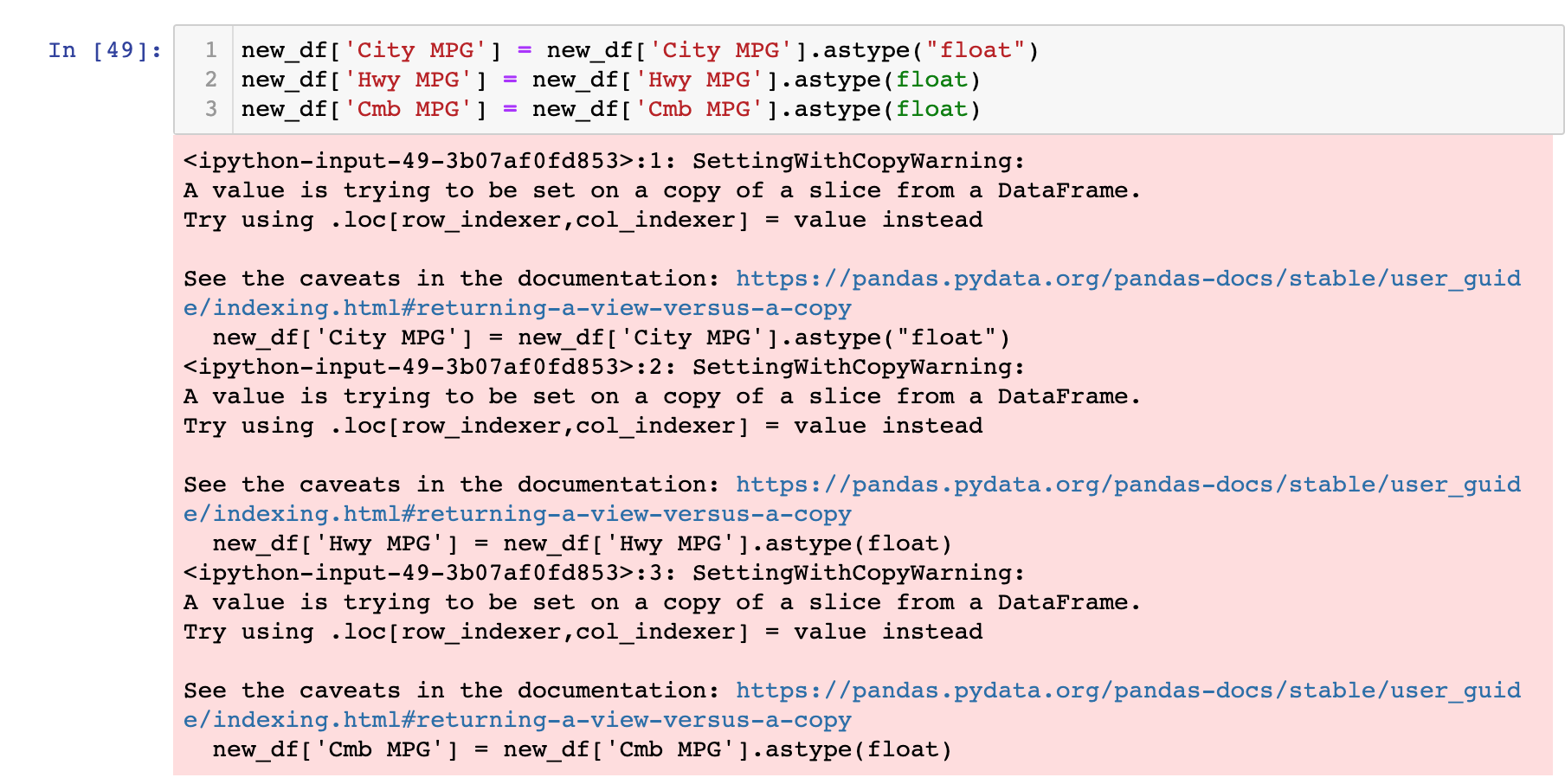
In [49] : 1 new df [ 'City MPG' ] = new_df [ 'City MPG' ] . astype ( "float") 2 new df [ ' Hwy MPG' ] = new_df [ 'Hwy MPG' ] . astype (float) W new_df [ ' Cmb MPG' ] = new_df [ ' Cmb MPG' ] . astype (float)
Step by Step Solution
There are 3 Steps involved in it

Get step-by-step solutions from verified subject matter experts
 Study Help