







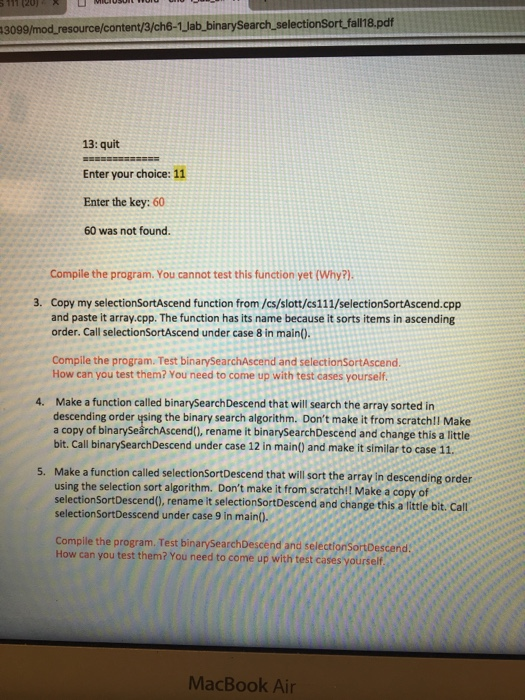
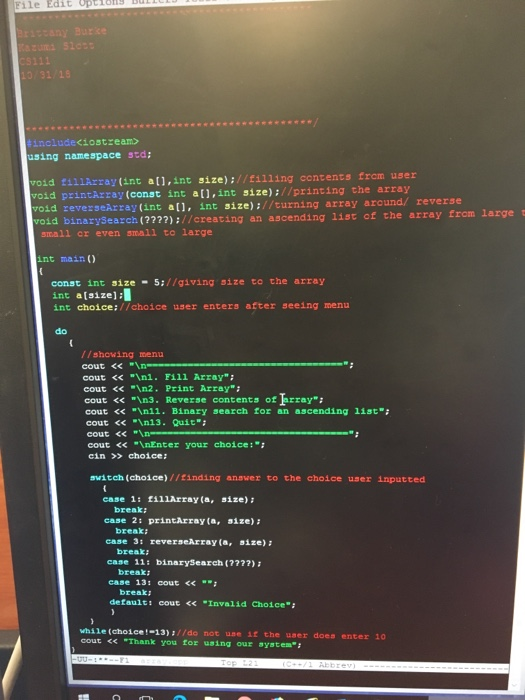
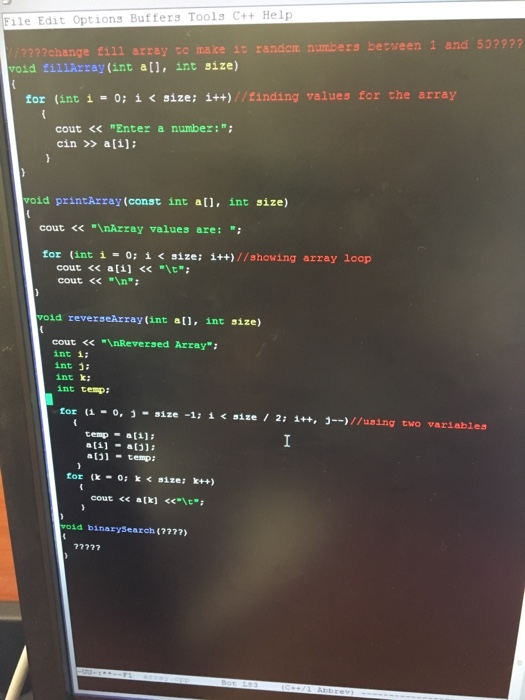
Question: Hello, Im having troubles changing and adding functions into a previous lab, the first two pictures are the instructions, the second two are the actual
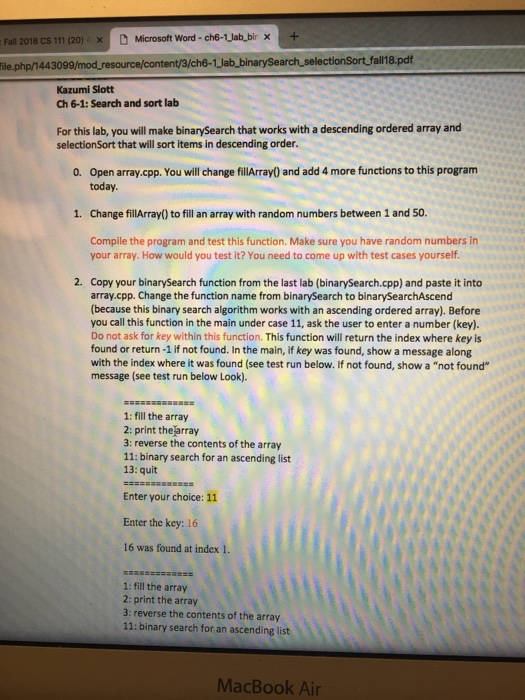
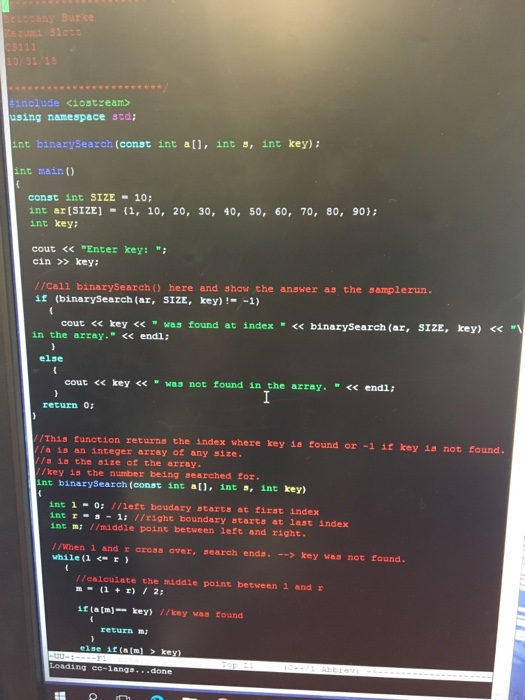
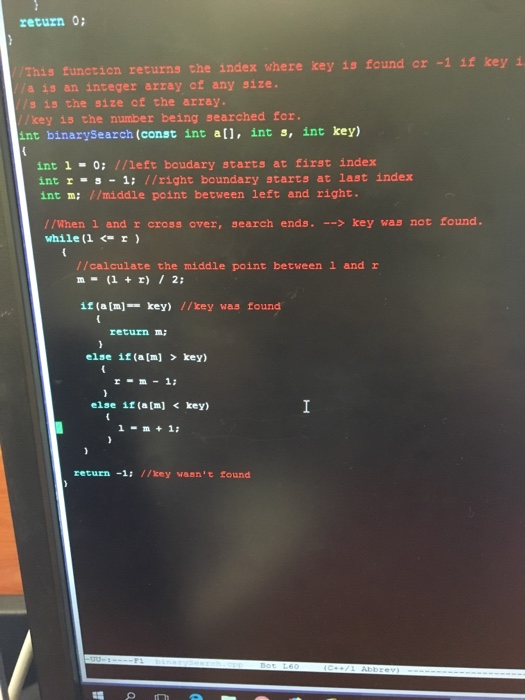
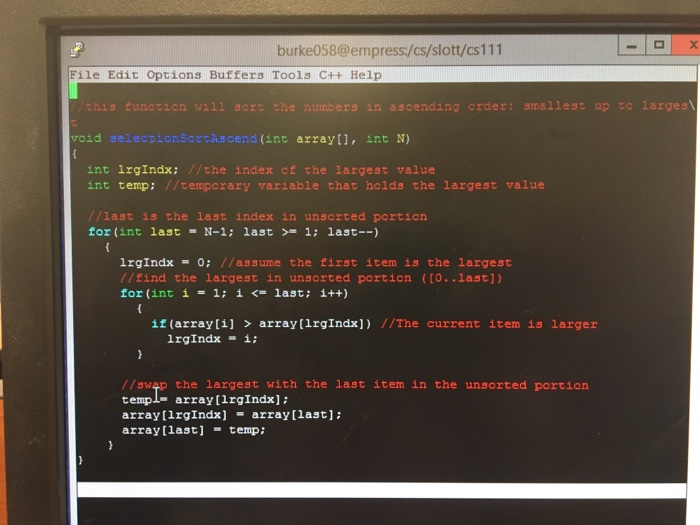
Fall 2018 CS 111 (20)x Microsoft Word-ch6-1 Jab_bir x+ ile.php/144309 ent/3/ch6-1Jab_binarySearch selectionSort fall 18.pdf Kazumi Slott Ch 6-1: Search and sort lalb For this lab, you will make binarySearch that works with a descending ordered array and selectionSort that will sort items in descending order. Open array.cpp. You will change fillArray) and add 4 more functions to this program today 0. 1. Change fillArray) to fill an array with random numbers between 1 and 50. Compile the program and test this function. Make sure you have random numbers in your array. How would you test it? You need to come up with test cases yourself 2. Copy your binarySearch function from the last lab (binarySearch.cpp) and paste it into array.cpp. Change the function name from binarySearch to binarySearchAscend (because this binary search algorithm works with an ascending ordered array). Before you call this function in the main under case 11, ask the user to enter a number (key). Do not ask for key within this function. This function will return the index where key is found or return -1 if not found. In the main, if key was found, show a message along with the index where it was found (see test run below. If not found, show a "not found" message (see test run below Look). 1: fill the array 2: print thearray 3: reverse the contents of the array 11: binary search for an ascending list 13: quit Enter your choice: 11 Enter the key: 16 16 was found at index 1. 1: fill the array 2: print the array 3: reverse the contents of the array 11: binary search for an ascending list MacBook Air
Step by Step Solution
There are 3 Steps involved in it

Get step-by-step solutions from verified subject matter experts
 Study Help