







Question: Hello in C# please help with this assignment the corresponding zip file is below: Assignment 1 6 - 1 Add XML documentation to a class
Hello in C# please help with this assignment the corresponding zip file is below:
Assignment Add XML documentation to a class
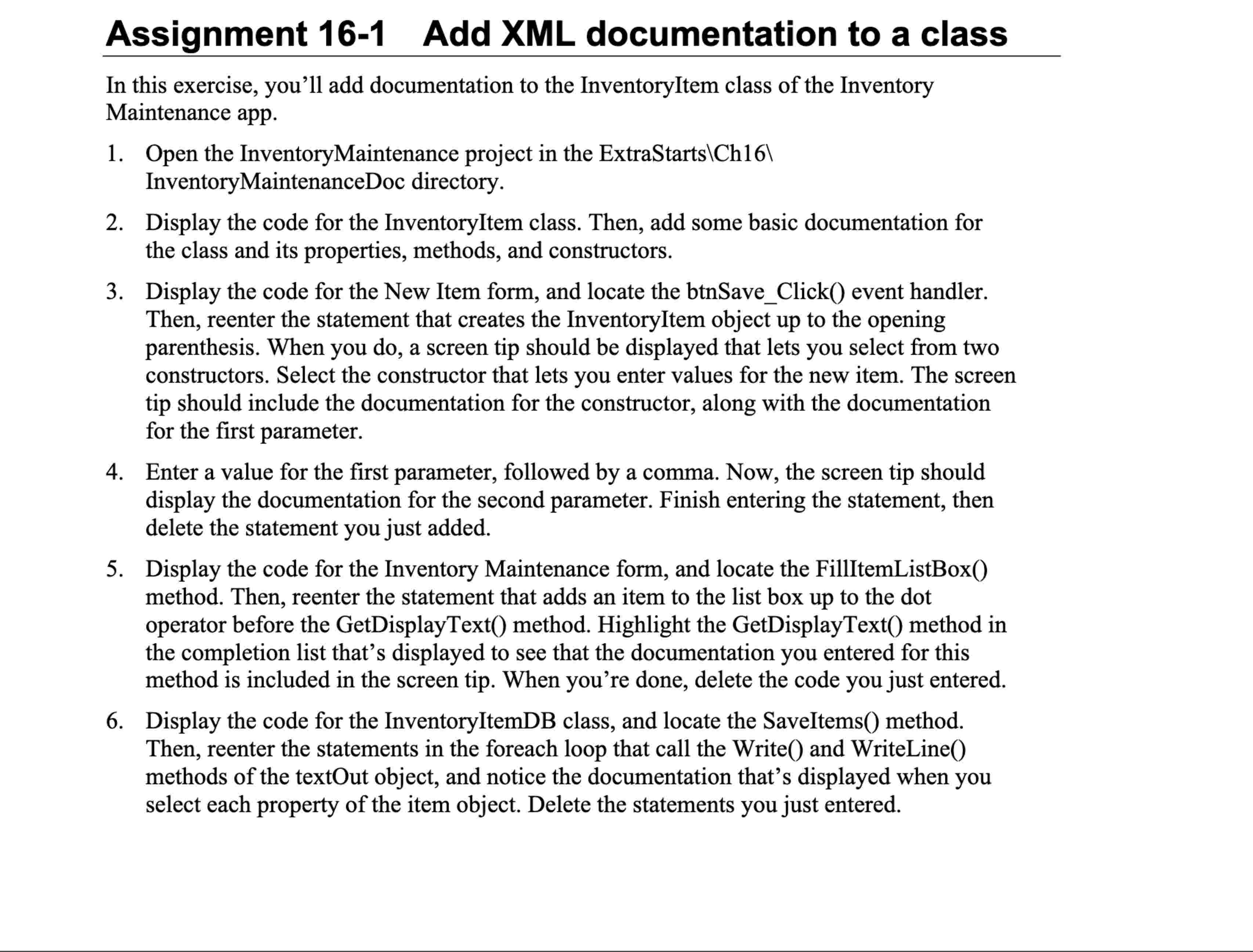
In this exercise, you'll add documentation to the InventoryItem class of the Inventory Maintenance app.
Open the InventoryMaintenance project in the ExtraStartslCh
InventoryMaintenanceDoc directory.
Display the code for the InventoryItem class. Then, add some basic documentation for the class and its properties, methods, and constructors.
Display the code for the New Item form, and locate the btnSaveClick event handler. Then, reenter the statement that creates the InventoryItem object up to the opening parenthesis. When you do a screen tip should be displayed that lets you select from two constructors. Select the constructor that lets you enter values for the new item. The screen tip should include the documentation for the constructor, along with the documentation for the first parameter.
Enter a value for the first parameter, followed by a comma. Now, the screen tip should display the documentation for the second parameter. Finish entering the statement, then delete the statement you just added.
Display the code for the Inventory Maintenance form, and locate the FillItemListBox method. Then, reenter the statement that adds an item to the list box up to the dot operator before the GetDisplayText method. Highlight the GetDisplayText method in the completion list that's displayed to see that the documentation you entered for this method is included in the screen tip. When you're done, delete the code you just entered.
Display the code for the InventoryItemDB class, and locate the SaveItems method. Then, reenter the statements in the foreach loop that call the Write and WriteLine methods of the textOut object, and notice the documentation that's displayed when you select each property of the item object. Delete the statements you just entered.
Step by Step Solution
There are 3 Steps involved in it
1 Expert Approved Answer
Step: 1 Unlock

Question Has Been Solved by an Expert!
Get step-by-step solutions from verified subject matter experts
Step: 2 Unlock
Step: 3 Unlock
 Study Help