







Question: HELLO! THIS PROJECT IS REALLY IMPORTANT FOR ME! IF YOU SOLVE THIS I WILL APPRECIATE ALL MY LIFE! PLEASE USE VISUAL BASIC LANGUAGE (NOT USE
HELLO! THIS PROJECT IS REALLY IMPORTANT FOR ME! IF YOU SOLVE THIS I WILL APPRECIATE ALL MY LIFE!
PLEASE USE VISUAL BASIC LANGUAGE (NOT USE C#)
THANK YOU...
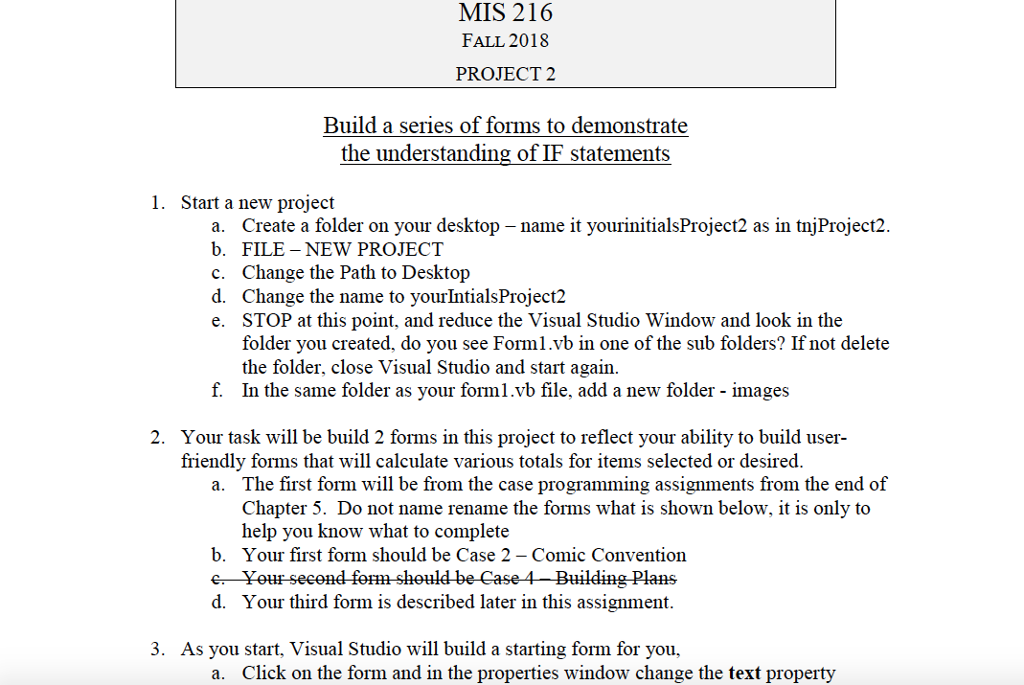
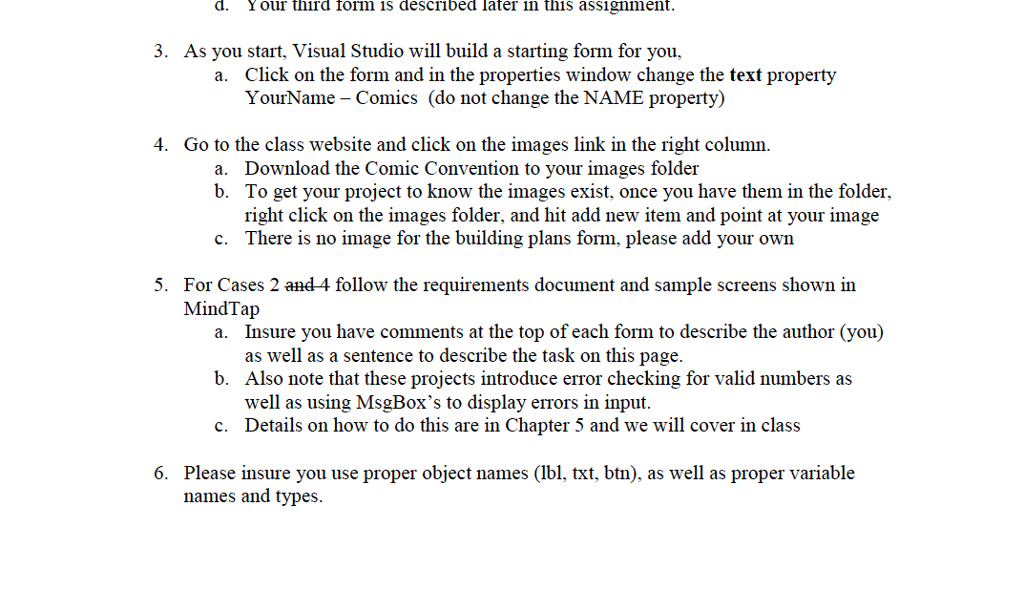
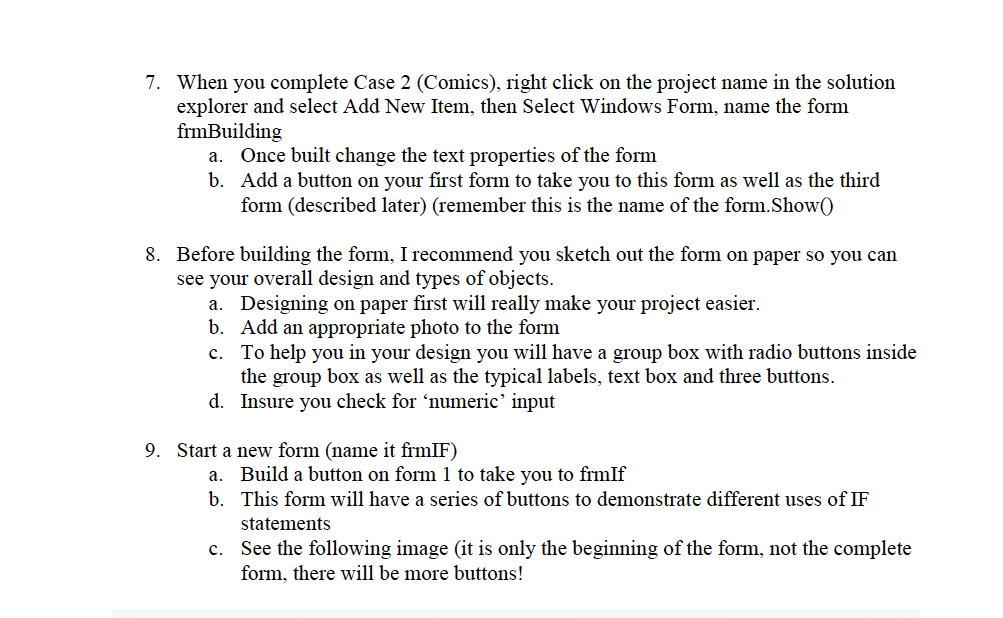
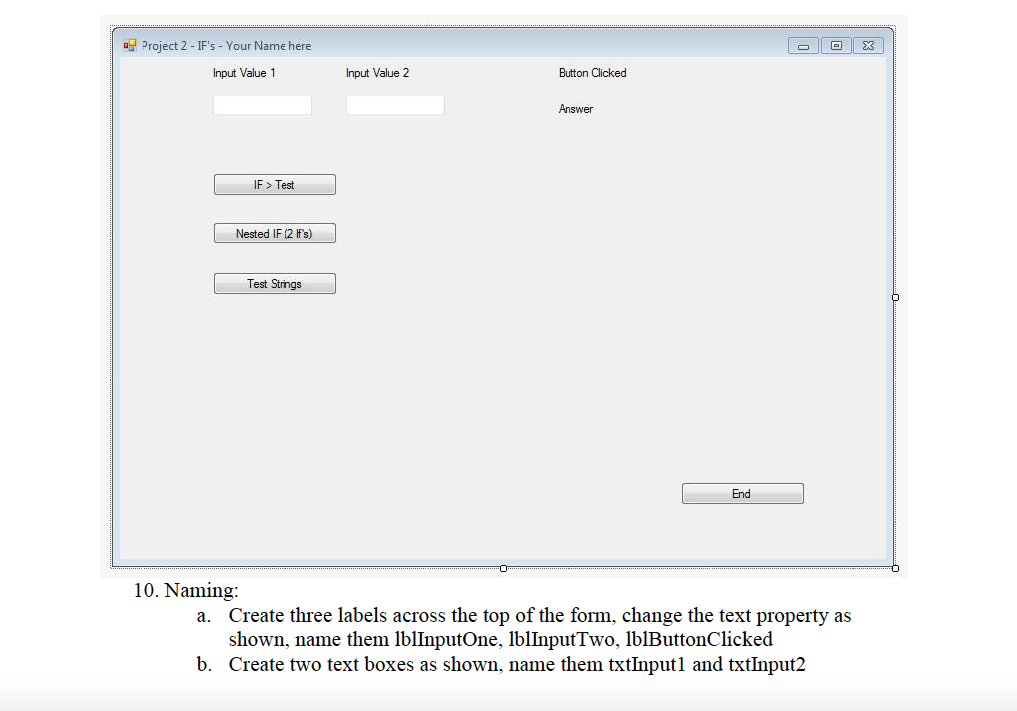
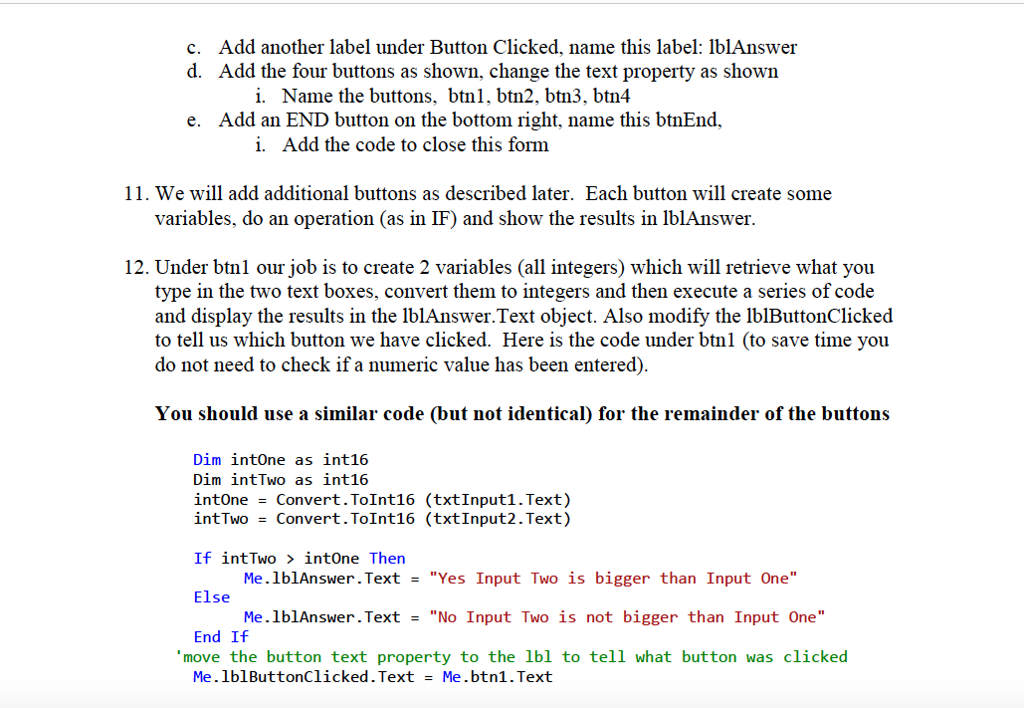
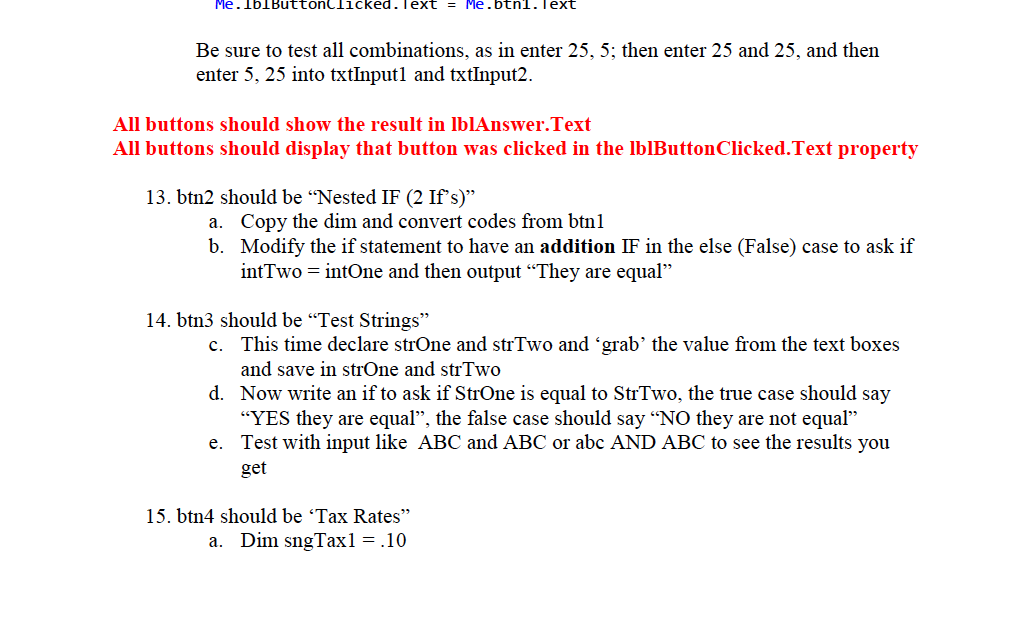
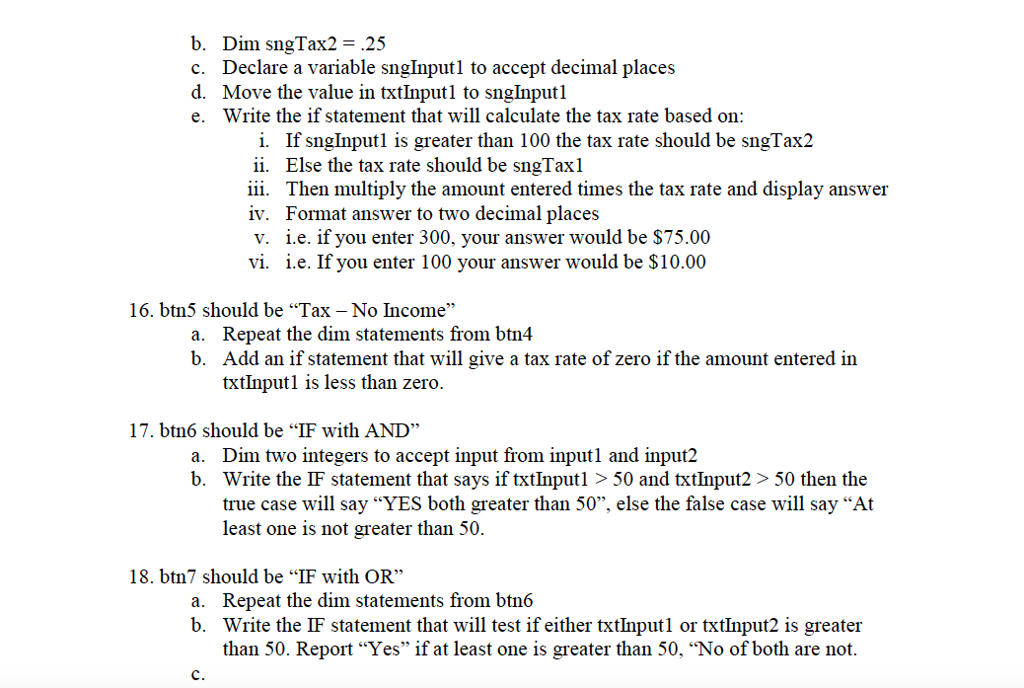
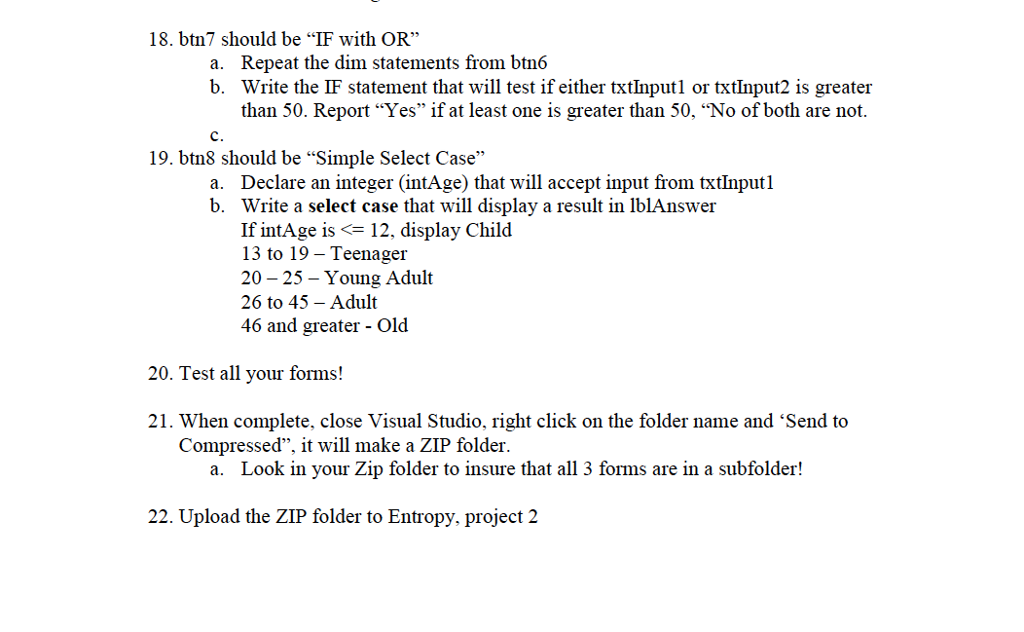
MIS 216 FALL 2018 PROJECT 2 Build a series of forms to demonstrate the understanding of IF statements 1. Start a new project a. Create a folder on your desktop - name it yourinitialsProject2 as in tnjProject2. b. FILE - NEW PROJECT c. Change the Path to Desktop d. Change the name to yourIntialsProject2 e. STOP at this point, and reduce the Visual Studio Window and look in the folder you created, do you see Forml.vb in one of the sub folders? If not delete the folder, close Visual Studio and start again In the same folder as your forml.vb file, add a new folder - images f. 2. Your task will be build 2 forms in this project to reflect your ability to build user friendly forms that will calculate various totals for items selected or desired. The first form will be from the case programming assignments from the end of Chapter 5. Do not name rename the forms what is shown below, it is only to help you know what to complete a. b. Your first form should be Case 2 - Comic Convention e Yeur second fem sheuld-be Case 4-Building Plans d. Your third form is described later in this assignment. 3. As you start, Visual Studio will build a starting form for you, a. Click on the form and in the properties window change the text property MIS 216 FALL 2018 PROJECT 2 Build a series of forms to demonstrate the understanding of IF statements 1. Start a new project a. Create a folder on your desktop - name it yourinitialsProject2 as in tnjProject2. b. FILE - NEW PROJECT c. Change the Path to Desktop d. Change the name to yourIntialsProject2 e. STOP at this point, and reduce the Visual Studio Window and look in the folder you created, do you see Forml.vb in one of the sub folders? If not delete the folder, close Visual Studio and start again In the same folder as your forml.vb file, add a new folder - images f. 2. Your task will be build 2 forms in this project to reflect your ability to build user friendly forms that will calculate various totals for items selected or desired. The first form will be from the case programming assignments from the end of Chapter 5. Do not name rename the forms what is shown below, it is only to help you know what to complete a. b. Your first form should be Case 2 - Comic Convention e Yeur second fem sheuld-be Case 4-Building Plans d. Your third form is described later in this assignment. 3. As you start, Visual Studio will build a starting form for you, a. Click on the form and in the properties window change the text property
Step by Step Solution
There are 3 Steps involved in it

Get step-by-step solutions from verified subject matter experts
 Study Help