







Question: HELP I HAVE THIS ERROR WHEN INSTALLING TRUFFLE CAN SOMEONE GIVE ME THE STEPS TO RESOLVE THIS ISSUE! PS C:Users14699> npm install -g truffle@4.0.4 npm
HELP I HAVE THIS ERROR WHEN INSTALLING TRUFFLE CAN SOMEONE GIVE ME THE STEPS TO RESOLVE THIS ISSUE!
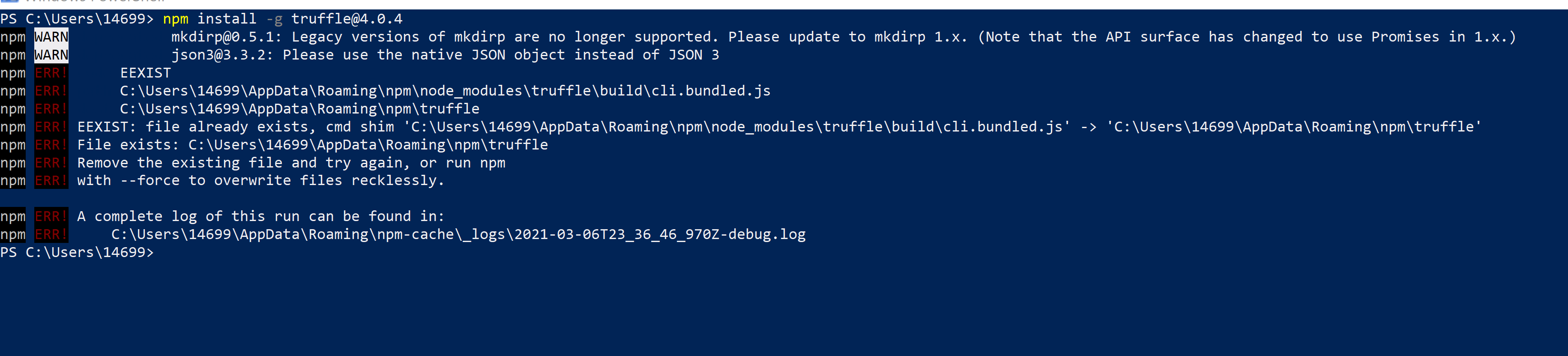
PS C:\Users\14699> npm install -g truffle@4.0.4 npm WARN mkdirp@0.5.1: Legacy versions of mkdirp are no longer supported. Please update to mkdirp 1.X. (Note that the API surface has changed to use Promises in 1.x.) npm WARN json3@3.3.2: Please use the native JSON object instead of JSON 3 npm ERR! EEXIST npm ERR! C:\Users\14699\AppData\Roaming pm ode_modules\truffle\build\cli.bundled.js npm ERR! C:\Users\14699\AppData\Roaming pm\truffle npm ERR! EEXIST: file already exists, cmd shim 'C:\Users\14699\AppData\Roaming pm ode_modules\truffle\build\cli.bundled.js' -> 'C:\Users\14699\AppData\Roaming pm\truffle' npm ERR! File exists: C:\Users\14699\AppData\Roaming pm\truffle npm ERR! Remove the existing file and try again, or run npm npm ERR! with --force to overwrite files recklessly. npm ERR! A complete log of this run can be found in: npm ERR! C:\Users\14699\AppData\Roaming pm-cache\_logs 2021-03-06723_36_46_970Z-debug.log PS C:\Users\14699>
Step by Step Solution
There are 3 Steps involved in it

Get step-by-step solutions from verified subject matter experts
 Study Help