







Question: Help Save & Exit Submit Place the following steps in order if you wish to view all your files' extensions Rank the options below. On
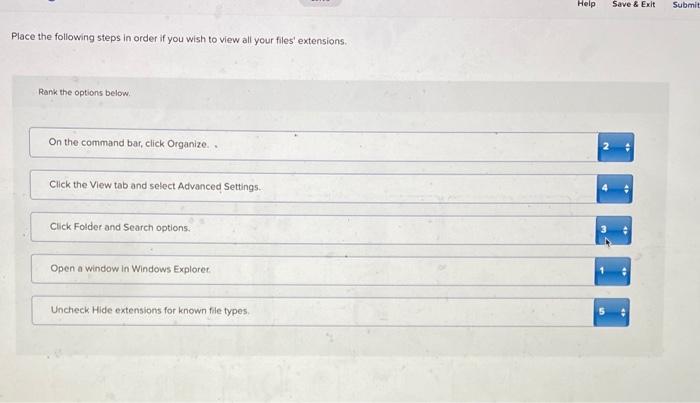
Help Save & Exit Submit Place the following steps in order if you wish to view all your files' extensions Rank the options below. On the command bar, click Organize 2 Click the View tab and select Advanced Settings. Click Folder and Search options Open a window in Windows Explorer Uncheck Hide extensions for known file types
Step by Step Solution
There are 3 Steps involved in it
1 Expert Approved Answer
Step: 1 Unlock

Question Has Been Solved by an Expert!
Get step-by-step solutions from verified subject matter experts
Step: 2 Unlock
Step: 3 Unlock
 Study Help