







Question: Help This question will be sent to your instructor for grading. Save & Submit Required Information [The following information applies to the questions displayed below.)
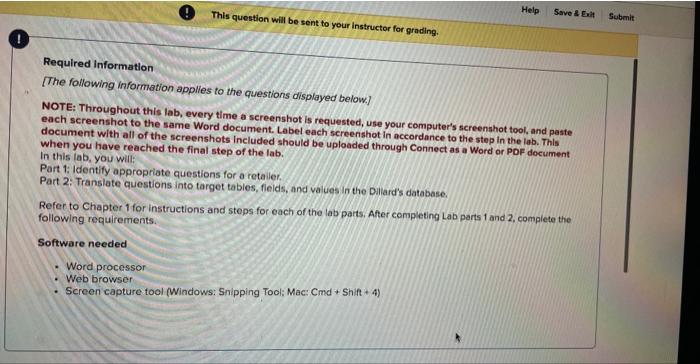
Help This question will be sent to your instructor for grading. Save & Submit Required Information [The following information applies to the questions displayed below.) NOTE: Throughout this lab, every time a screenshot is requested, use your computer's screenshot tool, and paste each screenshot to the same Word document. Label each screenshot in accordance to the step in the lab. This document with all of the screenshots Included should be uploaded through Connect as a Word or PDF document when you have reached the final step of the lab. In this lab, you will: Part 1: Identify appropriate questions for a retailer Part 2: Translate questions into target tables, fields, and values in the Dallard's cotabase Refer to Chapter 1 for instructions and steps for each of the lab parts. After completing Lab parts 1 and 2, complete the following requirements. Software needed Word processor Web browser Screen capture tool (Windows: Snipping Tool: Mac: Cmd + Shift + 4)
Step by Step Solution
There are 3 Steps involved in it

Get step-by-step solutions from verified subject matter experts
 Study Help