







Question: help with this homeowork problem. programming it in windows vb studios so please use that for the solution. please make it easily readable and w
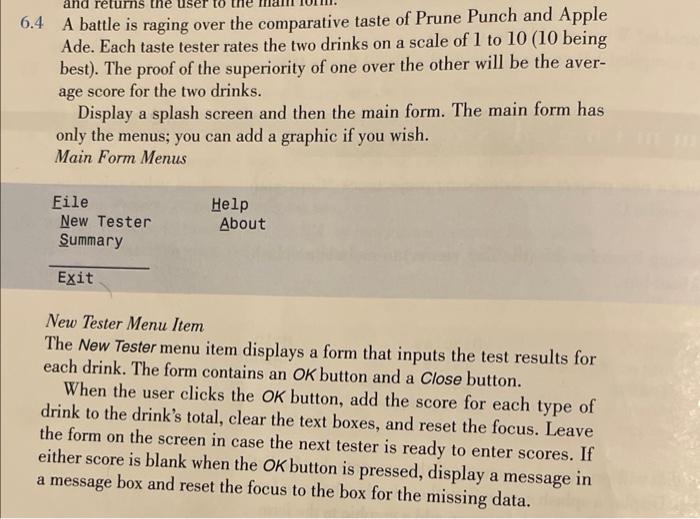
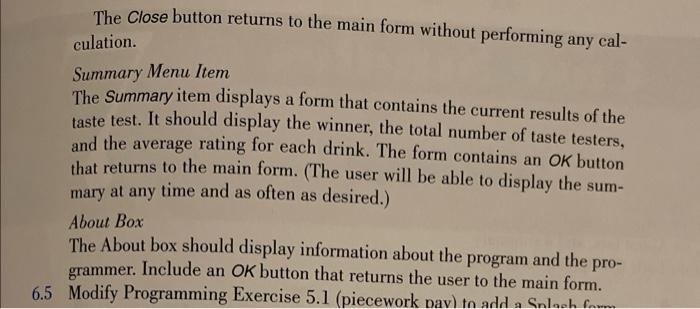
6.4 A battle is raging over the comparative taste of Prune Punch and Apple Ade. Each taste tester rates the two drinks on a scale of 1 to 10 (10 being best). The proof of the superiority of one over the other will be the average score for the two drinks. Display a splash screen and then the main form. The main form has only the menus; you can add a graphic if you wish. Main Form Menus \begin{tabular}{ll} Eile & Help \\ New Tester & About \\ Summary & \\ \hline Exit \end{tabular} New Tester Menu Item The New Tester menu item displays a form that inputs the test results for each drink. The form contains an OK button and a Close button. When the user clicks the OK button, add the score for each type of drink to the drink's total, clear the text boxes, and reset the focus. Leave the form on the screen in case the next tester is ready to enter scores. If either score is blank when the OK button is pressed, display a message in a message box and reset the focus to the box for the missing data. The Close button returns to the main form without performing any calculation. Summary Menu Item The Summary item displays a form that contains the current results of the taste test. It should display the winner, the total number of taste testers, and the average rating for each drink. The form contains an OK button that returns to the main form. (The user will be able to display the summary at any time and as often as desired.) About Box The About box should display information about the program and the programmer. Include an OK button that returns the user to the main form. 5 Modify Programming Exercise 5.1 (piecework pav) tn add a Snlorm
Step by Step Solution
There are 3 Steps involved in it

Get step-by-step solutions from verified subject matter experts
 Study Help