







Question: Help with this matlab problem Lab: Custom Figure with Subplots Basic Matlab Plotting: Use Matlab to create the following single plot with three subplots. All
Help with this matlab problem
Lab: Custom Figure with Subplots
Basic Matlab Plotting:
Use Matlab to create the following single plot with three subplots. All titles, gridlines, and axis labels should be as shown. Notes:
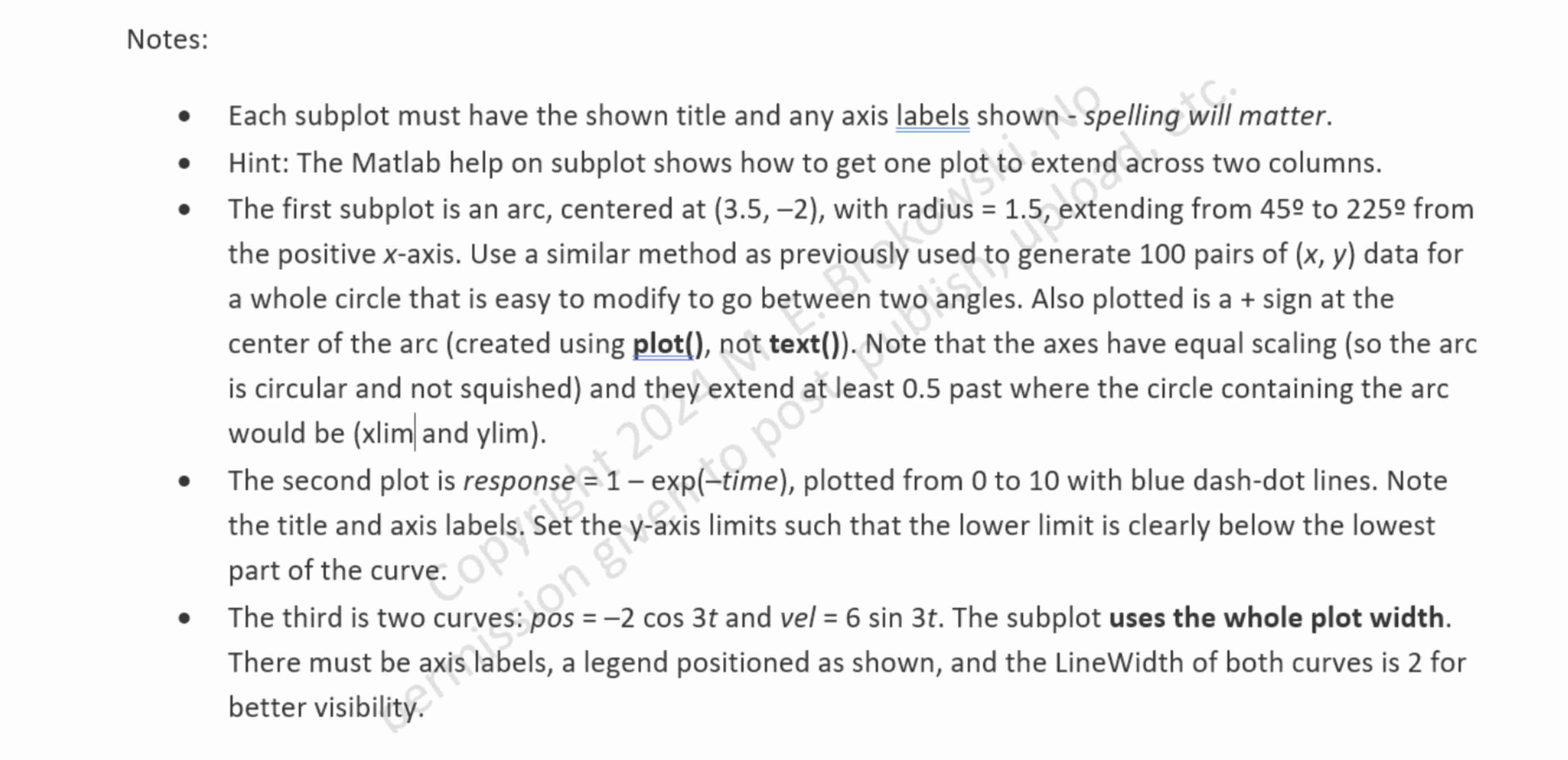
Each subplot must have the shown title and any axis labels shown spelling will matter.
Hint: The Matlab help on subplot shows how to get one plot to extend across two columns.
The first subplot is an arc, centered at with radius extending from to from the positive x axis. Use a similar method as previously used to generate pairs of x y data for a whole circle that is easy to modify to go between two angles. Also plotted is a sign at the center of the arc created using plot not text Note that the axes have equal scaling so the arc is circular and not squished and they extend at least past where the circle containing the arc would be xlimand ylim
The second plot is response exp time plotted from to with blue dashdot lines. Note the title and axis labels. Set the y axis limits such that the lower limit is clearly below the lowest part of the curve.
The third is two curves: p o scos t and vel sin t The subplot uses the whole plot width. There must be axis labels, a legend positioned as shown, and the LineWidth of both curves is for better visibility.
Step by Step Solution
There are 3 Steps involved in it
1 Expert Approved Answer
Step: 1 Unlock

Question Has Been Solved by an Expert!
Get step-by-step solutions from verified subject matter experts
Step: 2 Unlock
Step: 3 Unlock
 Study Help