







Question: here is the data: https://drive.google.com/drive/folders/1KeOPztn_Tb6dAMkQm9DitQQbrlu9ZDAr?usp=sharing Look in the folder called 'prism. In there, you will find 12 files. These correspond to the monthly precipitation amounts
here is the data: https://drive.google.com/drive/folders/1KeOPztn_Tb6dAMkQm9DitQQbrlu9ZDAr?usp=sharing
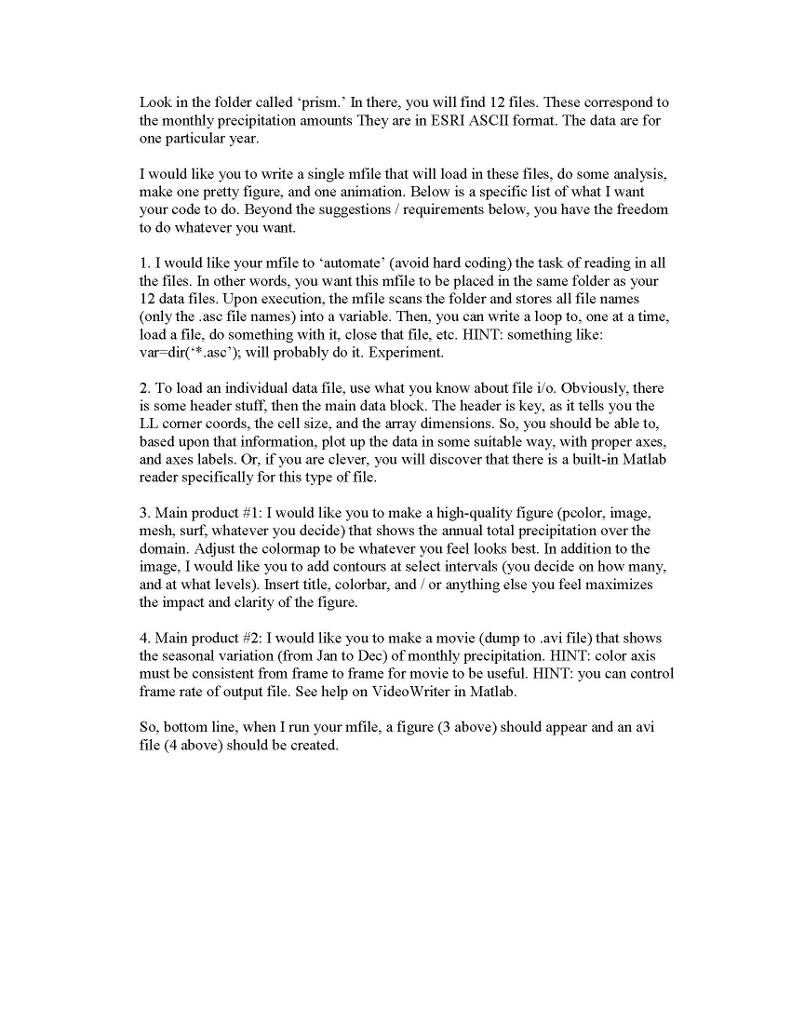
Look in the folder called 'prism. In there, you will find 12 files. These correspond to the monthly precipitation amounts They are in ESRI ASCII format. The data are for one particular year I would like you to write a single mfile that will load in these files, do some analysis, make one pretty figure, and one animation. Below is a specific list of what I want your code to do. Beyond the suggestions requirements below, you have the freedom to do whatever you want. 1. I would like your mfile to automate' (avoid hard coding) the task of reading in all the files. In other words, you want this mfile to be placed in the same folder as your 12 data files. Upon execution, the mfile scans the folder and stores all file names (only the asc file names) into a variable. Then, you can write a loop to, one at a time, load a file, do something with it, close that file, etc. HINT: something like var-dir(.asc'); will probably do it. Experiment. 2. To load an individual data file, use what you know about file i/o. Obviously, there is some header stuff, then the main data block. The header is key, as it tells you the LL corner coords, the cell size, and the array dimensions. So, you should be able to, based upon that information, plot up the data in some suitable way, with proper axes, and axes labels. Or, if you are clever, you will discover that there is a built-in Matlab reader specifically for this type of file 3. Main product #1: I would like you to make a high-quality figure (pcolor. image. mesh, surf, whatever you decide) that shows the annual total precipitation over the domain. Adjust the colormap to be whatever you feel looks best. In addition to the image, I would like you to add contours at select intervals (you decide on how many, and at what levels). Insert title, colorbar, and or anything else you feel maximizes the impact and clarity of the figure. 4. Main product #2: I would like you to make a movie (dump to .avi file) that shows the seasonal variation (from Jan to Dec) of monthly precipitation. HINT: color axis must be consistent from frame to frame for movie to be useful. HINT: you can control frame rate of output file. See help on VideoWriter in Matlab So, bottom line, when I run your mfile, a figure (3 above) should appear and an avi file (4 above) should be created Look in the folder called 'prism. In there, you will find 12 files. These correspond to the monthly precipitation amounts They are in ESRI ASCII format. The data are for one particular year I would like you to write a single mfile that will load in these files, do some analysis, make one pretty figure, and one animation. Below is a specific list of what I want your code to do. Beyond the suggestions requirements below, you have the freedom to do whatever you want. 1. I would like your mfile to automate' (avoid hard coding) the task of reading in all the files. In other words, you want this mfile to be placed in the same folder as your 12 data files. Upon execution, the mfile scans the folder and stores all file names (only the asc file names) into a variable. Then, you can write a loop to, one at a time, load a file, do something with it, close that file, etc. HINT: something like var-dir(.asc'); will probably do it. Experiment. 2. To load an individual data file, use what you know about file i/o. Obviously, there is some header stuff, then the main data block. The header is key, as it tells you the LL corner coords, the cell size, and the array dimensions. So, you should be able to, based upon that information, plot up the data in some suitable way, with proper axes, and axes labels. Or, if you are clever, you will discover that there is a built-in Matlab reader specifically for this type of file 3. Main product #1: I would like you to make a high-quality figure (pcolor. image. mesh, surf, whatever you decide) that shows the annual total precipitation over the domain. Adjust the colormap to be whatever you feel looks best. In addition to the image, I would like you to add contours at select intervals (you decide on how many, and at what levels). Insert title, colorbar, and or anything else you feel maximizes the impact and clarity of the figure. 4. Main product #2: I would like you to make a movie (dump to .avi file) that shows the seasonal variation (from Jan to Dec) of monthly precipitation. HINT: color axis must be consistent from frame to frame for movie to be useful. HINT: you can control frame rate of output file. See help on VideoWriter in Matlab So, bottom line, when I run your mfile, a figure (3 above) should appear and an avi file (4 above) should be created
Step by Step Solution
There are 3 Steps involved in it

Get step-by-step solutions from verified subject matter experts
 Study Help