







Question: here is the output of the code below: adjust the code and add a circle in the middle of the rectanguler area and make the
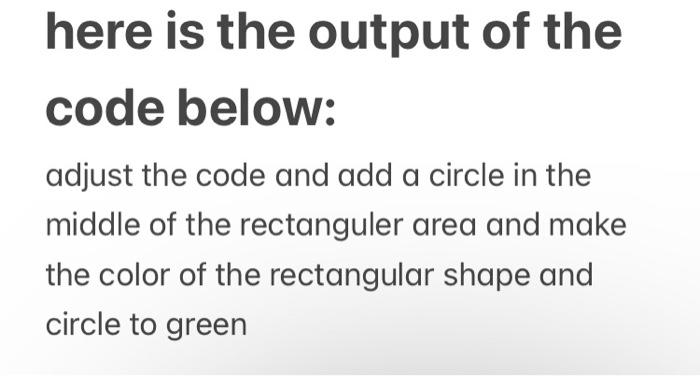
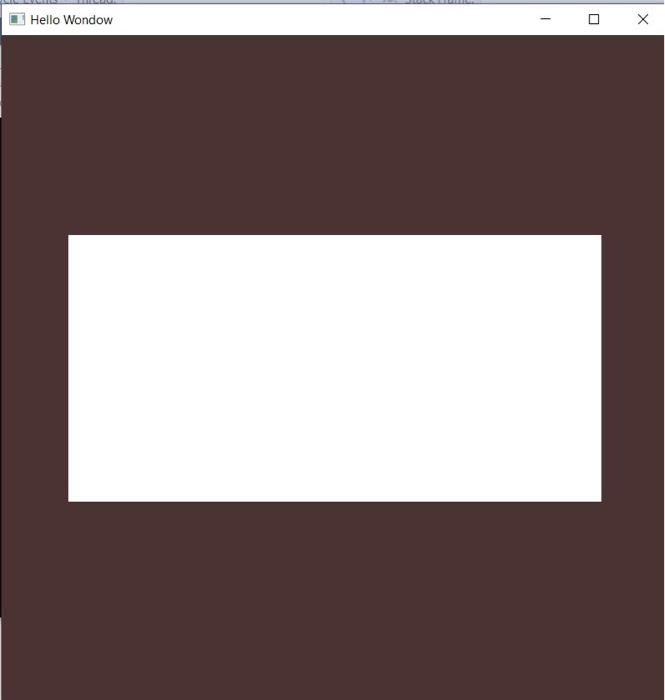
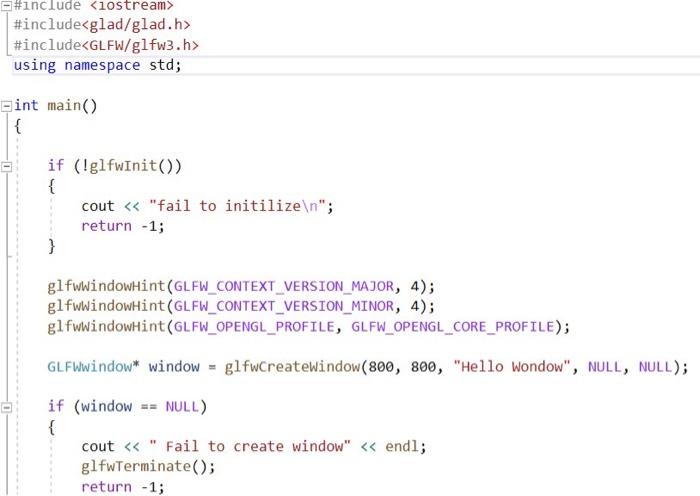
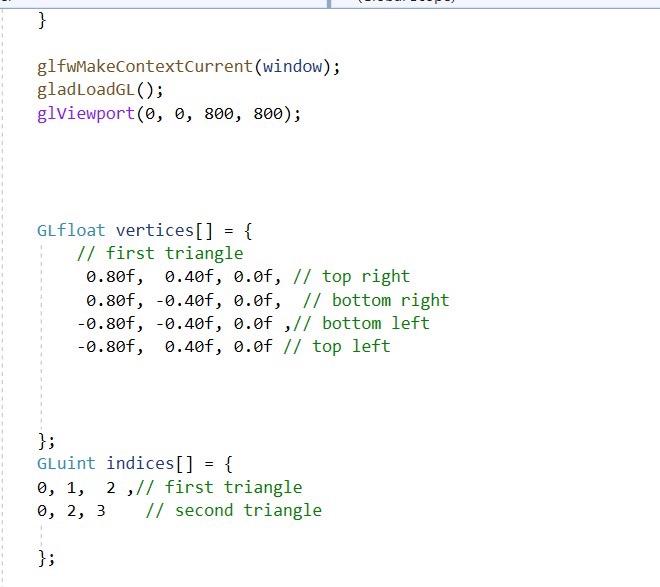
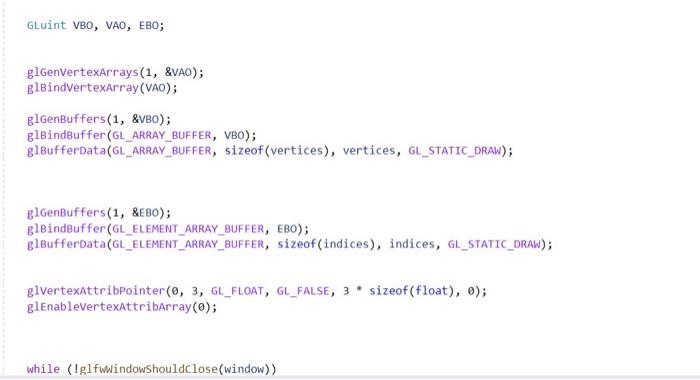
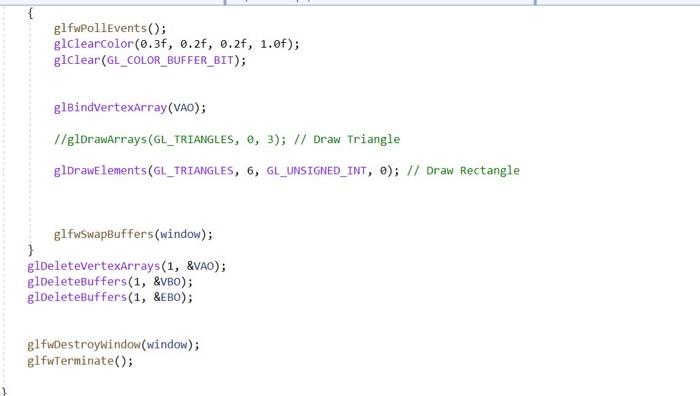
here is the output of the code below: adjust the code and add a circle in the middle of the rectanguler area and make the color of the rectangular shape and circle to green 1 1 Hello Wondow #include
Step by Step Solution
There are 3 Steps involved in it
1 Expert Approved Answer
Step: 1 Unlock

Question Has Been Solved by an Expert!
Get step-by-step solutions from verified subject matter experts
Step: 2 Unlock
Step: 3 Unlock
 Study Help