







Question: Hints: Structure your code as follows: 1. Variables 2. Get user input 3. Do calculations. 4. Output what is required Grocery Store Receipt A customer
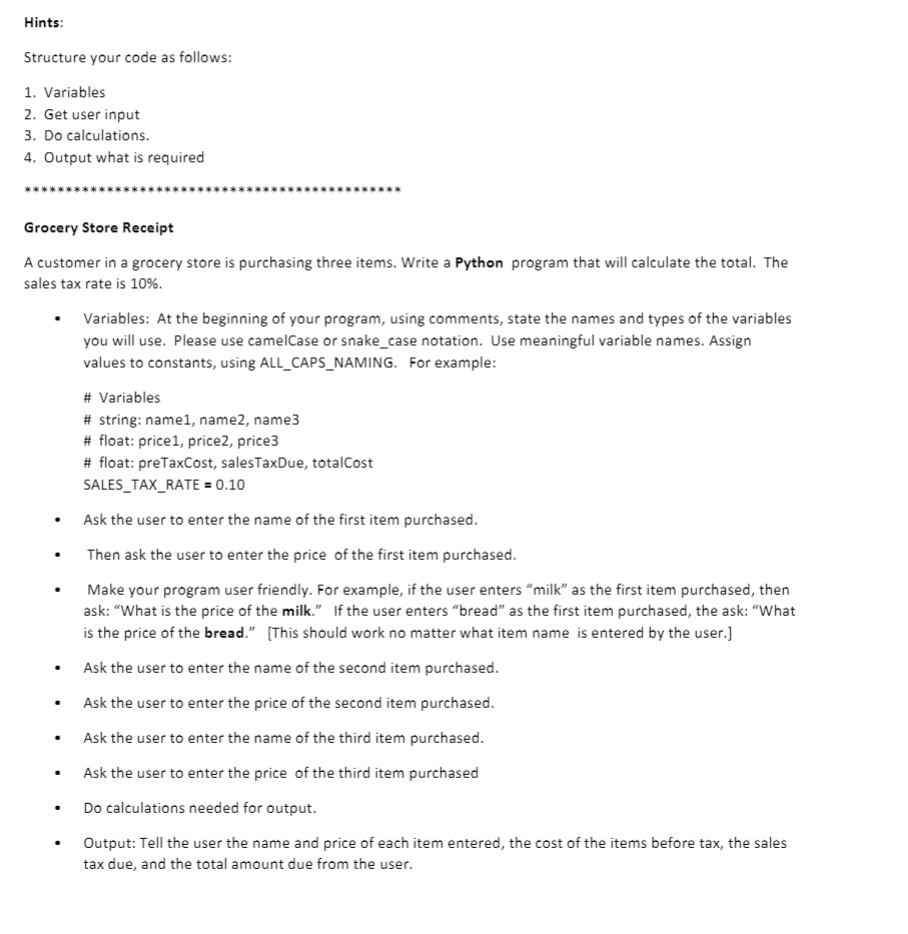
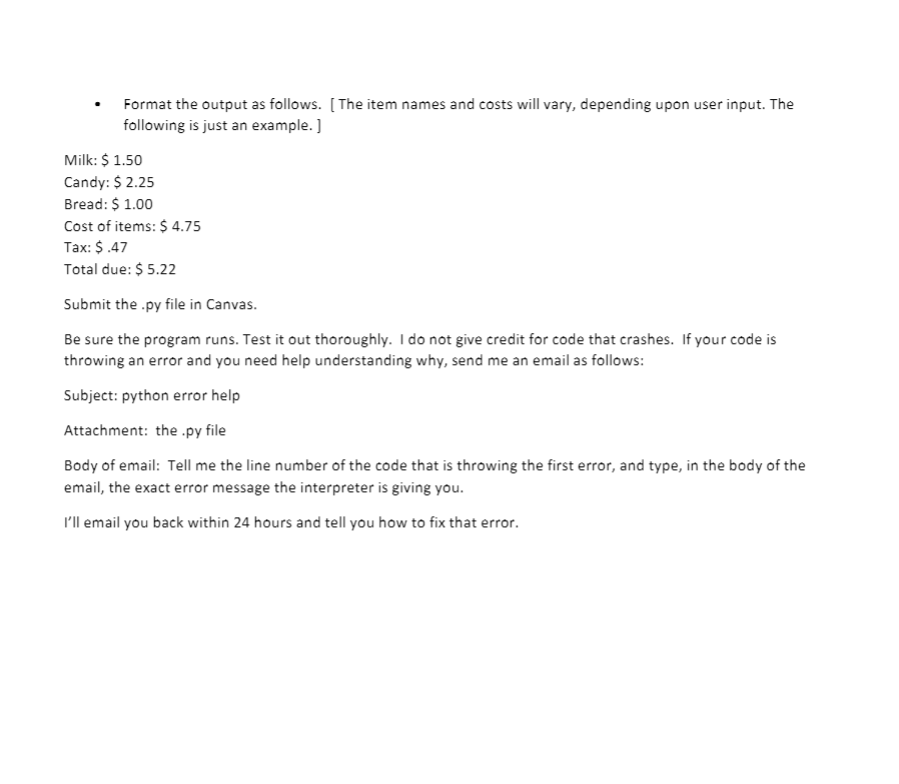
Hints: Structure your code as follows: 1. Variables 2. Get user input 3. Do calculations. 4. Output what is required Grocery Store Receipt A customer in a grocery store is purchasing three items. Write a Python program that will calculate the total. The sales tax rate is 10%. Variables: At the beginning of your program, using comments, state the names and types of the variables you will use. Please use camelCase or snake_case notation. Use meaningful variable names. Assign values to constants, using ALL_CAPS_NAMING. For example: # Variables # string: namel, name2, name3 # float: price1, price2, price3 # float: preTaxCost, sales TaxDue, totalCost SALES_TAX_RATE = 0.10 Ask the user to enter the name of the first item purchased. Then ask the user to enter the price of the first item purchased. Make your program user friendly. For example, if the user enters "milk as the first item purchased, then ask: "What is the price of the milk. If the user enters bread" as the first item purchased, the ask: "What is the price of the bread. (This should work no matter what item name is entered by the user.] Ask the user to enter the name of the second item purchased. Ask the user to enter the price of the second item purchased. Ask the user to enter the name of the third item purchased. Ask the user to enter the price of the third item purchased Do calculations needed for output. Output: Tell the user the name and price of each item entered, the cost of the items before tax, the sales tax due, and the total amount due from the user. Format the output as follows. [The item names and costs will vary, depending upon user input. The following is just an example.) Milk: $ 1.50 Candy: $ 2.25 Bread: $ 1.00 Cost of items: $ 4.75 Tax: $.47 Total due: $ 5.22 Submit the .py file in Canvas. Be sure the program runs. Test it out thoroughly. I do not give credit for code that crashes. If your code is throwing an error and you need help understanding why, send me an email as follows: Subject: python error help Attachment: the .py file Body of email: Tell me the line number of the code that is throwing the first error, and type, in the body of the email, the exact error message the interpreter is giving you. I'll email you back within 24 hours and tell you how to fix that error
Step by Step Solution
There are 3 Steps involved in it

Get step-by-step solutions from verified subject matter experts
 Study Help