







Question: home /study/engineering computer science / communication & networking/communication & networking solutions manuals / comptia linux+ guide to linux CompTIA Linux+ Guide to Linux Certification |(4th
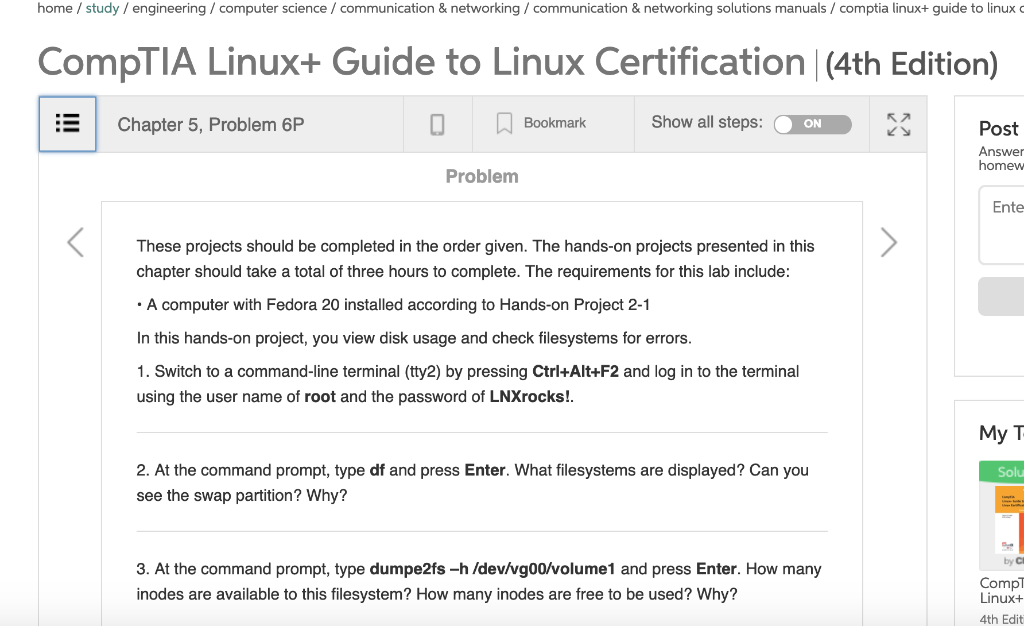
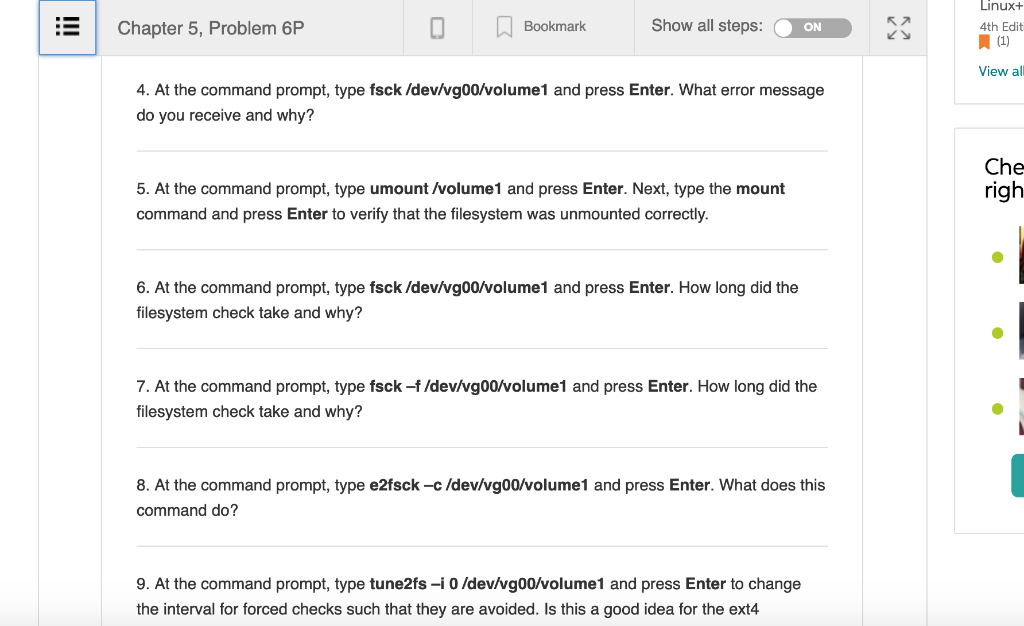
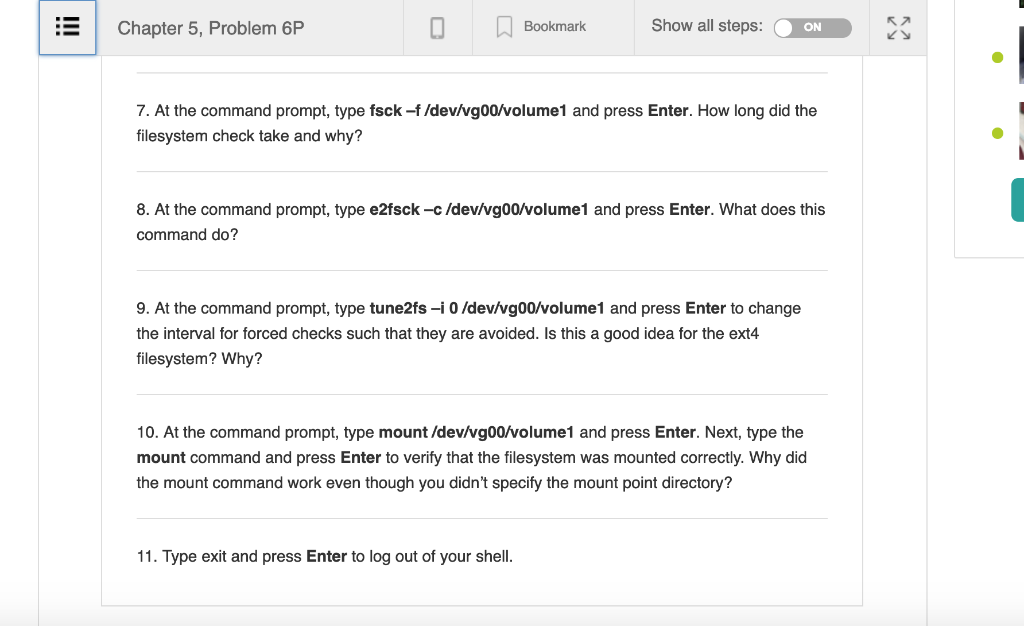
home /study/engineering computer science / communication & networking/communication & networking solutions manuals / comptia linux+ guide to linux CompTIA Linux+ Guide to Linux Certification |(4th Edition) Chapter 5, Problem 6P Bookmark Show all steps ON Post Answer homew Problem Ente These projects should be completed in the order given. The hands-on projects presented in this chapter should take a total of three hours to complete. The requirements for this lab include A computer with Fedora 20 installed according to Hands-on Project 2-1 In this hands-on project, you view disk usage and check filesystems for errors 1. Switch to a command-line terminal (tty2) by pressing Ctrl+Alt+F2 and log in to the terminal using the user name of root and the password of LNXrocks! My T 2. At the command prompt, type df and press Enter. What filesystems are displayed? Can you see the swap partition? Why? Solu by Cl 3. At the command prompt, type dumpe2fs -h /dev/vg00/volume1 and press Enter. How many inodes are available to this filesystem? How many inodes are free to be used? Why? Compl Linux+ 4th Edit home /study/engineering computer science / communication & networking/communication & networking solutions manuals / comptia linux+ guide to linux CompTIA Linux+ Guide to Linux Certification |(4th Edition) Chapter 5, Problem 6P Bookmark Show all steps ON Post Answer homew Problem Ente These projects should be completed in the order given. The hands-on projects presented in this chapter should take a total of three hours to complete. The requirements for this lab include A computer with Fedora 20 installed according to Hands-on Project 2-1 In this hands-on project, you view disk usage and check filesystems for errors 1. Switch to a command-line terminal (tty2) by pressing Ctrl+Alt+F2 and log in to the terminal using the user name of root and the password of LNXrocks! My T 2. At the command prompt, type df and press Enter. What filesystems are displayed? Can you see the swap partition? Why? Solu by Cl 3. At the command prompt, type dumpe2fs -h /dev/vg00/volume1 and press Enter. How many inodes are available to this filesystem? How many inodes are free to be used? Why? Compl Linux+ 4th Edit
Step by Step Solution
There are 3 Steps involved in it

Get step-by-step solutions from verified subject matter experts
 Study Help