







Question: how can i quit the bash: :wq!: command not found ? italways show in the terminal and command can not be used bash: :wq!: command
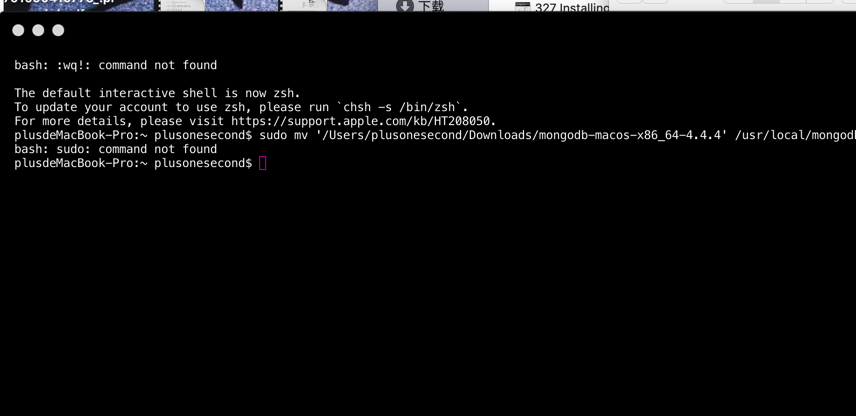
how can i quit the "bash: :wq!: command not found "? italways show in the terminal and command can not be used
bash: :wq!: command not found The default interactive shell is now zsh. To update your account to use zsh, please run `chsh -s /bin/zsh`. For more details, please visit https://support.apple.com/kb/HT208050. 327 Installing. plusdeMacBook-Pro: plusonesecond$ sudo mv '/Users/plusonesecond/Downloads/mongodb-macos-x86_64-4.4.4' /usr/local/mongod bash: sudo: command not found plusdeMacBook-Pro:~ plusonesecond$
Step by Step Solution
3.40 Rating (147 Votes )
There are 3 Steps involved in it
The error message bash wq command not found is typically encountered when you accidentally enter the ... View full answer

Get step-by-step solutions from verified subject matter experts
 Study Help