





Question: How do I Build a custom tool, to use inside ArcGIS Pro and add the tool to your ArcGIS Pro GUI Using the instructions attached.
How do I Build a custom tool, to use inside ArcGIS Pro and add the tool to your ArcGIS Pro GUI Using the instructions attached.

How do I Build a custom tool, to use inside
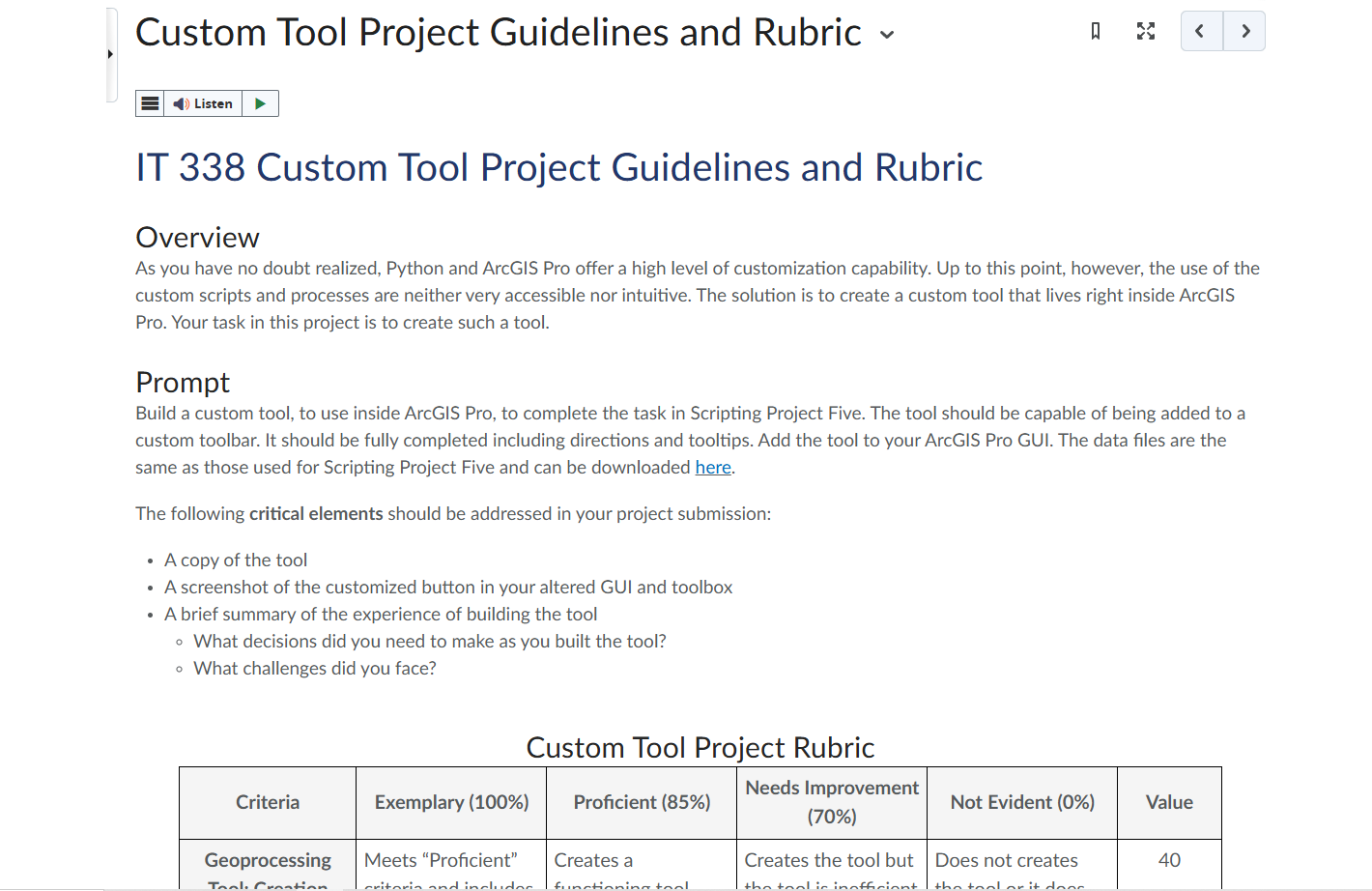
Custom Tool Project Guidelines and Rubric Listen IT 338 Custom Tool Project Guidelines and Rubric Overview As you have no doubt realized, Python and ArcGIS Pro offer a high level of customization capability. Up to this point, however, the use of the custom scripts and processes are neither very accessible nor intuitive. The solution is to create a custom tool that lives right inside ArcGIS Pro. Your task in this project is to create such a tool. Prompt Build a custom tool, to use inside ArcGIS Pro, to complete the task in Scripting Project Five. The tool should be capable of being added to a custom toolbar. It should be fully completed including directions and tooltips. Add the tool to your ArcGIS Pro GUI. The data files are the same as those used for Scripting Project Five and can be downloaded here. The following critical elements should be addressed in your project submission: . A copy of the tool . A screenshot of the customized button in your altered GUI and toolbox . A brief summary of the experience of building the tool . What decisions did you need to make as you built the tool? . What challenges did you face? Custom Tool Project Rubric Needs Improvement Criteria Exemplary (100%) Proficient (85%) Not Evident (0%) Value (70%) Geoprocessing Meets "Proficient" Creates a Creates the tool but Does not creates 40

Step by Step Solution

There are 3 Steps involved in it

1 Expert Approved Answer
Step: 1 Unlock blur-text-image

Question Has Been Solved by an Expert!

Get step-by-step solutions from verified subject matter experts

Step: 2 Unlock
Step: 3 Unlock

Students Have Also Explored These Related Accounting Questions!