







Question: How do I pause my Chegg Study Pack subscription? I tried tofollow the instruction to pause my subscription but under the Access now there
How do I pause my Chegg Study Pack subscription? I tried tofollow the instruction to pause my subscription but under the "Access now " there is only " Cancel " option not any pause option,and the link that I highlighted in blue does't work.
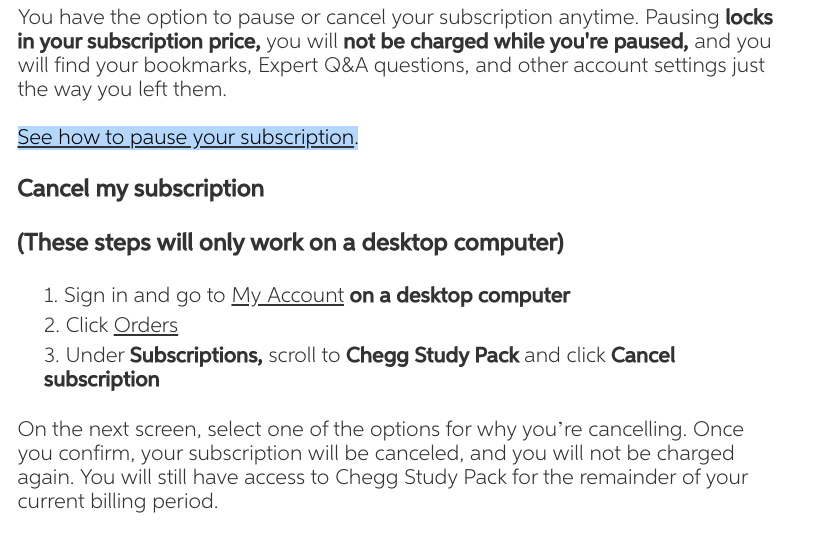
You have the option to pause or cancel your subscription anytime. Pausing locks in your subscription price, you will not be charged while you're paused, and you will find your bookmarks, Expert Q&A questions, and other account settings just the way you left them. See how to pause your subscription. Cancel my subscription (These steps will only work on a desktop computer) 1. Sign in and go to My Account on a desktop computer 2. Click Orders 3. Under Subscriptions, scroll to Chegg Study Pack and click Cancel subscription On the next screen, select one of the options for why you're cancelling. Once you confirm, your subscription will be canceled, and you will not be charged again. You will still have access to Chegg Study Pack for the remainder of your current billing period.
Step by Step Solution
3.43 Rating (159 Votes )
There are 3 Steps involved in it
Answer First log in with the account that you buy chegg subscription Click on ... View full answer

Get step-by-step solutions from verified subject matter experts
 Study Help