





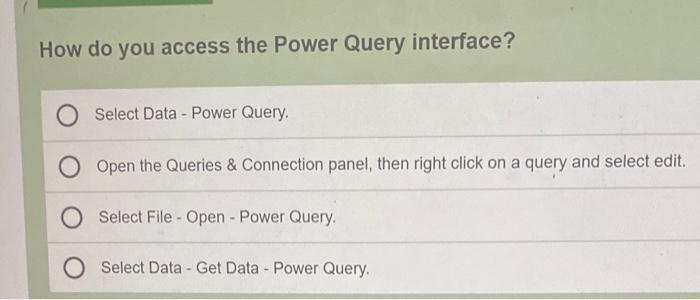
Question: How do you access the Power Query interface? O Select Data - Power Query. O Open the Queries & Connection panel, then right click on
How do you access the Power Query interface? O
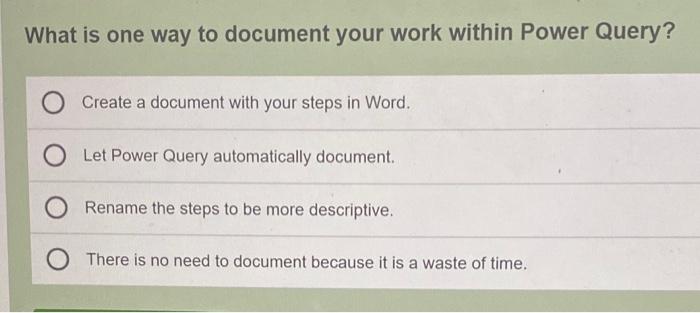
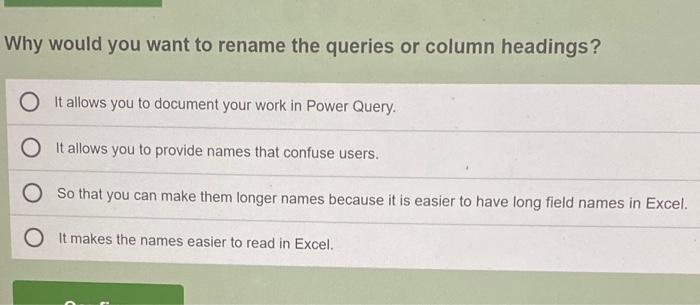
How do you access the Power Query interface? O Select Data - Power Query. O Open the Queries & Connection panel, then right click on a query and select edit. Select File - Open - Power Query O Select Data - Get Data - Power Query What is one way to document your work within Power Query? Create a document with your steps in Word. Let Power Query automatically document. Rename the steps to be more descriptive. There is no need to document because it is a waste of time. Why would you want to rename the queries or column headings? It allows you to document your work in Power Query It allows you to provide names that confuse users. So that you can make them longer names because it is easier to have long field names in Excel. It makes the names easier to read in Excel
Step by Step Solution

There are 3 Steps involved in it

1 Expert Approved Answer
Step: 1 Unlock blur-text-image

Question Has Been Solved by an Expert!

Get step-by-step solutions from verified subject matter experts

Step: 2 Unlock
Step: 3 Unlock

Students Have Also Explored These Related General Management Questions!