







Question: How do you assign a macro to a shape so that the macro will run when the shape is clicked? Right-click the shape, then select
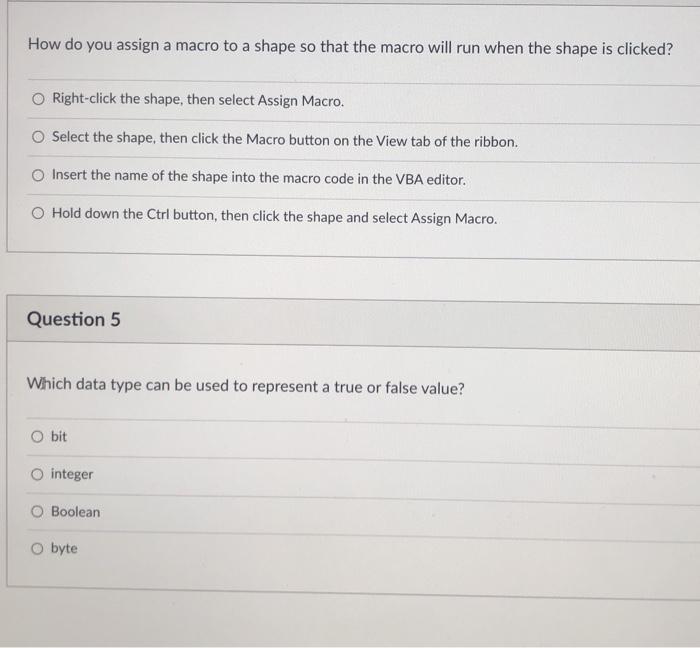
How do you assign a macro to a shape so that the macro will run when the shape is clicked? Right-click the shape, then select Assign Macro. O Select the shape, then click the Macro button on the View tab of the ribbon. Insert the name of the shape into the macro code in the VBA editor. Hold down the Ctrl button, then click the shape and select Assign Macro. Question 5 Which data type can be used to represent a true or false value? Obit O integer Boolean Obyte
Step by Step Solution
There are 3 Steps involved in it
1 Expert Approved Answer
Step: 1 Unlock

Question Has Been Solved by an Expert!
Get step-by-step solutions from verified subject matter experts
Step: 2 Unlock
Step: 3 Unlock
 Study Help