







Question: How do you change the desktop background in the macOS Ventura operating system? Select the View menu, Select Personal, then Select Desktop & Screen Saver.
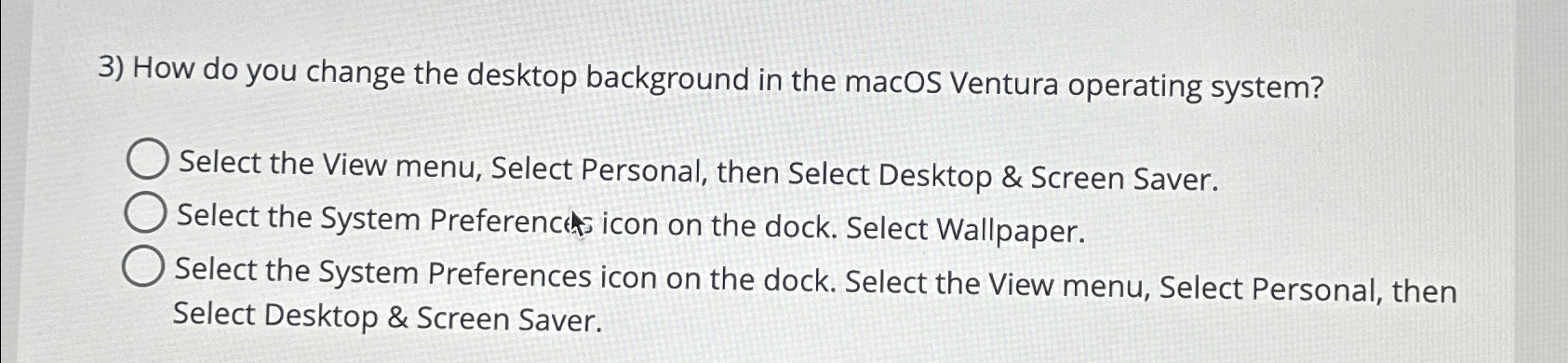
How do you change the desktop background in the macOS Ventura operating system?
Select the View menu, Select Personal, then Select Desktop & Screen Saver.
Select the System Preferenct icon on the dock. Select Wallpaper.
Select the System Preferences icon on the dock. Select the View menu, Select Personal, then Select Desktop & Screen Saver.
Step by Step Solution
There are 3 Steps involved in it
1 Expert Approved Answer
Step: 1 Unlock

Question Has Been Solved by an Expert!
Get step-by-step solutions from verified subject matter experts
Step: 2 Unlock
Step: 3 Unlock
 Study Help