







Question: How do you display a laptop's screen image through a connected projector? A . Press a button on the projector. B . Turn off the
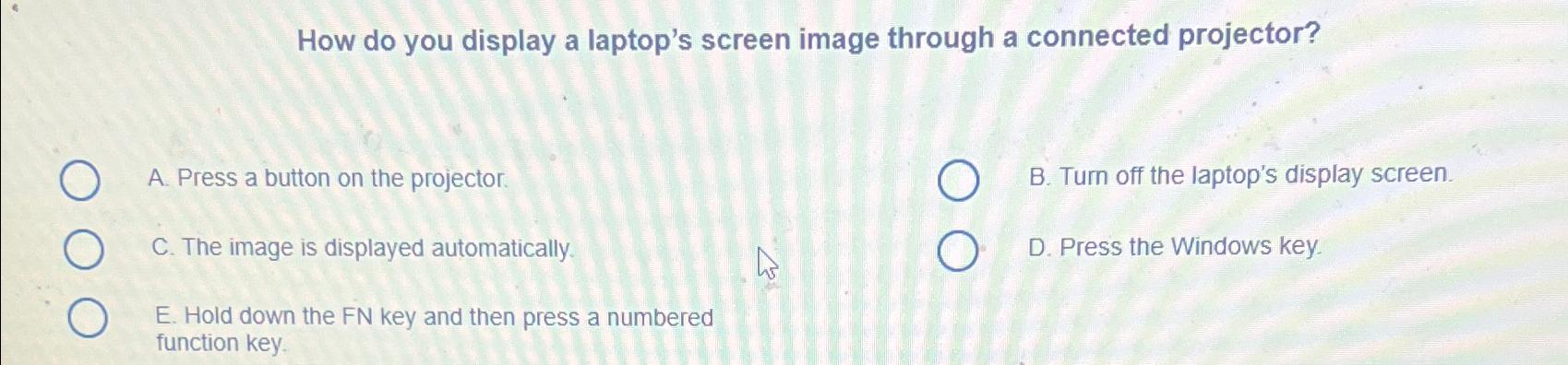
How do you display a laptop's screen image through a connected projector?
A Press a button on the projector.
B Turn off the laptop's display screen.
C The image is displayed automatically.
D Press the Windows key.
E Hold down the FN key and then press a numbered function key.
Step by Step Solution
There are 3 Steps involved in it
1 Expert Approved Answer
Step: 1 Unlock

Question Has Been Solved by an Expert!
Get step-by-step solutions from verified subject matter experts
Step: 2 Unlock
Step: 3 Unlock
 Study Help