



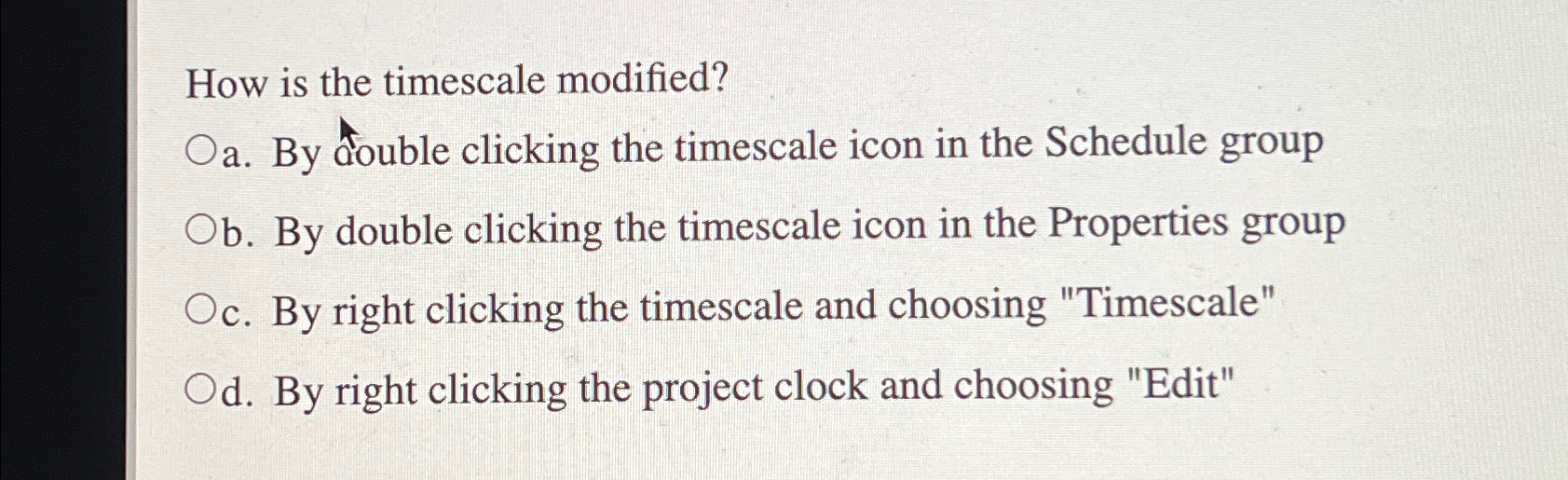
Question: How is the timescale modified? a . By double clicking the timescale icon in the Schedule group b . By double clicking the timescale icon
How is the timescale modified?
a By double clicking the timescale icon in the Schedule group
b By double clicking the timescale icon in the Properties group
c By right clicking the timescale and choosing "Timescale"
d By right clicking the project clock and choosing "Edit"
Step by Step Solution
There are 3 Steps involved in it
1 Expert Approved Answer
Step: 1 Unlock

Question Has Been Solved by an Expert!
Get step-by-step solutions from verified subject matter experts
Step: 2 Unlock
Step: 3 Unlock