



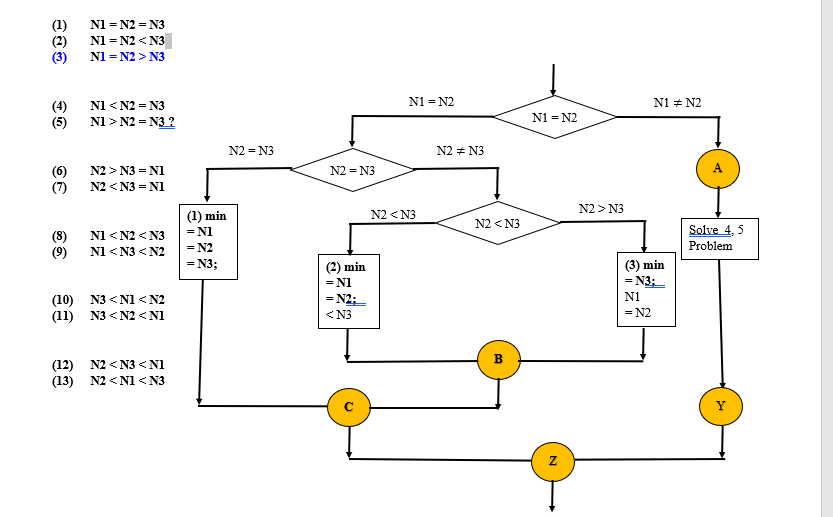
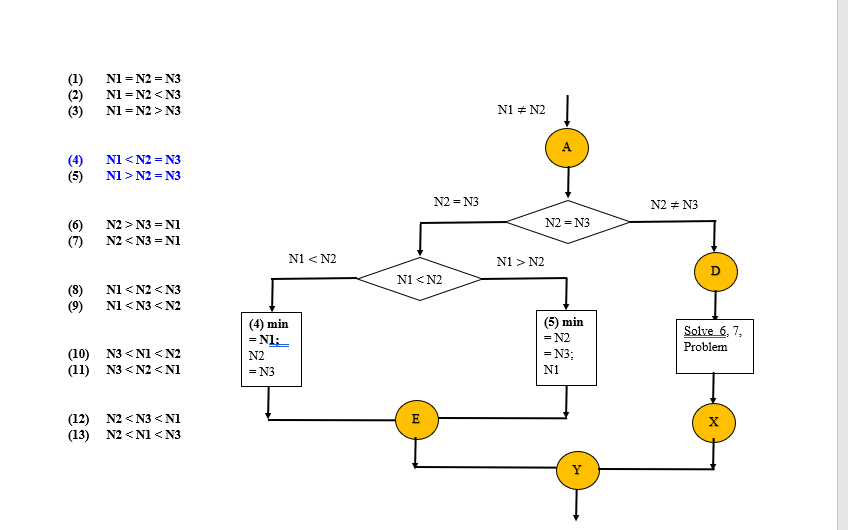
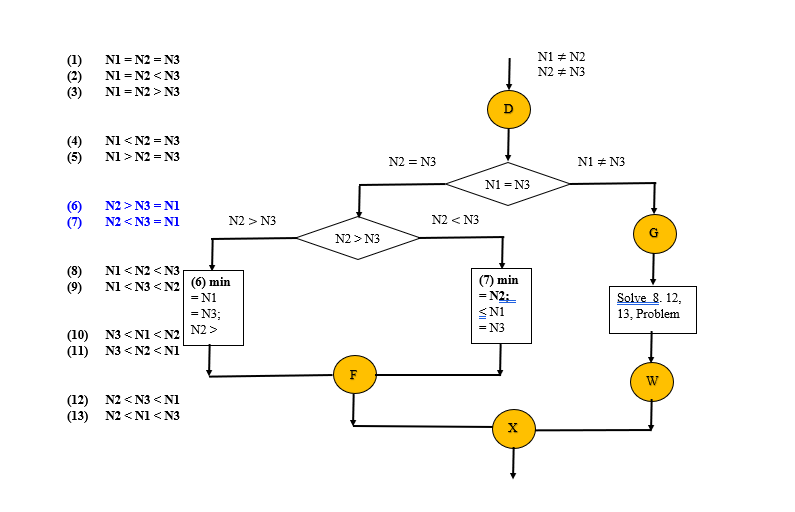
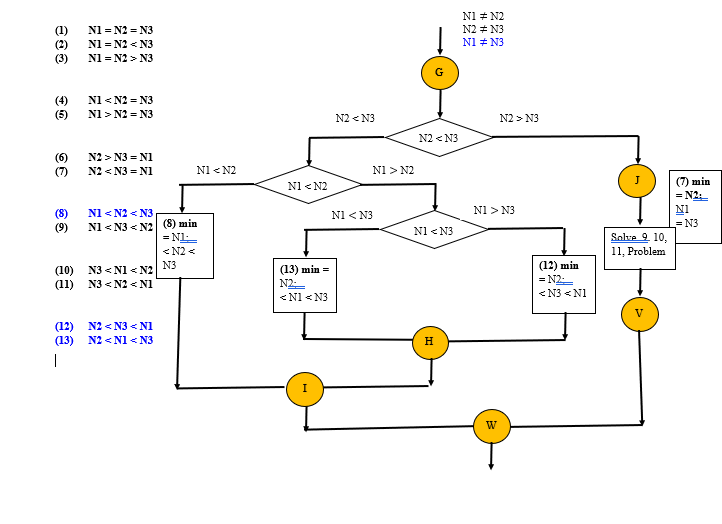
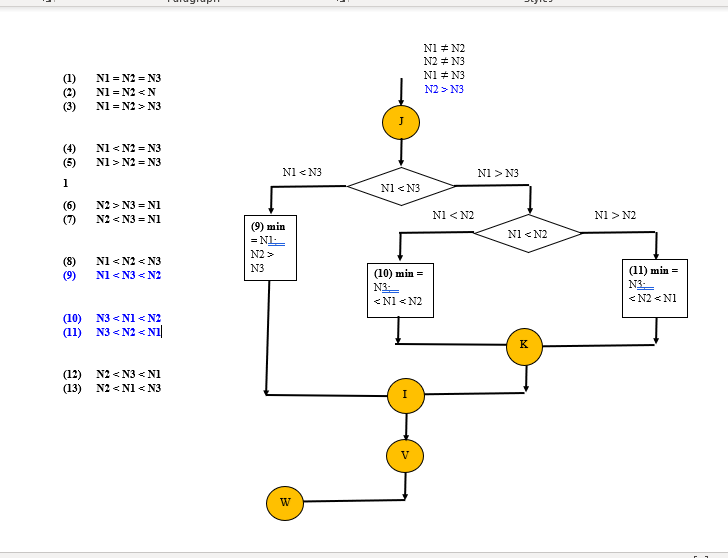
Question: how to follow this chart to using compare ignore-case ? it compares two strings,I listed the problems that will be included to the flow chart.
how to follow this chart to using compare ignore-case ? it compares two strings,I listed the problems that will be included to the flow chart. I am using java eclipse
7- Declare and instantiate a Scanner variable splitter as before, but in the constructor, write the variable names as a parameter, that is use the following code:
Scanner splitter = new Scanner(names);
8- Apply the method call splitter.next( ) three times and save the return values one after each other in the variables name1,name2 and name3 respectively
9- Create an if else logic to determine the lexicographic order of the names. For this purpose, use the compareTo method of the String class with the ignore case option; declare and use additional helper variables if needed. There are six possible orders for three names, your selection logic must cover all of them.
10-Collect and save the names in correct order in a single String variable namesOrdered
11-Display the variable namesOrdered on a message dialog as shown on Figure 3 and also in the console.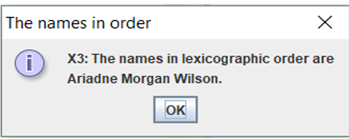
12- Test your program for each of the 6 possible arrangements of three input words (you may use short words for testing purposes like A B C. Note that the 6 possible arrangement of three input words can be achieved only that the three input words must be distinct.
13- Use a while-loop statement for continuing string comparison. For example,
while (yesNo == JOptionPane.YES_OPTION)
{
. . .
//Continue string comparison (See Figure 4)
task = "Do you want to continue string comparison?";
yesNo = JOptionPane.showConfirmDialog(null, task,title,
JOptionPane.YES_NO_OPTION);
} //end while-loop

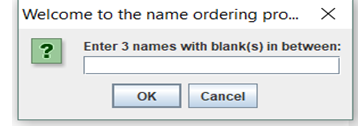
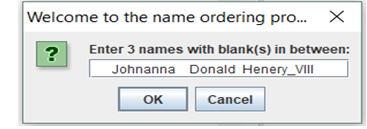
In Figure 4, if click on Yes, it will go to Figure 2c, allowing for another round of string comparison, by entering the input dialog box for another names as shown in Figure 5.
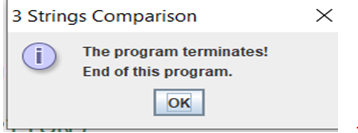
From Figure 4, if click on No, it will go to Figure 1a, for ending this program. Therefore, for each run of this program, many set of names can be sorted in lexicographic order without restaring the program.
(1) (2) (3) NI = N2 = N3 N1 = N2 N3 NI = N2 > N3 N1 = N2 N1 = N2 NI
Step by Step Solution
There are 3 Steps involved in it

Get step-by-step solutions from verified subject matter experts