







Question: how to slove this question? A Three Methods Approach Before you begin: - Look for your name on the sign-11p sheet (given by your instructor)
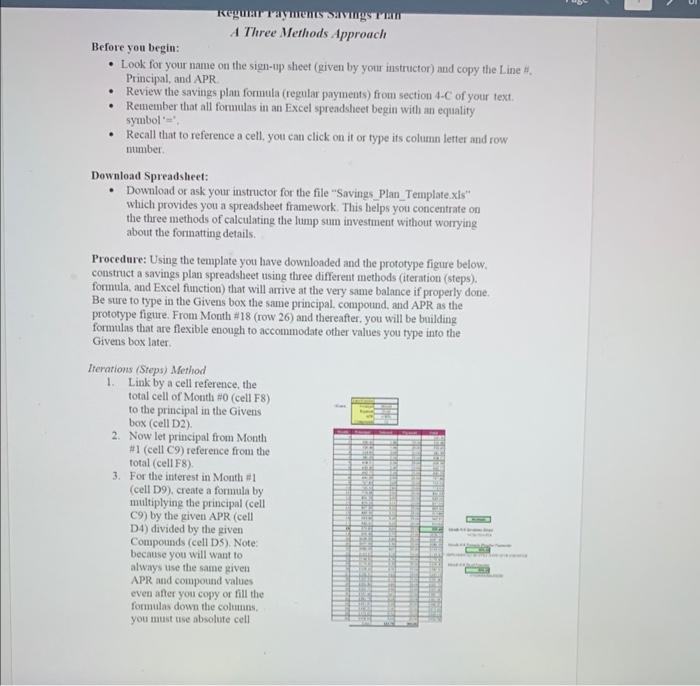
A Three Methods Approach Before you begin: - Look for your name on the sign-11p sheet (given by your instructor) and copy the Line H. Principal, and APR. - Review the savings plan formula (regular payments) from section 4-C of your text. - Remember that all formulas in an Excel spreadshicet begin with an equality symbol =", - Recall that to reference a cell, your can click on it or type ifs column letter and row number. Download Spreadsheet: - Download or ask your instructor for the file "Savings_Plan_Template.xis" which provides you a spreadsheet framework. This belps you concentrate on the three methods of calculating the lump sum investment without worrying about the fonmatting details. Procedure: Using the template you have downloaded and the prototype figure below. construct a savings plan spreadsheet using three differeat methods (iteration (steps). formula, and Excel function) that will arrive at the very same balance if properly done. Be sure to type in the Givens box the same principal, compound, and APR as the prototype figure. From Month #18 (row 26 ) and thereafter. you will be building formulas that are flexible enough to accommodate other values you type into the Givens box later. Lierations (Steps) Method 1. Link by a cell reference, the total cell of Month #0 (cell F8) to the principal in the Givens box (cell D2). 2. Now let principal from Month #1 (cell C9 ) reference from the total (cell F8). 3. For the interest in Month (cell D9), create a formula by multiplying the principal (cell C9) by the given APR (cell D4) divided by the given Compounds (cell DS). Note: because you will want to always use the same given APR and compound values even after you copy of fill the formulas down the coltuns. you must use absolute cell
Step by Step Solution
There are 3 Steps involved in it

Get step-by-step solutions from verified subject matter experts
 Study Help